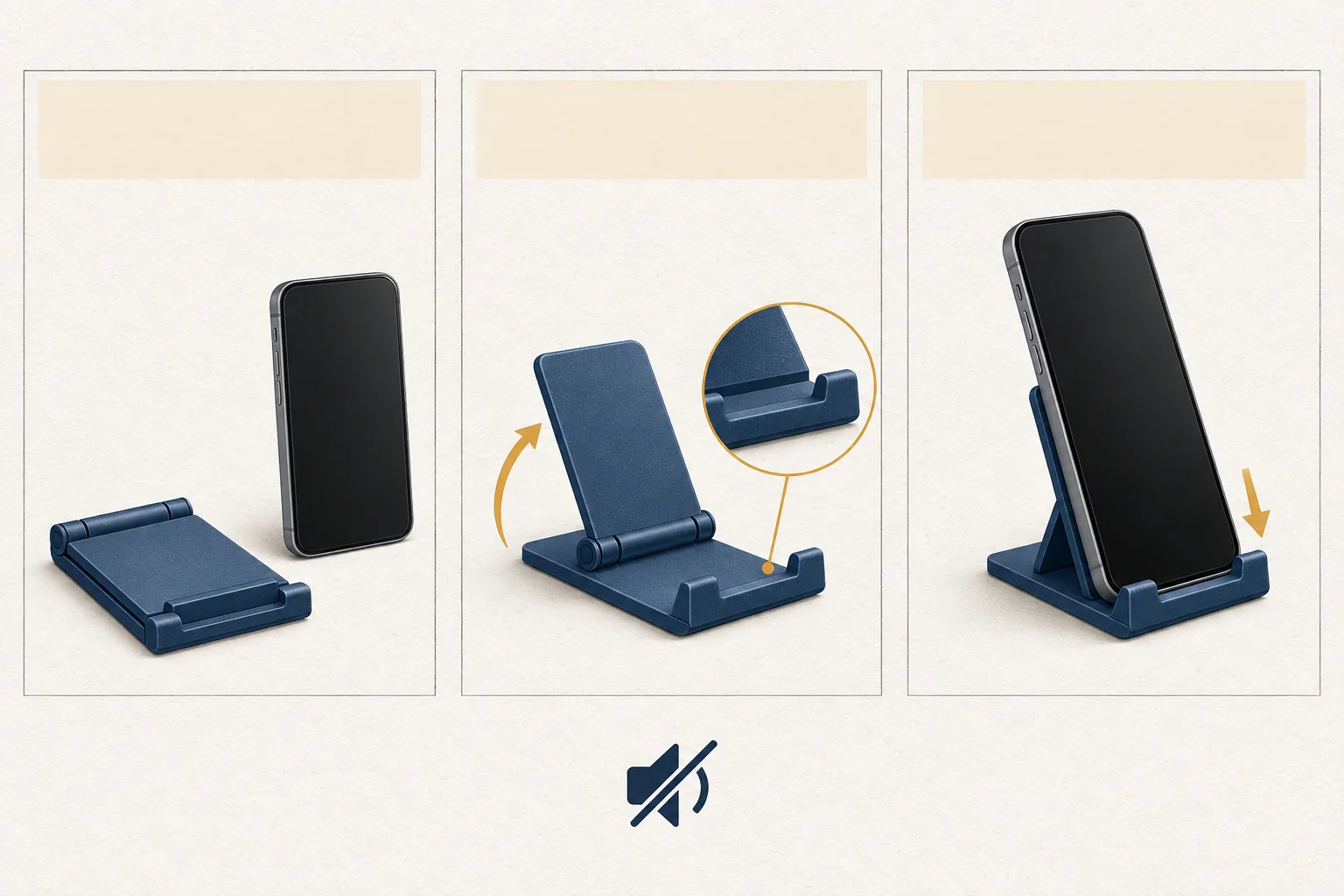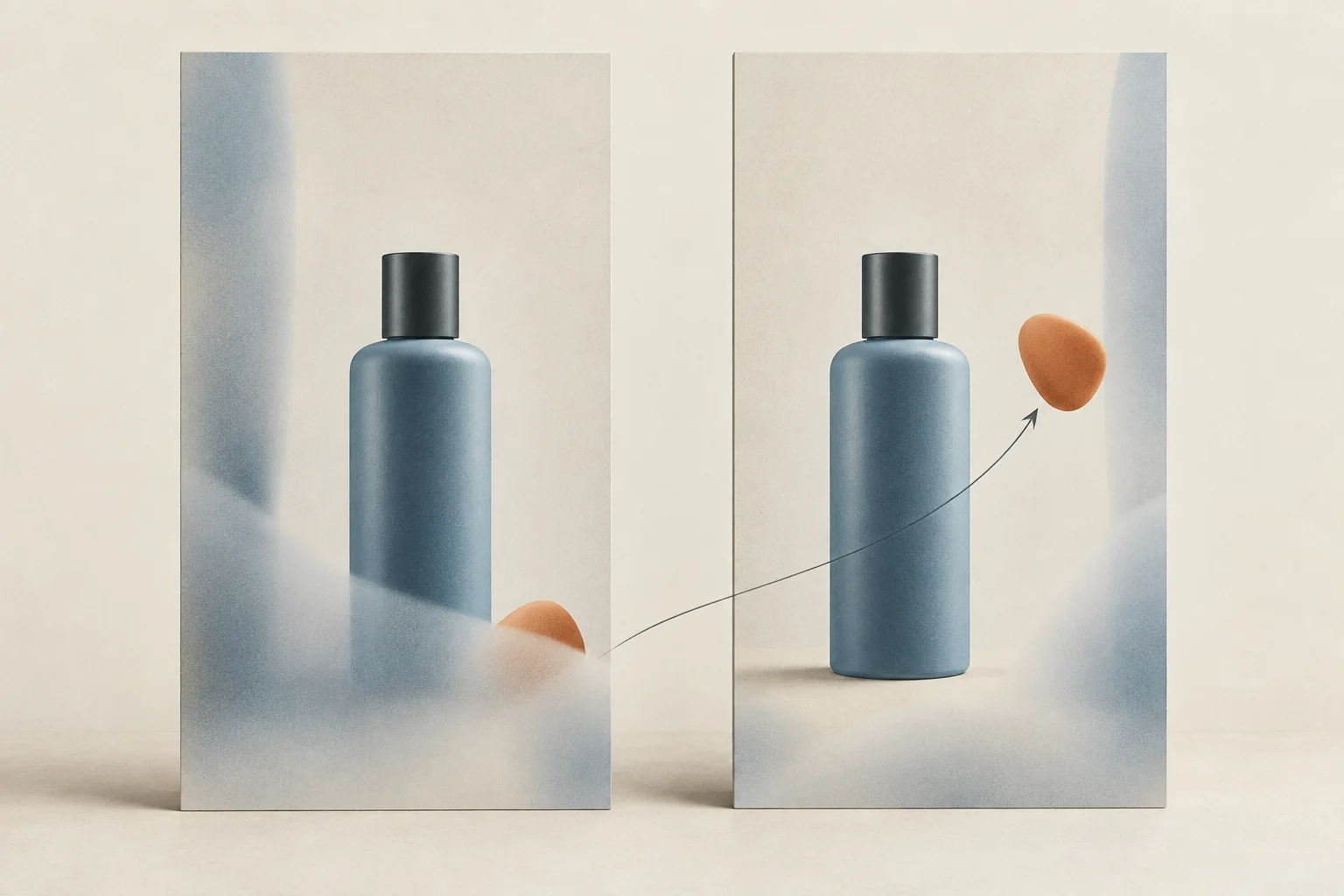
Keep essential text, faces and product details away from the frame edges, then review the finished asset in each intended Instagram placement. For ads, use Meta's current safe-zone guidance and the available Ads Manager preview. Approve the version you reviewed. An old Instagram Reels safe area template cannot establish how today's interface will cover your content.
The checks below are an editorial approval procedure based on documentation read on September 28, 2026. They are recommendations unless attributed to Instagram or Meta. They do not report a test of a specific account's publishing interface.
Separate file size from usable space
Instagram's Reel size guidance allows aspect ratios between 1.91:1 and 9:16. It specifies a minimum frame rate of 30 FPS and a minimum resolution of 720 pixels. Those are upload specifications. They do not tell you whether viewers can read a product name beneath an interface overlay.
For a full-height vertical creative, start with a 9:16 composition. Then check three separate things:
- Frame: Does the file have the intended shape and resolution?
- Crop: Does the placement cut off anything the viewer needs?
- Overlay: Do controls, captions or other interface elements cover essential content?
Passing one check does not settle the others. A technically acceptable file can still put its instruction under a button.
Older guides can help explain dimensions, but record their dates. Later's Instagram image-size article distinguishes aspect ratio from resolution and gives a bottom-fifth layout tip for Reels. Its visible update date is November 19, 2021. Treat that tip as a historical starting point, then inspect the current placement before approving an asset.
Name the placements before arranging the frame
Write down where the asset will run. An organic Reel, a Story version and a paid placement need separate review entries, even when they share footage.
If the plan is still undecided, use the Instagram format selection guide to settle the deliverables first. Otherwise, the editor may build a layout for a placement the campaign never uses.
For paid use, Meta's current safe-zone guidance tells advertisers to keep key elements away from the top, bottom and side edges of 9:16 creative. It covers Stories, Reels and the other 9:16 ad placements named on that page. Meta also says taller screens may trigger either zooming that crops the creative or a presentation with black space around it.
That is a reason to leave room around important content. It is also a reason to avoid turning one preview into a guarantee for every device.
Meta includes a specific recommendation for Reels ads with disclaimers: leave the bottom 40% free of text, logos and other key creative elements. Apply that advice within its stated ad context. Do not convert it into a universal organic Reel rule, or treat a layout check as approval of the disclaimer's wording.
Build a layout with room to move
Use this non-branded layout guide when preparing the edit. It describes content priority, not measured Instagram boundaries.
| Part of the frame | Suggested content | What to inspect |
|---|---|---|
| Central viewing area | Product action, face or main subject | The detail stays visible through motion and crops |
| Space beside the main subject | Short explanation or product name | Text avoids both interface elements and the demonstration |
| Outer edges | Background, texture or expendable detail | Cropping does not change the message |
| Lower area | Background unless the preview shows enough room | Captions, controls and planned additions leave essential content readable |
Keep text layers editable until approval. If you discover an overlap, moving a label is less work than rebuilding a flattened video.
Do not solve every collision by shrinking text. Shorten the wording, move it to another moment or change the shot. A product demonstration also needs space: the viewer should see the hand opening the lid, not merely the package next to it.
For subtitles and silent viewing, use the sound-off product Reel checklist alongside this spatial review. Safe placement and understandable wording are separate checks.
Review the finished sequence in context
Review the exported file first, then the placement preview available to the person who will publish it. Ask that person to review with the planned caption and any intended in-app additions in place. Do not approve only an empty draft with fewer elements than the final post.
For ads, Meta documents a Safe zone guardrail in Ads Manager. Turn it on when available and compare the creative with the indicated safe area. Meta notes that some features arrive gradually. If your account lacks a documented control, record that limitation instead of inventing a matching preview.
Use this approval checklist for each intended placement:
- Confirm the file version, placement, account and review date.
- Check the opening frame at normal phone viewing size.
- Play the entire sequence. Follow moving hands, faces and products near the edges.
- Pause when each text overlay, subtitle and instruction appears.
- Inspect the preview with the planned interface additions visible.
- Check any separate cover or cropped preview you intend to use.
- Record overlaps by moment and element, then request a specific change.
- Repeat the affected checks after a new export or a change to the publishing setup.
A screenshot proves one moment in one preview. Save a short preview recording when motion creates the risk, and keep a note of what the preview could not show. If a placement remains unchecked, leave its approval pending.
Example of an approval decision
Consider a hypothetical Reel showing a refill bottle. The edit places the product name along the bottom, a hand demonstration in the center and the final instruction beside the right edge.
| Review finding | Revision | Approval condition |
|---|---|---|
| The preview covers the product name | Move the name above the bottle, leaving the hand visible | Name remains readable in the reviewed placement |
| The instruction crowds a control | Shorten and reposition it in the central composition | Instruction is readable without obscuring the product |
| A second placement has not been reviewed | Request its preview using the revised export | Approve that placement only after review |
These are illustrative findings, not observations from a live Instagram account. Their purpose is to make the feedback actionable. "Move the product name clear of the visible overlay" gives the editor a testable change. "Make it safe" does not.
Before sending the next approval, attach the exact export and a dated preview for every planned placement. Name any placement still waiting for review.