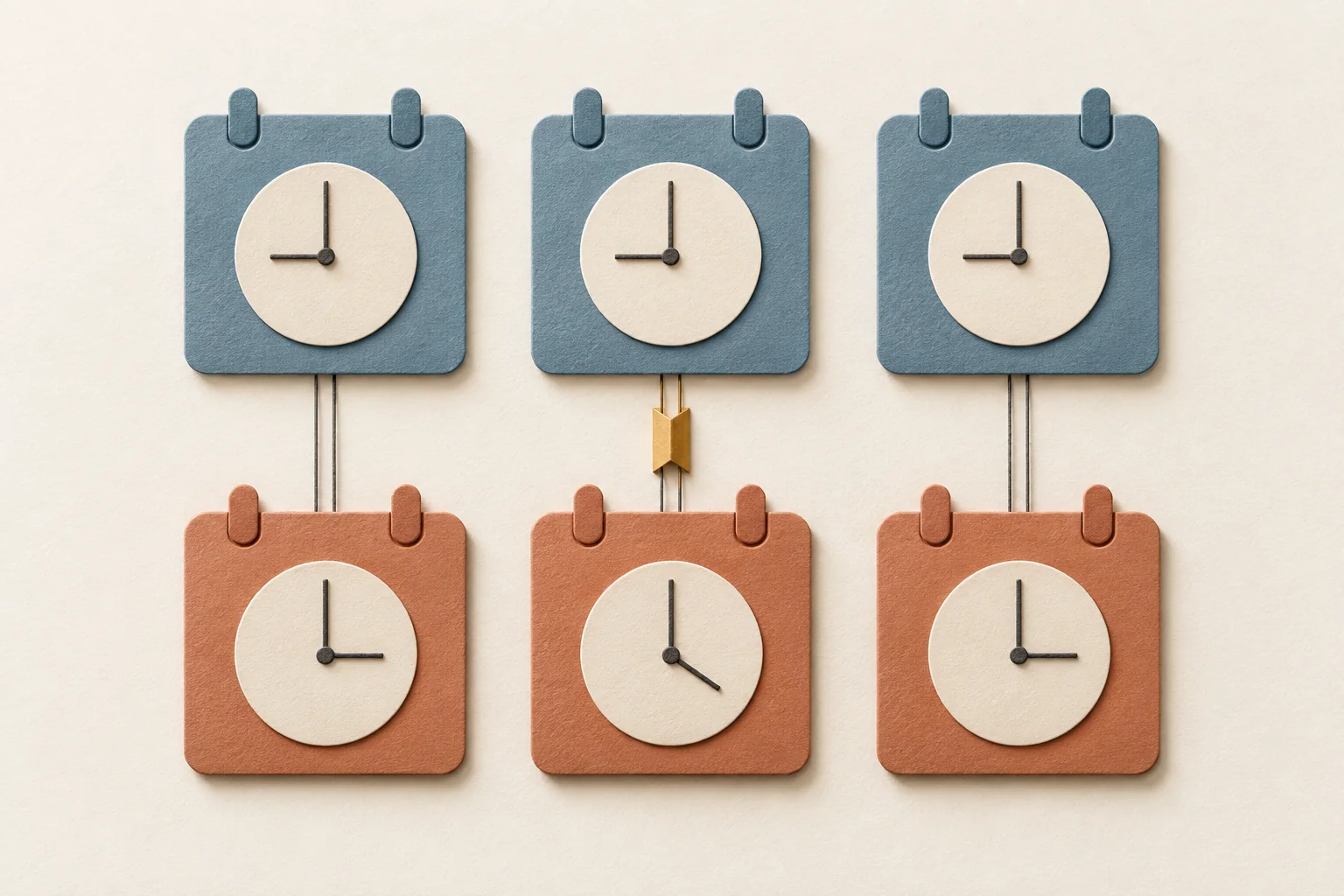
Schedule creator conversations using a confirmed local time zone, a full date, and a named reply owner. Write deadlines in the recipient's local time, then record the matching time for your team. Recheck both on the date of the conversation, especially near daylight-saving changes. Choose a send window around the creator's stated availability and your ability to respond. Treat it as a planning choice, not a universal best hour.
Confirm whose clock matters
A creator's audience market may differ from the place where they answer messages. Their manager may work somewhere else again. Before arranging a call in an active conversation, ask which city or time zone to use and whether travel will change it before the meeting.
Record a city-based zone, such as Europe/London or America/New_York, alongside the readable city name. Avoid a sheet that says only "UK," "US," or "five hours behind." Keep the date attached to every conversion.
Also ask which days or windows suit business conversations. Do not infer working hours from when someone posts. A published post gives you no agreement about when that person will answer a proposal.
Use this workflow for established conversations or business inquiries the creator welcomes and applicable rules permit. Scheduling does not establish permission to contact someone. For that earlier decision, use the guide to choosing a creator's business-contact route.
Build a two-market scheduling sheet
Keep separate fields for the message, the requested reply, and the meeting. These are different events. A reply deadline should allow time to consider the offer; a meeting time requires agreement from both sides.
The following sheet is hypothetical. A London-based coordinator is handling welcomed business inquiries with creators in London and New York. Both have confirmed their locations for these dates. The send times and reply windows are illustrative planning choices, with no claimed response-rate advantage.
| Scheduling field | London creator | New York creator |
|---|---|---|
| Named zone | Europe/London | America/New_York |
| Message scheduled locally | 26 October 2026, 10:00 | 26 October 2026, 10:00 |
| Coordinator's London time | 26 October, 10:00 | 26 October, 14:00 |
| Requested reply by, locally | 28 October 2026, 16:00 | 28 October 2026, 16:00 |
| Same reply deadline in London | 28 October, 16:00 | 28 October, 20:00 |
| Proposed call, locally | 29 October 2026, 14:00 | 29 October 2026, 10:00 |
| Availability and holiday check | Confirm before scheduling | Confirm before scheduling |
For each actual creator, add the conversation owner, backup owner, last confirmation date, and next action. The two proposed call times above describe the same instant. Separate calls need separate slots.
Notice the New York reply deadline. It falls at 20:00 for the London coordinator. If nobody works then, record that the team will review the reply the following working day. If the campaign cannot wait, negotiate an earlier deadline with the creator or arrange staff coverage. Do not quietly shorten the creator's window after sending the proposal.
For choosing how many conversations the team can handle, use outreach planning around reply capacity.
Check the weeks when the difference changes
The UK and US do not change their clocks on the same dates. GOV.UK lists 25 October as the UK's 2026 return to GMT. NIST lists 1 November as the end of US daylight saving time in 2026, where it is observed.
That creates a week when London and New York are four hours apart. Their usual five-hour difference resumes after New York changes its clocks.
This hypothetical call schedule keeps the London appointment at 14:00. The corresponding times follow the published 2026 clock-change rules.
| Call date | London | New York | UTC |
|---|---|---|---|
| 23 October 2026 | 14:00 BST | 09:00 EDT | 13:00 |
| 26 October 2026 | 14:00 GMT | 10:00 EDT | 14:00 |
| 2 November 2026 | 14:00 GMT | 09:00 EST | 14:00 |
Copying the first row's New York time into the second row would move the call by an hour. Calculate each date using its named zones. If you use a recurring appointment, decide whose local time should stay fixed, then inspect the occurrences on both sides of the change.
In spring, check again. The same official pages list 8 March for the US and 29 March for the UK in 2026. Do not extend the London example to every UK-US contact without checking their actual location. NIST also lists US places that do not observe daylight saving time.
Write an invitation that survives forwarding
Use the month name, year, both cities, and time-zone offsets. Include the duration and one decision the call needs to resolve. An illustrative message in an established conversation could read:
Could we discuss the proposed video scope on 29 October 2026, from 14:00 to 14:20 London time, GMT, UTC+0? That is 10:00 to 10:20 in New York, EDT, UTC-4. If that slot does not suit you, please suggest a time and the city or time zone you will be in. We can also confirm the scope by email.
Send a calendar invitation once the slot is agreed. Google Calendar supports event-specific time zones and additional zones on the calendar grid. Select the event's zone and inspect the displayed time in both locations. Google says events convert to UTC and display in local time; it also warns that time-zone rule changes can affect previously created events.
Avoid "tomorrow morning," "end of day," and "your time" in the final confirmation. Those phrases leave the date, location, or cutoff open to interpretation when a manager forwards the thread.
Keep conversations moving without requiring a call
Where working hours barely overlap, send one message with the open decisions, your recommendation, and the date you need an answer. Ask the creator to flag a deadline they cannot meet. Leave space for their next working period before planning your team's review.
Check local holidays and the creator's stated days off before setting that deadline. Modash's market-expansion guide recommends planning around local holidays and seasons. Apply that context to availability as well: ask rather than assuming that every creator follows the same calendar.
For a shared inbox, name who owns the next response before the first coordinator signs off. Use the shared-ownership inbox guide to define that handoff without sending duplicate replies.
Before scheduling the next batch, complete both local-time columns, check the campaign's clock-change dates, and assign someone to answer each conversation. Leave any row with an unconfirmed location or unavailable reply owner unscheduled until you resolve it.