Look first at the creator's own profile and follow the business-contact route they name. That may be an email address, a manager, or a partnership form on their linked website. If they publish no suitable route, use an allowed business inquiry channel to ask where to send a proposal, or stop. Do not fill the gap by guessing a private address.
The useful outcome is a contact route you can explain to a teammate. An email field can stay empty when the creator prefers a form or has not made a business contact available.
Follow the creator's instructions before searching elsewhere
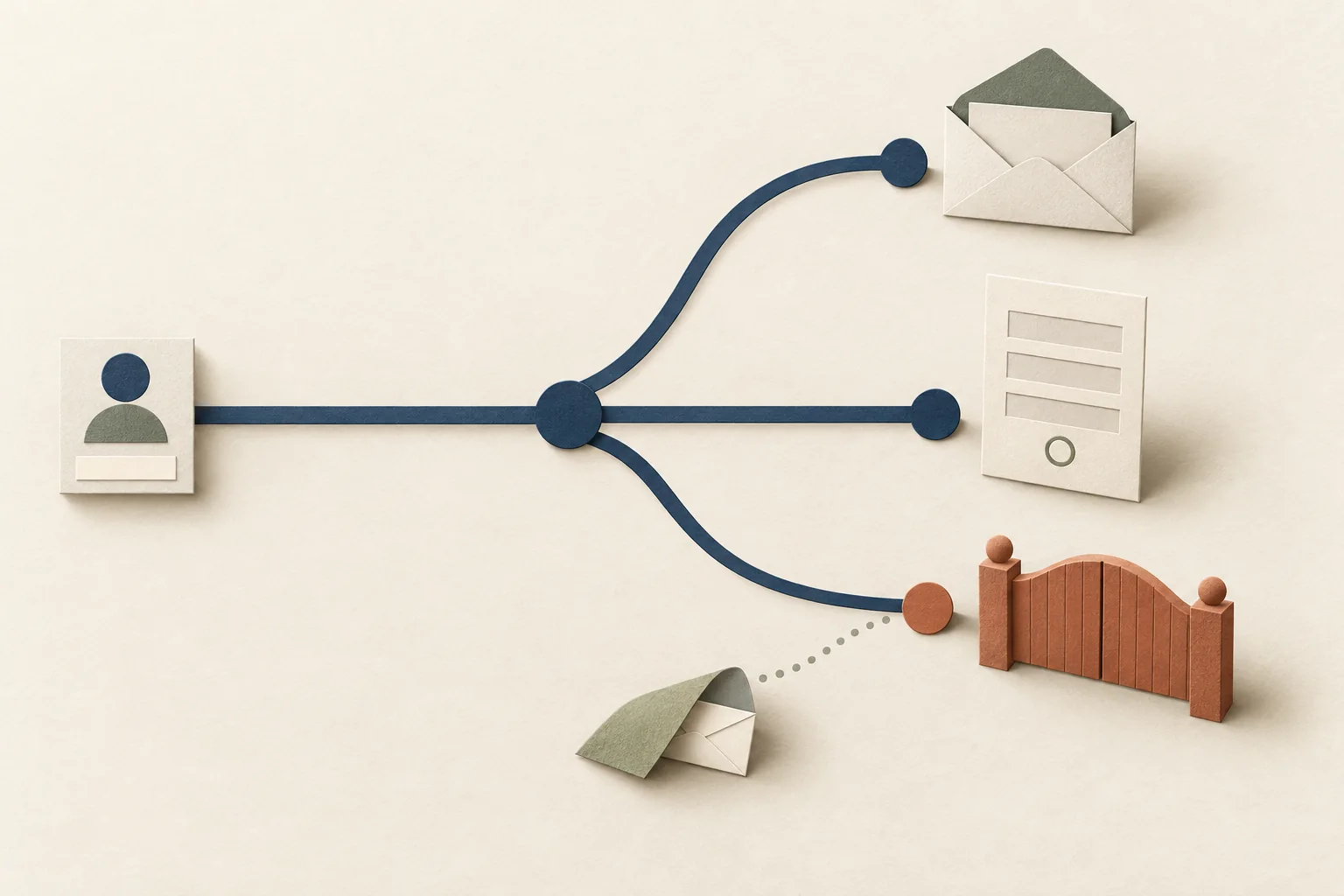
Use this source-priority decision tree for each creator. It is an editorial recommendation for research, not a platform rule or permission to send marketing.
- Is there a stated business-contact preference? Follow it. A direction to contact management takes priority over an older address elsewhere.
- Is a business email published on the current profile? Check its surrounding label and which inquiries it invites. Record the source page.
- Does the profile link to a website or link page? Follow that link and look for partnerships, business inquiries, or representation. Use the route designated for your request.
- Does the creator name a representative? Follow the linked agency or manager page. Confirm that it identifies the same creator and handles the relevant work.
- Is a business inquiry form or permitted DM available? Use it within its stated purpose, subject to the rules that apply to your message.
- None of those routes is available? Mark the result as no published business contact and end the lookup.
At every step, an instruction declining collaborations ends the search. Do not interpret a missing reply as an invitation to hunt for another address.
YouTube's business inquiry guidance makes one limit explicit: the channel owner must have supplied an address for a viewer to see it. A missing email field does not give you evidence of a hidden address you should recover.
For platform-specific navigation, use the relevant checklist:
- Find an Instagram creator's published business email for profile contact visibility and fallback routes.
- Find a TikTok creator's business contact when the profile has no email and you need to assess its published links.
- Find a YouTube channel's business inquiry address for the channel route and representative checks.
Check what the address is for
An address appearing online answers only part of the question. Read the page around it before choosing it for outreach.
| What you find | Decision |
|---|---|
| An address labelled for brand partnerships on the creator's current page | Record it as the proposed business route, with its source. |
| A named manager linked by the creator | Use the manager's stated inquiry route for that creator. |
| A form specifically for sponsorship proposals | Use the form. Leave the email field empty. |
| A shop's customer-support address | Do not assume it accepts creator partnership proposals. |
| An address in an old interview or third-party directory | Seek confirmation on a current creator-controlled page. |
| An address guessed from a name and domain | Exclude it from this public-contact workflow. |
A free email-provider domain does not tell you whether an address is private or business-related. A custom domain does not establish that you reached the right person. Base the decision on who published the address, the stated purpose, and its connection to the creator.
If two current pages disagree, check whether one gives a more specific instruction. A partnerships page may direct sponsorships to management while a general page invites reader questions. Follow the partnerships instruction. If the conflict remains unresolved, hold the contact rather than sending the same pitch to both.
Search engines can help you locate a creator's site. Open the result and read the page before recording a contact. A snippet or cached listing is insufficient evidence of the creator's current preference.
Keep public availability separate from permission to send
For this workflow, an authorized route means one the creator or their representative has designated for the relevant inquiry. That research label does not establish legal consent.
In the UK, the ICO's business-to-business marketing guidance says public personal data does not imply agreement to direct marketing. Business contacts can still be personal data. The guidance also distinguishes corporate subscribers from sole traders and some partnerships.
A creator's professional-looking profile therefore does not settle which marketing rules apply. Before sending, check the rules for the jurisdiction, recipient, and message. The ICO page currently carries an under-review notice following the Data (Use and Access) Act. This lookup procedure is operational guidance, not legal advice.
Do not use account-recovery screens, leaked lists, private accounts, family contacts, or protective-check workarounds to complete a missing email field. Keep personal details that have no role in the business inquiry out of the lookup record.
A worked route choice
Consider this hypothetical research result. A creator's profile links to their own website. The site has a shop-support address and a partnership form. An older interview lists a different email address.
Choose the partnership form. It matches the intended request and comes from the creator's current linked site. Do not send the pitch to shop support or copy the older address into an outreach list merely because both look usable.
The lookup record could read:
| Field | Hypothetical result |
|---|---|
| Request | Paid cooking-video partnership |
| Source chain | Creator profile to linked website to partnerships page |
| Selected route | Partnership form |
| Email status | No business email selected |
| Excluded routes | Shop support; unconfirmed address in an older interview |
| Next action | Review the form's instructions and the proposed message before submission |
In your working record, add the actual source URL and the date you read it. Those details let the sender revisit the evidence without repeating the whole search. Record the route as researched, rather than claiming the mailbox works or that the creator will reply.
When there is no email
Modash's outreach guide discusses both email and DMs, including DM use when an email is unavailable. Choose a fallback based on the creator's instructions and the channel's rules.
If a creator invites business DMs, a hypothetical routing request could be:
Hello, I work with a cookware brand planning a paid recipe-video partnership. Your profile invites business inquiries here. Is this the right place to share the scope, or would you prefer a partnership form or business email?
Use a routing request only where the contact and message are permitted. Switching to a DM does not remove legal obligations. The ICO guidance includes social media direct messages within electronic mail for UK marketing rules.
If no appropriate channel exists, record that outcome and move to another candidate. If the creator declines or asks you to stop, stop. Do not contact a relative, friend, or unrelated employer to get around the missing route.
For your next lookup, save one current source, one selected route, and one next action. If the evidence supports no business contact, leave the email blank.