Before a creator demonstrates a product live, confirm that their account can broadcast, rehearse the exact demonstration, prepare supported answers, and assign someone to manage questions. Agree on disclosure, the purchase destination, and what happens if the stream fails. An Instagram Live creator campaign should pass those checks before you announce its date.
The checklists below are production recommendations. Platform requirements are linked separately. Instagram documentation was checked on September 30, 2026; repeat the account-level checks before each event.
Confirm access before promising a Live
Instagram's current Live instructions say the host needs a public account with at least 1,000 followers. Newly created accounts and accounts with certain previous content removals may still lack access. Teen Accounts have additional permission rules, including parental permission for users under 16 to enable Live.
Ask the creator to open Live on the actual account and device they will use. Record the date, device, app version and whether the required controls appear. Do not request their password or assume that another creator's setup proves theirs will work.
For a sponsored demonstration, verify the paid partnership setup before scheduling promotion. Meta's Live tagging instructions say a creator can tag only brands that have approved them, and tagging is available only before the broadcast starts. Resolve the approval with the correct brand account in advance.
That instruction applies to tagging the sponsor of the Live. Meta separately says affiliate-link content requires the paid partnership label without necessarily tagging a business partner. Do not apply a sponsor-tag approval requirement to every affiliate-only mention.
Use this decision table during the planning call:
| Check | If it passes | If it fails |
|---|---|---|
| Host can access Live | Continue to rehearsal | Postpone or agree on a recorded demonstration |
| Required sponsor tag is ready | Include it in the preflight check | Resolve approval before broadcasting |
| Planned visual method works | Rehearse the full sequence | Demonstrate with physical objects instead |
| Questions can reach the host safely | Assign the question manager | Reduce the format or postpone |
A fallback does not bypass an eligibility restriction. If the format changes, update the creator's deliverables and audience announcement.
Give the creator a demonstration they can finish
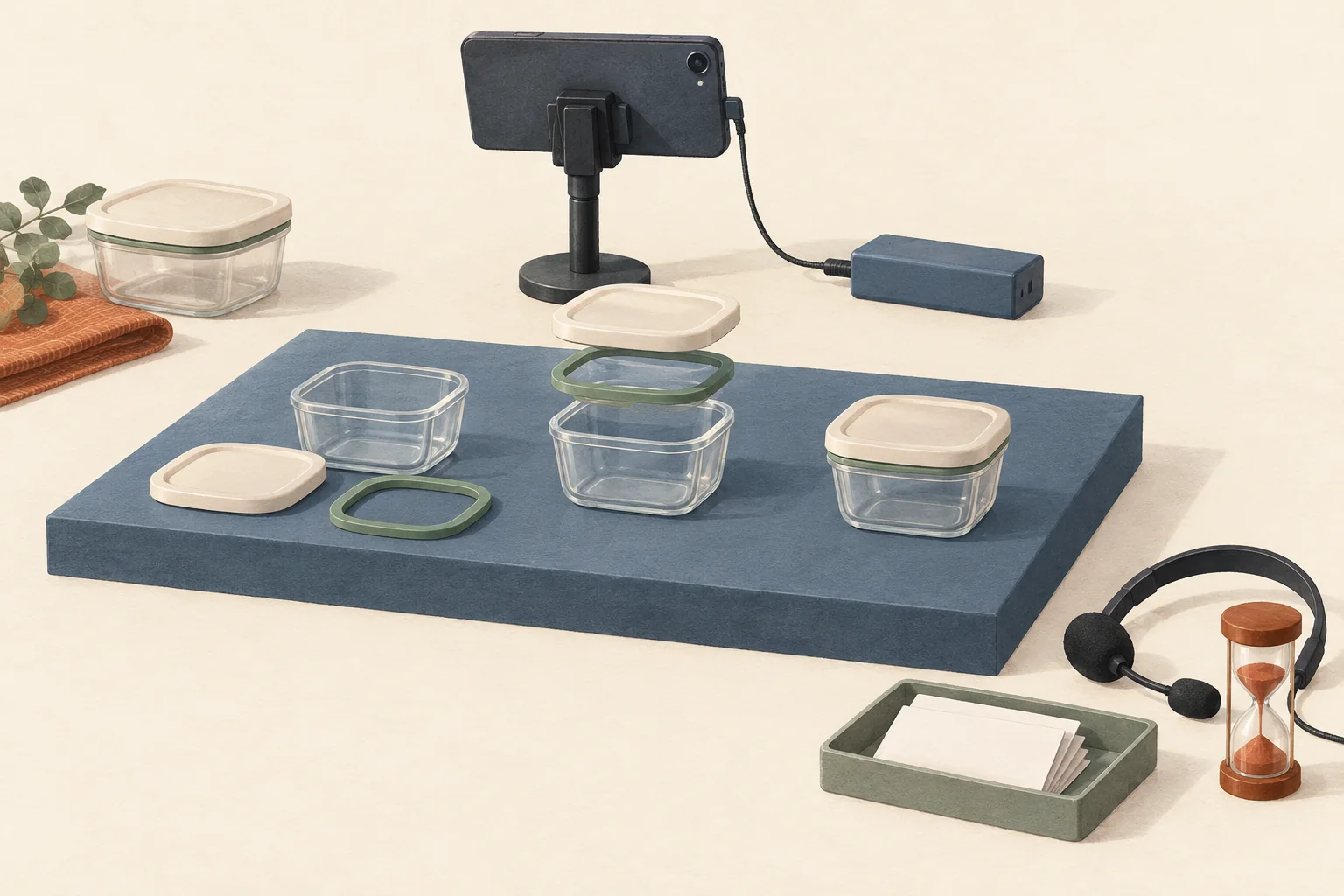
Choose one viewer question that the demonstration will answer. For a hypothetical food-storage container, that might be, "How do I remove and refit the lid seal?" A repeatable task gives the host something concrete to show while questions arrive.
Prepare the exact product model, its instructions, necessary accessories and a spare unit if available. Arrange the objects in the order of use. Check whether hands obscure the part the viewer needs to see.
Create an answer sheet with four fields for each likely question:
- The question a viewer might ask.
- The approved factual answer and its source document.
- Conditions or limits that must accompany the answer.
- Who handles anything the creator cannot verify.
For the hypothetical container, "Can I put every part in the dishwasher?" needs the instructions for that model. A creator's experience with another model is insufficient. If the documentation is unclear, leave the claim out and route the question to product support.
Separate factual limits from presentation choices. Use the creator brief guide to set required facts while leaving the host room to explain them naturally. For camera framing and the opening demonstration, use the Instagram viewing-experience brief.
Rehearse the controls and the physical task
Later's Instagram Live guide recommends preparation, practice and backup questions. Its March 2022 interface examples are too old to establish today's capabilities. Rehearse against the creator's current setup.
Run this checklist with the host and question manager:
- Check the broadcast account, audience setting and sponsor tag before starting.
- Test speech while the creator opens packaging, moves the product and turns away from the microphone.
- Check focus and glare on small parts. Keep the critical action visible at phone-screen size.
- Test the stand, charging cable and connection from the filming position.
- Silence unrelated notifications and background audio.
- Locate the controls to end the stream, disable guest requests and manage comments.
- Confirm how the question manager will signal a correction without interrupting every sentence.
- Rehearse the fallback announcement and the end of the demonstration.
Use a practice option if the creator's setup supports it. Otherwise, rehearse the physical demonstration with a local recording; that checks framing and timing but does not prove Instagram's guest or moderation functions.
Do not make untested graphics essential. Instagram's iPhone instructions say camera-roll sharing is unavailable in a live room with guests. A plan requiring both a guest and that feature needs another visual method.
A hypothetical 20-minute run-of-show
This schedule illustrates a sponsored container demonstration. The timings are editorial choices, not Instagram requirements or performance benchmarks.
| Time | Host action | Question manager action |
|---|---|---|
| 0:00 to 2:00 | Disclose sponsorship, name the model and explain the task | Check audible speech and visible product |
| 2:00 to 6:00 | Remove the lid seal slowly and show its orientation | Collect questions about this step |
| 6:00 to 10:00 | Refit the seal; repeat the sponsorship disclosure at the transition | Flag any mismatch with the instructions |
| 10:00 to 16:00 | Answer selected questions using the answer sheet | Group duplicates; route unsupported questions |
| 16:00 to 18:00 | Repeat the key step and explain relevant limitations | Confirm the purchase destination still matches the demonstrated model |
| 18:00 to 20:00 | Repeat disclosure, give the next step and end | Record unanswered questions and any correction needed |
For campaigns affecting U.S. consumers, the FTC's influencer guidance says livestream disclosures should recur periodically. It also says disclosures belong in the video and warns against assuming a platform label is sufficient. Plan spoken and visible disclosure that viewers can notice. The sample schedule does not establish a legally sufficient interval for every broadcast.
Give the moderator a written brief
Assign a person even if you have not confirmed a native moderator role. The production role includes selecting questions and alerting the host. Any in-app powers depend on what you verify in the creator's setup.
The brief should state:
- Answer now. Select questions the creator can answer from the approved sheet or their genuine product experience.
- Hold for support. Record unanswered factual questions without guessing. Direct order-specific issues to the brand's support channel; do not ask for addresses or order details in public comments.
- Correct promptly. Use the agreed private signal when the host states an unsupported fact. Have the host correct it aloud while the same audience is present.
- Manage disruption. Use only the controls rehearsed with the host. Do not treat criticism about the product as abuse merely because it is negative.
Instagram documents turning off commenting, applying existing keyword filters and disabling requests to join. If the question manager cannot perform a needed action, tell the host which control to use. Agree that the host can stop the broadcast when they cannot demonstrate safely or manage the conversation.
Prepare a few clearly identified brand FAQs for quiet periods. Never present them as questions viewers submitted.
Decide what happens after a failure
If the connection fails, use a pre-agreed announcement channel to say whether the event will restart, move to a recording or be rescheduled. If a promised feature is missing, use the rehearsed alternative only when disclosure and the demonstration still work.
Agree before the event who will retain the recording, collect unresolved questions and approve any reuse. Use the usage-rights budgeting guide if the brand wants clips beyond the original deliverable.
Do not rely on the downloaded video to preserve the whole event record. Instagram says saved or downloaded Live video excludes comments, likes and viewers. Keep an authorized question log separately, and agree with the creator which available results they will share without promising a fixed analytics package.
Before announcing the broadcast, book the rehearsal and send the creator the answer sheet. Confirm the sponsor tag, demonstrate the hardest physical step, and name the person who can call a stop.