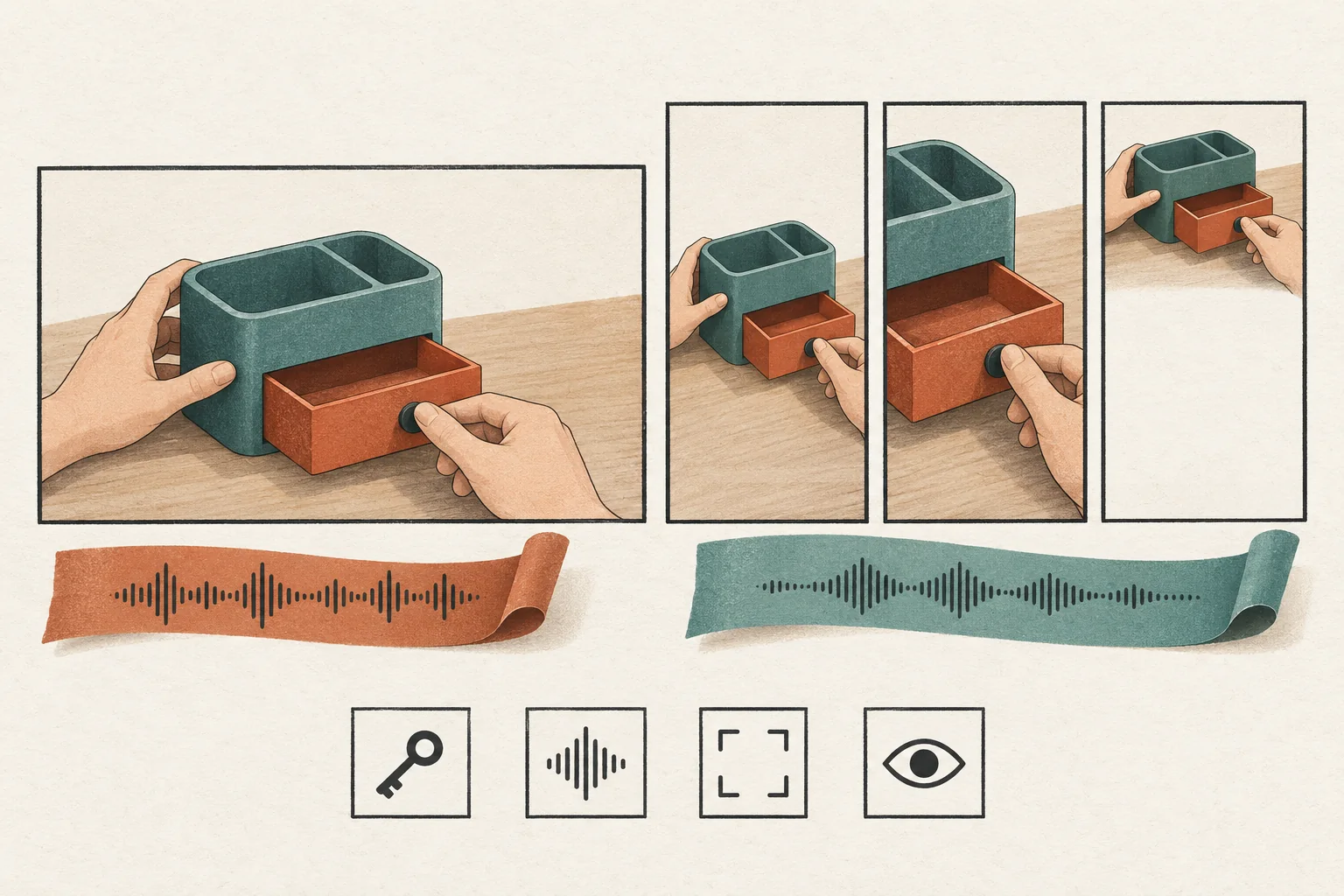
Invite Duet participation when people need to appear beside the creator's demonstration. Invite Stitch participation when people need to quote a short part and then give their own answer. Use either only after checking the source account, the actual video, and a participant account in the intended market. If your campaign needs approval before every response becomes public, use separately commissioned submissions instead of an open invitation.
TikTok's public help pages were read on September 30, 2026. No campaign account or target market was supplied for an in-app test. The rules below describe the documented controls; availability for your campaign remains unverified until the creator completes the check sheet.
Choose the contribution before the format
TikTok describes Duet as two videos playing together in a split screen. In that Help Center page, select Stitch in the sidebar to read its explanation of using part of a source video in a new contribution. The sidebar changes the article body without changing the displayed URL. Later's Stitch explainer illustrates that distinction, but its September 2020 interface instructions predate TikTok's current shared reuse controls. Do not copy its menu labels into a current brief.
| Desired contribution | Recommended format | Source-video preparation |
|---|---|---|
| Follow the creator's demonstration at the same time | Duet | Leave pauses and keep the demonstrated object visible |
| Answer one question after hearing it | Stitch | Make the question a self-contained excerpt |
| Give an independent demonstration without quoting the source | Standalone post | Supply a written prompt and a source link |
| Submit footage for brand approval before publication | Private submission workflow | Agree on review, revisions and publication separately |
These are creative recommendations. Neither format guarantees participation, favorable reactions or extra distribution.
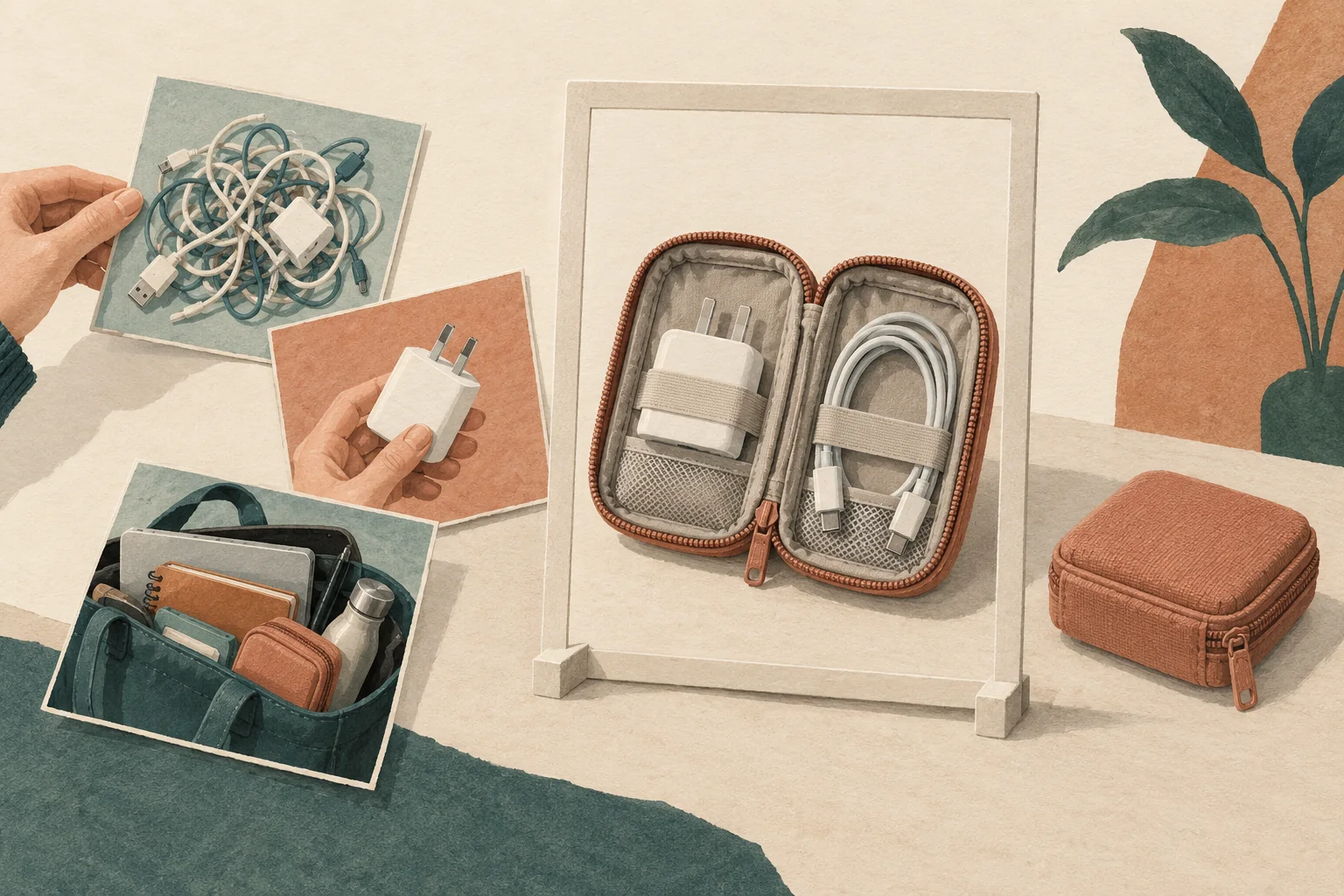
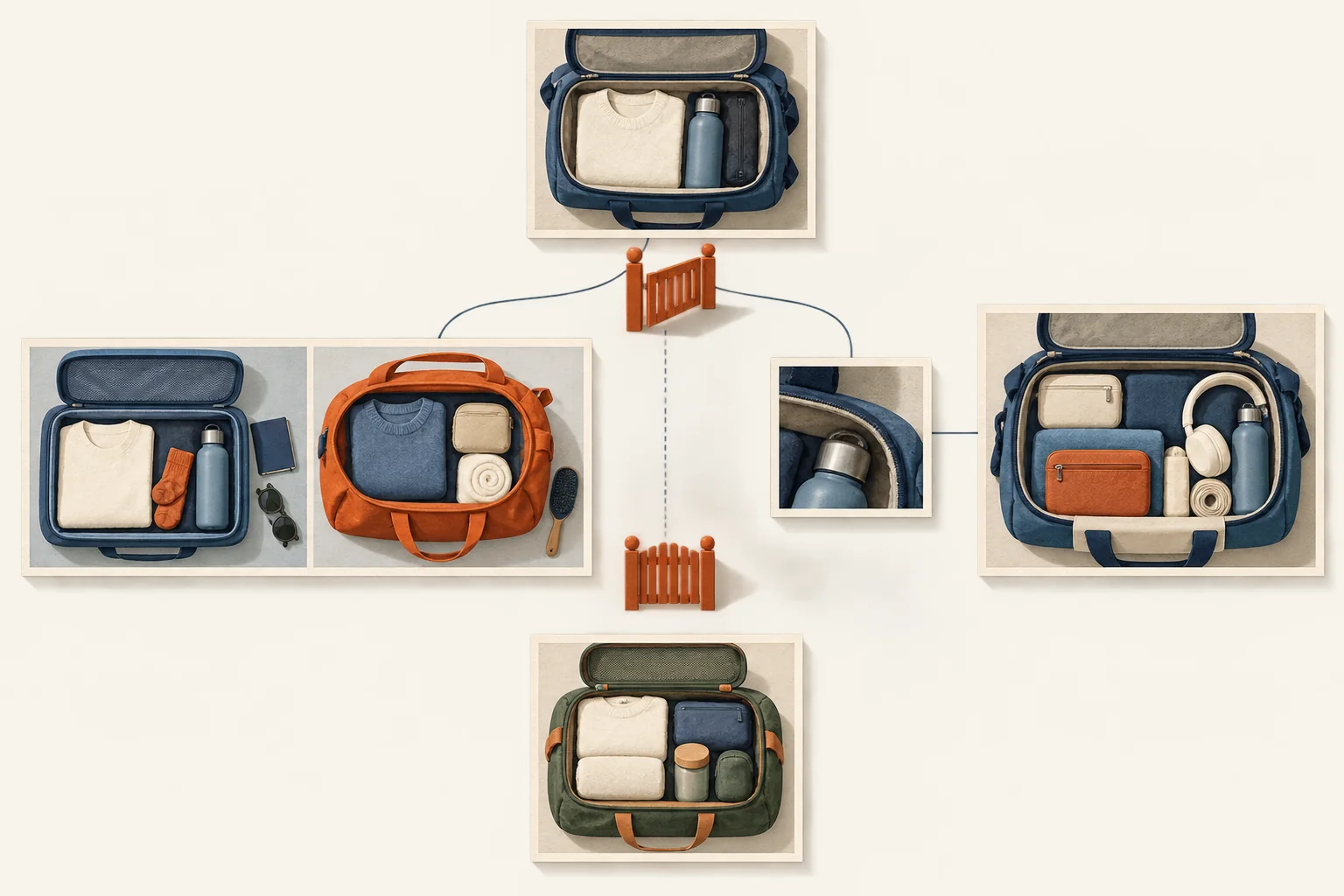
For a hypothetical bag campaign, a creator could ask viewers to show how they arrange the inside of their everyday bag. Choose Duet if the side-by-side comparison matters. Choose Stitch if the creator's question should introduce a participant's explanation. Avoid asking for receipts, identity documents or other personal contents. A participant should understand what to show without reading a long caption.
Write that contribution into the creator brief before choosing shots or scripted lines.
Check source eligibility and participant access separately
A source video is the post that other people reuse. Its eligibility differs from a participant's ability to make a response.
TikTok requires a public account to let other people Duet or Stitch its videos. Its teen privacy guidance adds age-specific limits:
- Nobody can Duet or Stitch videos belonging to users aged 13 to 15. That source permission cannot be changed.
- This does not mean those users can never make a response. The same guidance permits them to Duet or Stitch videos from people over 16.
- Accounts aged 16 to 17 start private. On a public account, reuse defaults to Friends, meaning followers the account follows back. The creator can change that audience to Everyone.
- Local laws and Family Pairing may affect available controls.
Do not ask a creator to change their age, privacy preferences or parental controls to meet a campaign requirement. Select another eligible source or change the participation route.
A public source account also does not prove that its chosen video permits reuse. TikTok's Stitch privacy instructions describe both an account-level audience and a post-level switch. Check both.
Read the shared reuse switch before changing it
The documented account path is Profile, Menu, Settings and privacy, Privacy, then Reuse of content. Under Allow reuse of content from, TikTok lists Everyone and Friends.
For a new post, the documented switch appears under More options on the posting screen. For an existing post, open More options, then Privacy settings. The switch is called Allow reuse of content.
This control has wider effects than the campaign's chosen format. TikTok says switching off Stitch also affects Duet, stickers made from the post, and adding the post to Stories. To read the corresponding Duet instructions, select Duet privacy settings in the sidebar of the linked Stitch privacy page; the displayed URL stays the same. A brief that requests only Stitch does not establish a platform restriction against the other reuse formats.
For an open invitation, a Friends-only audience excludes people who are not mutual followers. For a small commissioned group, Friends may fit, but it is still an account relationship rule. Do not describe it as a campaign-specific approval list.
Complete the control-check sheet on the real accounts
Have the source creator and an authorized participant check the exact source post in the TikTok app. Use a participant whose follow relationship matches the audience you intend to invite. Do not treat a successful mutual-follower test as proof that strangers can participate.
Record the observed result rather than assuming the help page matches every account.
| Check | Record | If it fails |
|---|---|---|
| Account and market | Source handle, participant handle, market, test date and app version | Keep availability unverified until checked |
| Source eligibility | Public status and whether age-related settings permit source reuse | Choose another source or a standalone prompt |
| Audience permission | Everyone or Friends, plus the actual follow relationship | Change the invitation scope with creator consent |
| Source-post permission | Allow reuse of content state on the exact video | Ask the owner whether they want reuse enabled |
| Participant access | Whether Share exposes a working Duet or Stitch action | Mark that format unavailable for this account and post |
| Recording behavior | Excerpt selection, layout, audio and editing controls observed | Rewrite the brief around the controls present |
| Commercial settings | Disclosure choice and approved audio plan | Resolve before publication |
| Response handling | Person monitoring, review times and escalation contact | Delay the open invitation |
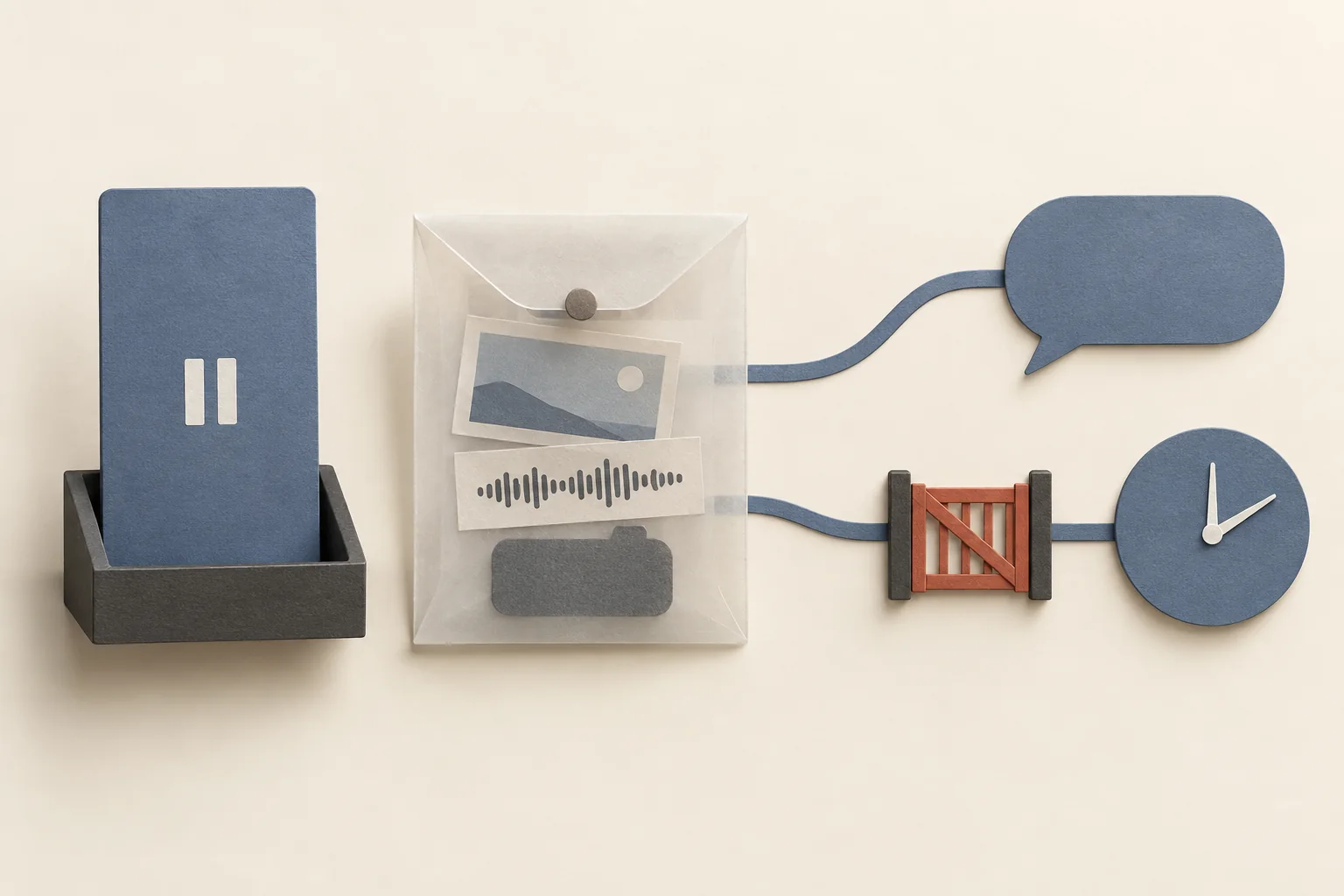
Test the recording flow without publishing an unapproved response. Do not hard-code excerpt length, camera-roll access or audio tools from an old tutorial. Write down what the participant can do in the current app.
If a control is missing, first recheck the source permissions and account eligibility. If access remains unavailable, use a standalone response linked to the source, or collect a private submission. Do not download and reupload someone else's video to work around disabled reuse.
Keep commercial checks attached to each contribution
TikTok requires its content disclosure setting for posts promoting a brand, product or service. That includes promoting another business for payment or another incentive. Own-brand promotion uses Promotional content; third-party branded content uses Paid partnership.
For each commissioned response, identify the commercial relationship and confirm the correct setting before posting. Do not assume the source video's label covers the participant's new post. Use the commercial-content disclosure checklist for the posting steps. Local advertising requirements need a separate market-specific review.
Audio needs its own check. TikTok recommends the Commercial Music Library for commercial posts. TikTok says its licenses for music outside that library do not cover commercial use. Where creators use original sound or other music, the Music Usage Confirmation addresses the necessary rights. Original sound is not proof that the soundtrack is cleared. Review the source excerpt as well as any added audio, using the commercial music review process.
For campaign planning, treat native reuse, brand reposting and paid advertising as separate approvals. TikTok describes ad authorization separately in its brand-partner settings. Before paying to reuse a participant's contribution elsewhere, agree on the usage scope and budget.
Set response handling before opening participation
Duet and Stitch responses appear on their creators' profiles. Their creators' privacy settings determine who can view and interact with them. Plan for critical, off-brief and inaccessible responses rather than promising a feed of approved campaign assets.
Turning reuse off stops future use under that setting. It is not a cleanup plan for responses already posted. In the Duets Help Center entry, select Stitch in the sidebar. That panel says existing Stitches can remain after reuse permissions change or the source alone is deleted; the entry URL does not open the Stitch panel directly.
The separate Reuse of content history control offers Remove all posts. TikTok warns that this permanently removes the original and associated Duet and Stitch videos. Restrict that decision to the account owner. Do not use it as routine moderation. Report suspected violations through TikTok's reporting route; an unwanted opinion is a different campaign-handling problem.
For the hypothetical bag campaign, a usable participation brief would read:
- Contribution: Answer the creator's packing question with your own bag arrangement. Keep personal documents out of view.
- Format: Prefer Stitch after the question. Use a standalone response if Stitch is unavailable.
- Scope: Describe your own arrangement. Avoid unsupported product or performance claims.
- Commercial review: Commissioned creators confirm disclosure and audio before posting. Additional brand reuse needs a separate agreement.
- Response handling: The campaign manager reviews linked responses each business day. The source owner handles permission changes and any deletion decision.
Before sending the invitation, have the creator complete the control-check sheet and approve the fallback wording. Launch only the participation route that those account checks support.