Keep one stable Instagram bio URL that opens a page of clearly named offers. Give each live campaign its own destination, campaign identifier and removal rule. When a new campaign starts, add or reorder its link without making older, still-valid offers unreachable.
That is a routing choice. Instagram currently allows up to five profile websites, so you do not need a separate page merely to fit three links. A shared bio-link page is useful when you want one address to keep across posts while you manage the offers behind it.
Choose the route before adding another campaign
Use Instagram's native profile links when a short list of destinations meets your needs and someone can maintain it in the app. Use one external hub when several posts need a stable address and you want to manage campaign labels, status and ordering together.
Later's bio-link guide describes the multi-destination model, including campaign and affiliate links. The useful principle is that a visitor chooses the offer they recognize. A hub should therefore open a menu, rather than automatically redirect every visitor to whichever campaign launched last.
For the one-link approach, give the hub a lasting address such as your site's creator-links page. Avoid putting the current campaign's name in that address. Put campaign-specific names on the links inside it.
As checked on September 30, 2026, Instagram's Android Help instructions are:
- Open your profile and choose Edit profile.
- Choose Links, then Add link, and enter the hub URL.
- Choose Done.
The same Meta help page explains how to remove and reorder profile links. It also says anyone on or off Instagram can see these websites. Publish visitor-ready destinations there; keep campaign planning documents elsewhere.
Build a three-offer routing map
Start with the promises in the creator's live posts. Each promise needs a recognizable choice on the hub, even when another campaign takes the top position.
This hypothetical example uses three concurrent offers. The dates and identifiers are planning examples, not actual campaigns.
| Offer | Visitor-facing label | Destination | Campaign ID | Removal rule |
|---|---|---|---|---|
| Bottle bundle | Shop the trail bottle bundle | Bundle campaign page | trail_bundle_oct | Remove when the offer ends October 7 at 18:00 UTC |
| Tote preorder | Preorder the canvas tote | Tote preorder page | canvas_preorder_oct | Remove when preorders close October 12 at 18:00 UTC |
| Packing guide | Download the weekend packing list | Guide download page | weekend_guide | Keep while available; review every Monday |
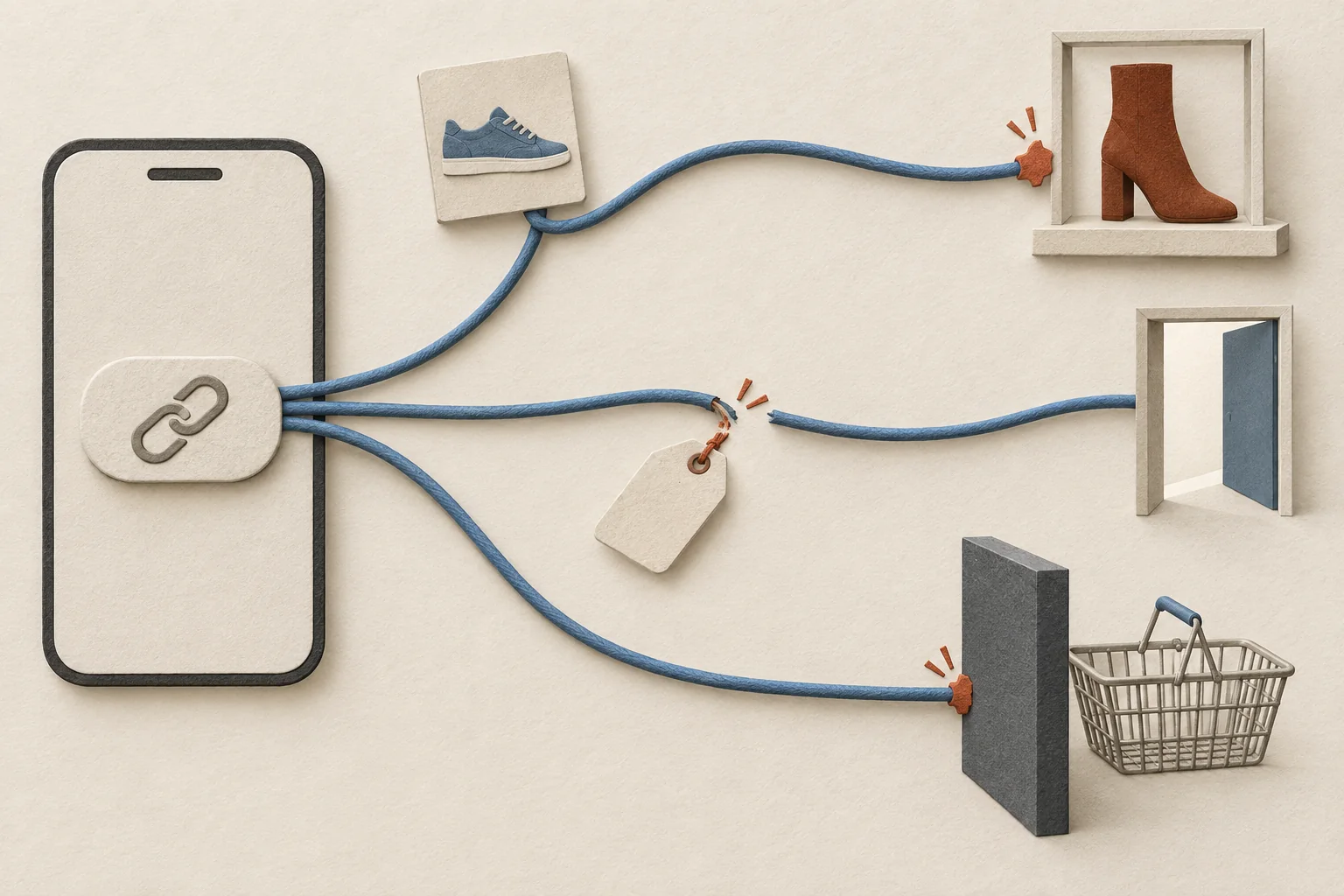
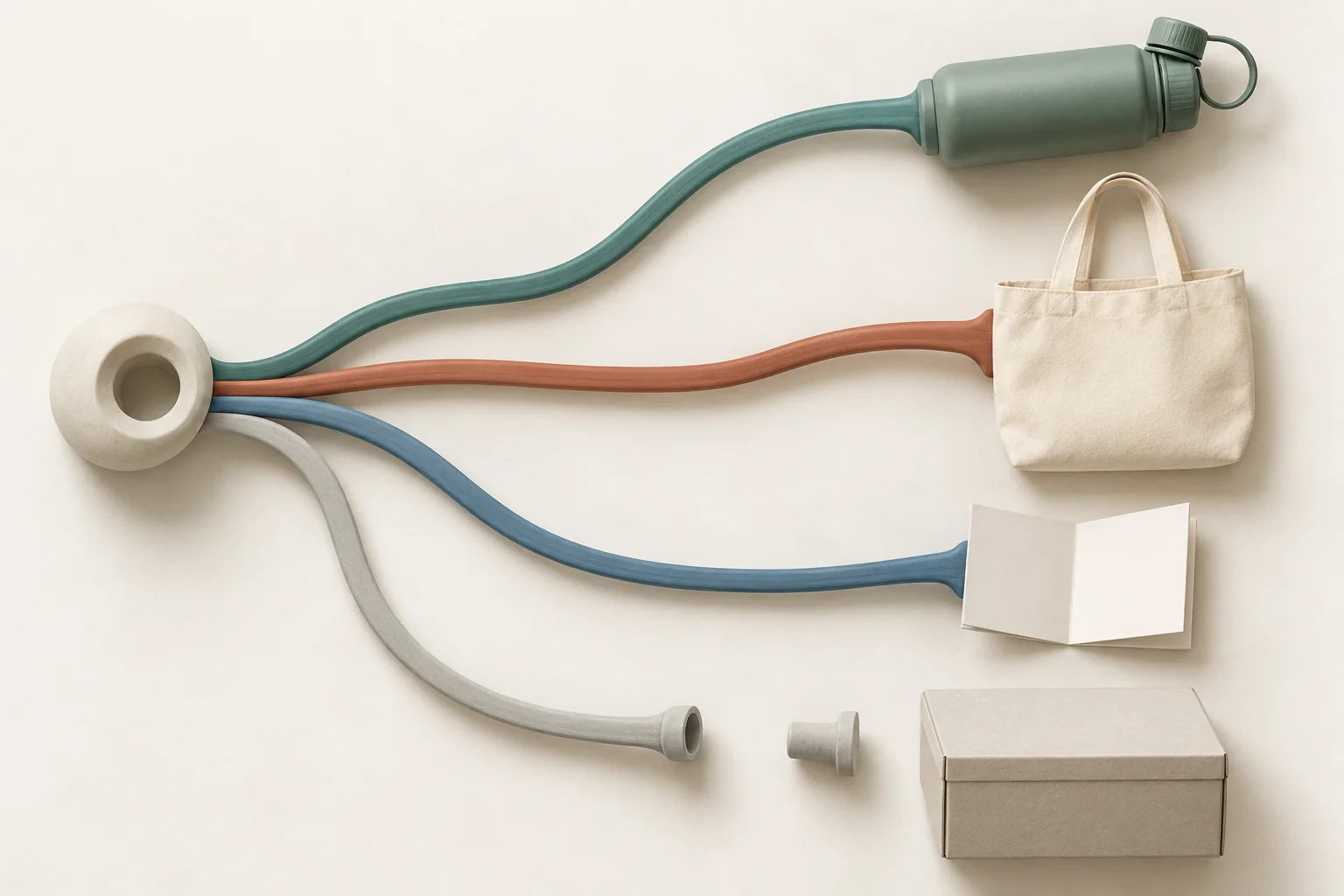
The route is Instagram profile, then the shared hub, then the selected offer's destination. Do not send all three buttons to the store homepage. That would make the visitor search again for the thing the creator promised.
Give each row an owner and a last-tested date in your working sheet. The bottle owner confirms the bundle is still purchasable. The preorder owner confirms orders remain open. The guide owner checks the download. One person owns publishing changes to the hub.
Put the most actively promoted offer first, unless a campaign commitment requires another position. Keep the other live offers visible. These are editorial recommendations, not Instagram ordering rules.
Make the label match the creator's words
A visitor may remember a product, color or offer without remembering a campaign name. Use the same identifying words in the post's call to action and the hub label.
For the hypothetical tote offer, the creator could say, "Choose 'Preorder the canvas tote' through my bio link." That remains usable if the link moves. "Tap the first button" stops being reliable when the order changes.
Avoid labels such as "Latest drop," "Shop now" or "My favorite" when several offers could fit. Name the object and action. If two brands sell similar items, include the brand name. Put a deadline beside an offer only after confirming the date and time zone with its owner.
Keep the routing page focused on choosing an offer. For the page after that choice, use the creator landing-page guide to match the promised product. It covers the destination's job; the hub's job ends with sending the visitor to the intended destination.
Identify the chosen campaign without inventing attribution
A shared bio URL cannot, by itself, tell you which earlier post persuaded someone to visit. It can support identifying which offer they selected when each outgoing link has its own campaign tags and the destination records them.
For a separately measured campaign destination using Google Analytics, agree on tagging with the site owner. Google's URL-builder documentation defines source, medium, campaign and content parameters. It also warns that parameter values are case-sensitive.
A hypothetical bottle link could use this naming plan:
| Field | Example value | Meaning |
|---|---|---|
| utm_source | Originating platform | |
| utm_medium | social | Agreed channel label |
| utm_campaign | trail_bundle_oct | Selected offer |
| utm_content | creator_ava_bio_bottle | Creator and hub button |
Use your team's existing naming rules if they differ. Keep campaign names stable when you reorder buttons. For larger programs, build a shared UTM naming scheme before creators receive links.
Do not assign the bottle campaign to every person entering the shared hub. They may choose the tote or guide. If the hub and destination are part of the same measured website, ask the analytics owner how to record button selection without treating internal navigation as a new acquisition campaign.
Keep affiliate tracking IDs supplied by the program intact. UTMs do not establish who earns a commission. Use the guide to affiliate links and UTMs when one URL must serve both reporting and affiliate tracking.
Remove expired offers without stranding old visitors
Schedule a review at each offer's end time, with an owner responsible for the change. Use this removal checklist:
- Confirm whether the offer ended, sold out or received an approved extension.
- Remove the ended offer from the active choices and delete its promotional banner or deadline claim.
- Check whether another button or linked image still points to that offer.
- Keep the shared bio URL working for the remaining campaigns.
- Ask the destination owner to show a clear ended-offer message for people with saved direct links.
- Offer a current alternative only with a label that explains the change.
- Record when the link was removed, while preserving its campaign ID in historical records.
- Open the bio URL again and follow every remaining route on a phone.
An expired bottle promotion should not silently become a tote promotion under the old bottle label. If the bottle is still sold without the bundle offer, label the replacement as the regular product and confirm the destination reflects those terms.
Before the next creator post goes live, hand its owner the routing map and exact button label. Ask them to follow that route from the Instagram profile and confirm the promised offer is reachable.