A shopper clicking a creator link should immediately recognize the product they saw, understand the offer, and see whether their chosen version is available. Put those answers beside the buying controls. Keep the creator context visible, but give the product, price and purchase conditions more space than a biography or brand introduction.
An influencer campaign landing page can be an existing product page with the correct destination and offer. Build a separate page when the creator promoted a selection, bundle or use case that the product page cannot explain clearly. The layout below is an editorial recommendation, not a commerce-platform requirement or a promise of higher conversion.
Start with what the creator promised
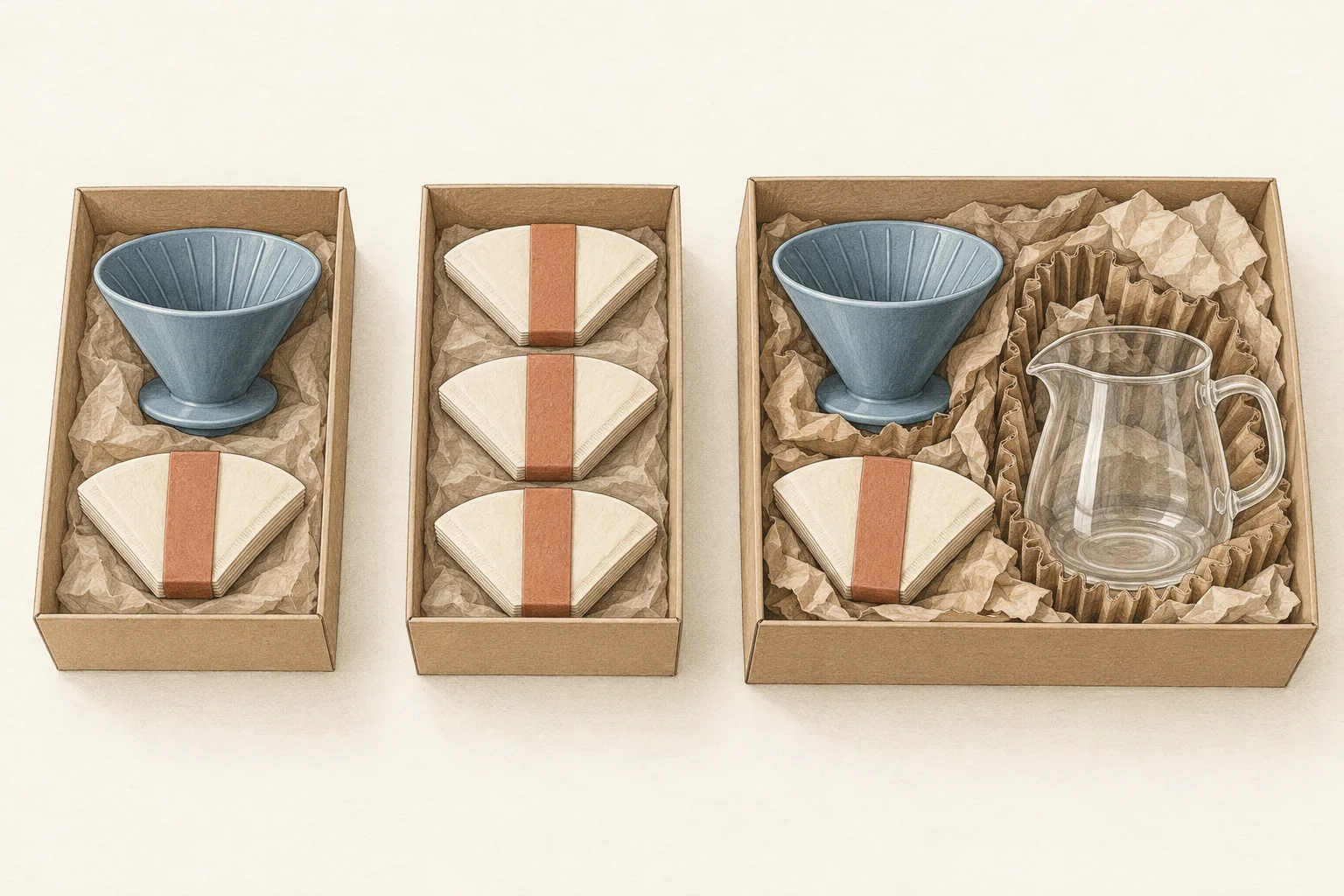
Before arranging the page, write down what a shopper could reasonably expect from the post. Include the image, spoken words, caption and link label. A bottle shown with an accessory can create confusion even if the caption names only the bottle.
Make one comparison sheet with five rows:
| Promise | What the page must resolve |
|---|---|
| Product | Exact model, size, color and included items |
| Offer | Eligible items, price, discount method and restrictions |
| Creator context | Which featured product or selection brought the shopper here |
| Availability | Stock status for the selected variant and destination |
| Timing | Promotion deadline and supported shipping information |
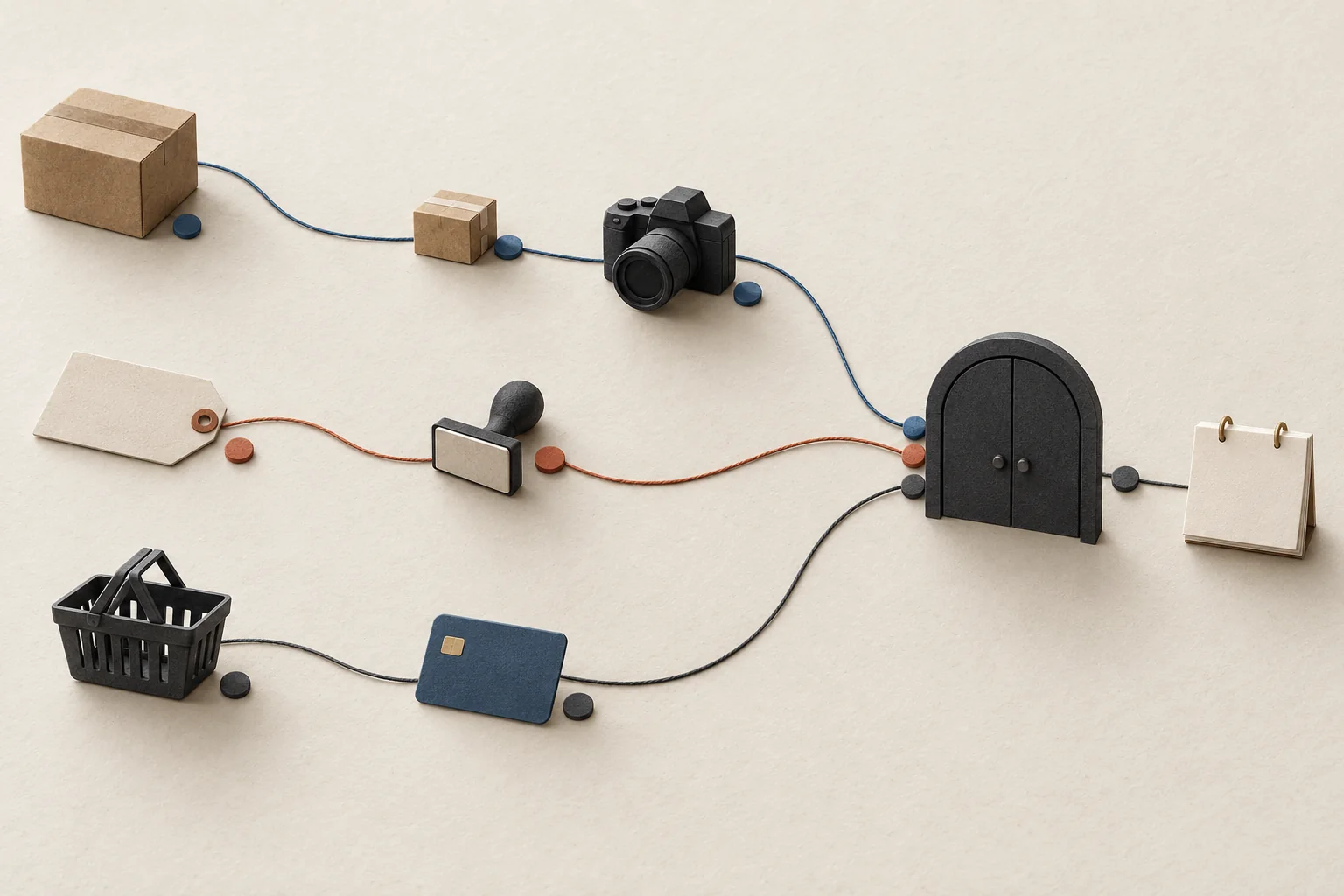
Assign each row to an existing source of truth: the product record, promotion settings, approved creator content or fulfillment information. Avoid manually copying stock and prices into campaign artwork that someone must remember to update.
Modash's ecommerce guide lists creator-specific landing pages among its tracking methods. A distinct URL gives you a destination to identify, but its address says nothing about whether the page fulfills the post's promise.
An annotated mobile wireframe
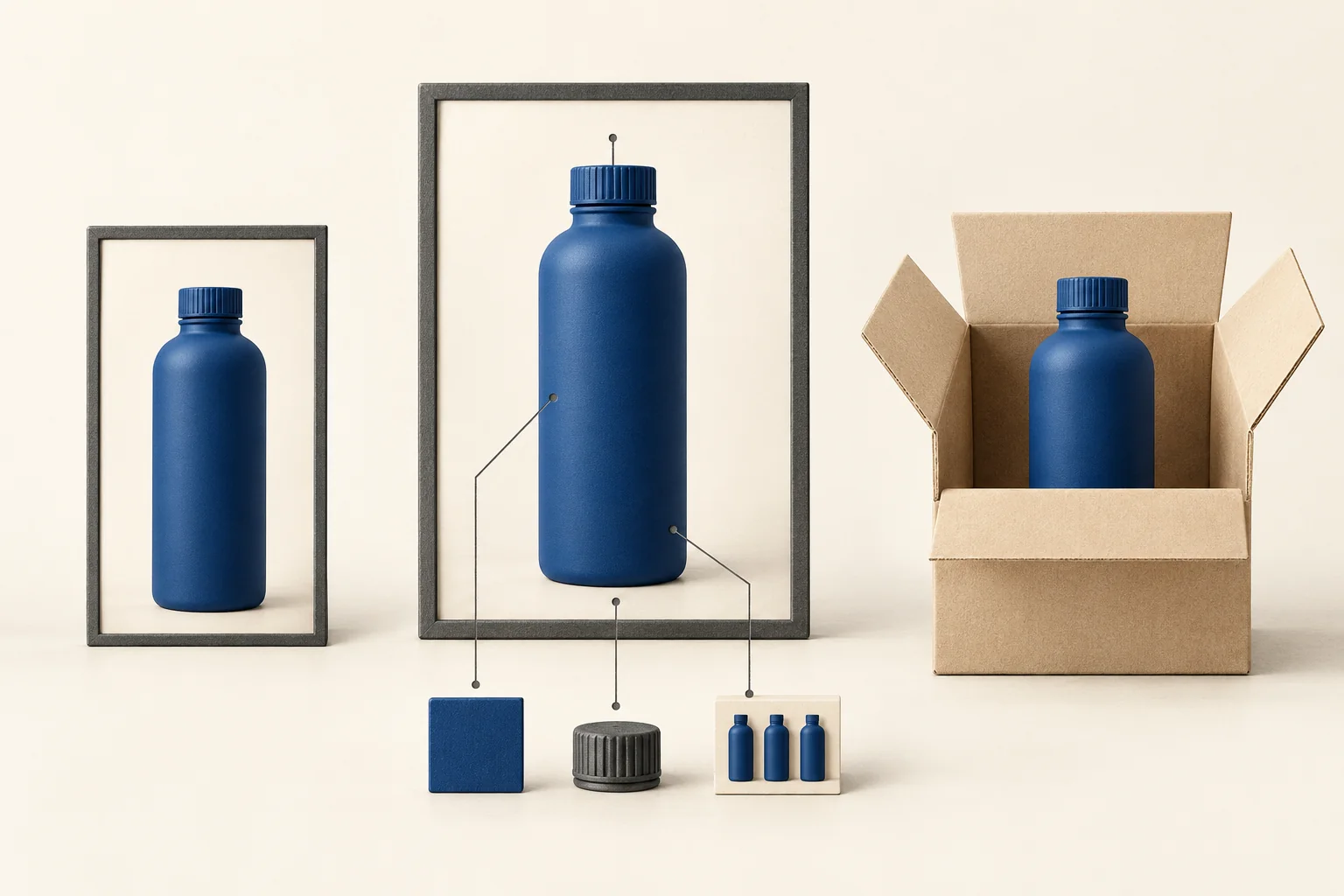
The following is a hypothetical campaign for a fictional 750 ml blue bottle. The creator name, prices, code and dates are examples, not a real promotion. This is the reading order of a narrow page; screen height will determine how much appears before scrolling.
MERCHANT NAME

1  The blue 750 ml bottle featured by Alex
   Paid collaboration with Alex

2  Product photo showing the selected blue bottle
   Bottle and screw cap included

3  USD 30.00
   USD 27.00 with ALEX10 on this bottle
   Offer ends October 4, 2026, 11:59 p.m. ET
   Cannot combine with other discounts

4  Color: Blue       Size: 750 ml
   In stock for online orders
   Ships within 2 business days
   Shipping cost and delivery estimate by destination

5  Add blue 750 ml bottle to cart
   Enter ALEX10 at checkout

6  Dimensions, care instructions and returns
   Shipping details and customer support
1. Confirm the destination. Name the item the visitor came for. Describe the commercial relationship accurately. Use the creator's name, image or content only within the permission your team has documented. A page label does not replace disclosures needed in the creator's original post.
2. Show the purchasable version. The main image and selected variant should agree. If the creator demonstrated a set, identify every included piece. Put separately sold accessories beside an explicit explanation, rather than relying on shoppers to notice a different product name.
3. Explain the payable price. In this hypothetical offer, ten percent of USD 30 is USD 3, leaving USD 27 before any additional charges. The discount applies to the named bottle. It makes no promise about taxes, shipping or unrelated cart items. Replace the example restrictions with the actual promotion terms.
4. Connect availability to selection. A different color may have a different stock status. Update the image, price and availability when the shopper changes it. Distinguish dispatch time from delivery time. Keep country restrictions visible if they affect whether someone can buy.
5. Make the action specific. Match the button to the chosen product. Explain whether a code must be entered or the link applies it. Avoid saying the discount is already applied unless the shopping flow confirms that state.
6. Keep supporting details reachable. Put care, dimensions, returns and support below the purchase block. Move any condition that materially changes the offer up beside that offer. Do not hide a critical restriction inside a collapsed FAQ.
Preserve the limits of product claims
Message matching includes qualifiers. For a real example, Hydro Flask's 32 oz Wide Mouth Bottle listing describes leak resistance with the condition that the bottle is closed. If you use that manufacturer claim, preserve the condition. Do not turn it into an unconditional promise based on a creator's demonstration.
That example is separate from the fictional bottle wireframe. It does not describe a Hydro Flask creator campaign or verify the manufacturer's performance claim through testing.
For U.S. advertising, the FTC's advertising FAQ says claims need support and qualifying disclosures should sit close to the claim. Fine print cannot repair a contradictory headline. The same guidance warns catalog marketers against embellishing manufacturers' claims. Apply this when editing creator language into page copy, and get jurisdiction-specific review where needed.
Make the offer survive the click
A banner and a working discount are separate things to check. Shopify's discount documentation says shareable discount links can open a product or collection and apply a discount to a checkout cart. These links work only for active discounts. Customer eligibility, market eligibility and combination settings can affect the result.
Use those settings to write the page's offer explanation. If a code excludes returning customers, do not publish a headline that promises the same price to everyone. If it applies to one collection, do not place it above a mixed selection without identifying the eligible items.
Keep the page's eligibility wording aligned with the creator brief. A landing-page restriction does not fix an unrestricted promise in the original post. For the transaction checks after this content review, use the separate guide to testing a creator offer on mobile checkout.
Handle unavailable products without changing the promise
On Shopify, tracked inventory normally prevents purchases once a product is out of stock. Merchants can enable continued selling. Online availability also depends on which inventory locations fulfill online orders. An enabled purchase button therefore does not prove that an item is ready to ship.
Choose the page state deliberately:
- Available: show the selected variant and supported dispatch information.
- Backorder or preorder: label that state beside the purchase button and explain the expected timing.
- Sold out: keep the original item identifiable, remove stale availability claims and label alternatives as alternatives.
- Offer ended: show that the promotion ended before presenting the current price or another offer.
For U.S. orders, the FTC guidance requires a reasonable basis for an advertised shipping timeframe. Do not invent a restock date to keep the purchase button active. For decisions about pausing promotion and briefing creators, use planning creator campaigns around stockouts.
Message-match review before sharing the link
Open the creator's exact link on a phone and compare the destination with the post. Give the page owner this checklist:
- The first product shown matches the promoted model and variant.
- The photo does not imply extra items are included.
- Price, currency and discount eligibility match the offer.
- Code instructions describe the actual shopping flow.
- Creator references and reused content have documented permission.
- Stock and dispatch wording agree with current store records.
- Important restrictions sit beside the claim they qualify.
- Sold-out and expired-offer states preserve the original context.
Record each mismatch with the affected sentence or control and its owner. Correct the page or the creator promise before distributing the link, then repeat the comparison on the final version.