Make an Instagram Story link campaign work by approving the destination, assigning one final tagged URL to each linked frame, and testing the mobile journey with the creator's permission. Check the page and the measurement separately. A page that opens correctly can still send campaign data to the wrong reporting row.
The preflight below covers an organic Story linking to a website. It does not establish approval for paid distribution, music use, or branded-content compliance. Complete those reviews separately when they apply.
Confirm the link in the creator's account
Instagram's current sticker guidance, read on September 27, 2026, describes adding a Link sticker, entering its URL, and using See Preview. It says anyone who can see the Story can tap the sticker to visit the destination. The same help page cautions that sticker availability varies.
Ask the creator to confirm that the Link sticker appears in the account and app they will publish from. If it is missing, Instagram recommends checking for an app update. Do not schedule around a feature that nobody has confirmed in the publishing account.
Have the creator paste the approved URL into the intended frame and inspect the preview. Then inspect the final composition. Can a viewer identify the link and understand what will open?
Later's Story-link guide recommends a clear call to action. Make that instruction specific to the destination. In a hypothetical shoe campaign, "Check available sizes" fits a product page better than "See the collection" if the link opens one shoe.
Treat the preview as one check. It does not prove the entire purchase journey or the campaign reporting works.
Write down the destination before building the URL
Record the page, the promise made in the Story, and the action you want a visitor to complete. Choose the shortest useful route to that action.
| Story promise | Suggested destination | Check before approval |
|---|---|---|
| Buy the product shown | That product's page | Correct item, variant choices, availability |
| Compare several products | A selected collection | Every featured item is findable |
| Get an offer | A page explaining that offer | Dates, conditions, and redemption path agree |
| Join a waitlist | The relevant signup page | Mobile form and confirmation work |
These are editorial recommendations, not Instagram destination requirements. A link hub can suit a Story offering several choices. For one named product, assess whether the extra selection step serves the viewer.
If the creative and page disagree, resolve that before adding tracking. Use the landing-page promise checklist to align the product, offer, and next action.
Give every linked frame a controlled URL
For a site using Google Analytics, Google's campaign URL guidance explains how UTM parameters identify referring campaigns. Use a consistent source, medium, and campaign. Use content values to distinguish the creator and linked frame when you need that detail.
Here is a hypothetical naming example for an organic Story. The domain is illustrative and is not a test destination.
| Field | Hypothetical value | Purpose |
|---|---|---|
| Destination | https://example.com/products/trail-shoe | Page the viewer expects |
utm_source | instagram | Referring platform |
utm_medium | social | Team's chosen channel convention |
utm_campaign | autumn_trail | Shared campaign name |
utm_content | creator_a_story_02 | Creator and linked frame |
This medium value is a naming choice for the example, not a universal rule for creator campaigns. Follow your reporting team's existing convention. Google says parameter values are case sensitive, so changing capitalization can split values in reports.
Generate the complete URL centrally and give the creator a copyable version. Keep the approved URL beside the approved frame in the brief. Avoid asking creators to assemble parameters while publishing. The multi-creator UTM naming guide helps when several people prepare links.
If you use a short link, affiliate redirect, or regional redirect, test the whole route. Confirm that the destination receives the expected campaign information. Also check that required product-selection parameters remain intact.
Run this preflight with authorized testers
The creator should authorize any test Story, its audience, and its removal. The website owner should authorize form submissions or test purchases. Do not ask for account passwords or place an order without approval.
Use the final link and creative wherever possible. Record the device, app version, test time, destination, and result. Test on the mobile setups that matter to the campaign; do not describe one device as proof for every viewer.
| Check | Passing evidence | Responsible person |
|---|---|---|
| Sticker | Creator confirms it appears and contains the approved URL | Creator |
| Destination | Viewer reaches the intended product or offer | Campaign tester |
| Redirects | Final page receives the agreed campaign values | Website owner |
| Mobile view | Product, offer, and action remain readable and usable | Campaign tester |
| Shopping flow | Approved variant, cart, and checkout test succeeds | Store owner |
| Measurement | Authorized test visit appears with expected values | Analytics owner |
| Handoff | Final frame and URL match the version tested | Campaign lead |
Start from a creator-approved Story when a test publication is appropriate. Open the sticker as a viewer, inspect the page in the browser it opens, and continue through the agreed action. A successful desktop paste test leaves the Story-to-mobile journey untested.
For measurement, ask the analytics owner to inspect their authorized test traffic and confirm the setup. Google documents Session source/medium and Session campaign in the Traffic acquisition report. Agree how the team will identify test traffic and allow for its reporting process before declaring a failure.
UTM tags describe a visit's campaign information. Do not use their presence in the address bar as evidence of a recorded purchase. If you also need creator-side results, agree the Story evidence request before publication. Request only results the creator agrees to share, using the labels their account displays.
Three failures to catch before launch
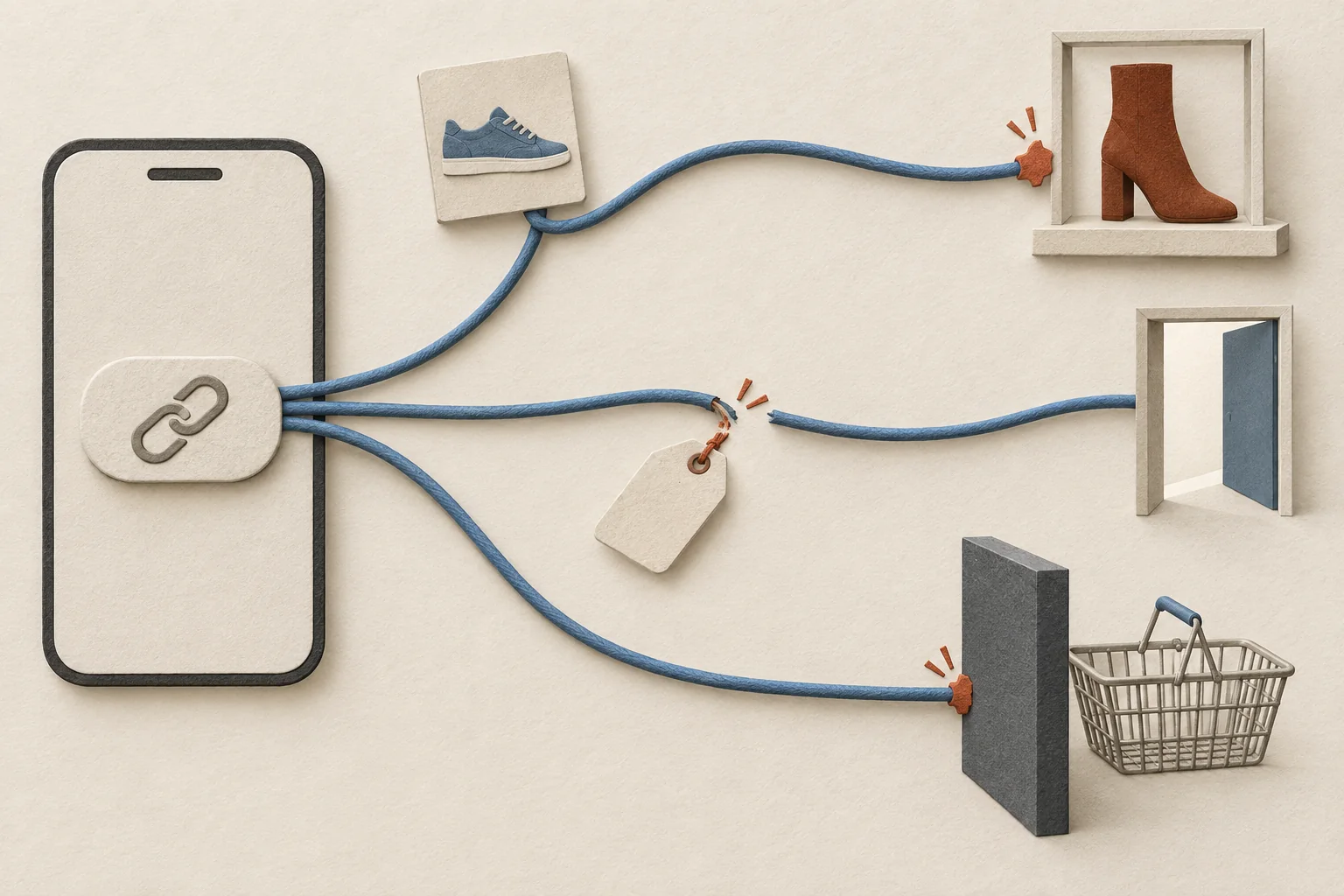
The following cases are hypothetical diagnostics, not observed campaign outcomes.
The link opens, but the promised item is absent
A Story names a shoe color, while the destination opens a collection that excludes it. The URL has passed a loading test and failed the product-promise check.
Pause publication. Change the destination or revise the creative with the creator. Repeat the mobile check after the change.
The product appears, but campaign values disappear
A short link redirects through a regional page that drops the query string. The viewer reaches the product, but the approved UTM values do not reach the destination.
Ask the website owner to inspect the redirect handling. Test the repaired route and confirm the resulting analytics values. Do not treat more Story views as a repair for missing campaign information.
The page loads, but the mobile action fails
An overlay covers the size selector, or checkout works in the tester's regular browser but fails from the Story journey.
Record the device and failing step. Ask the store owner to fix it, then repeat the same route. If the team approves an alternative destination, check that it still fulfills the Story's promise and retains the intended measurement.
Before sending the publishing go-ahead, put the approved frame, final URL, test record, and named repair owner in the creator brief. If a required check remains untested, mark it there and hold the affected Story until someone resolves it.