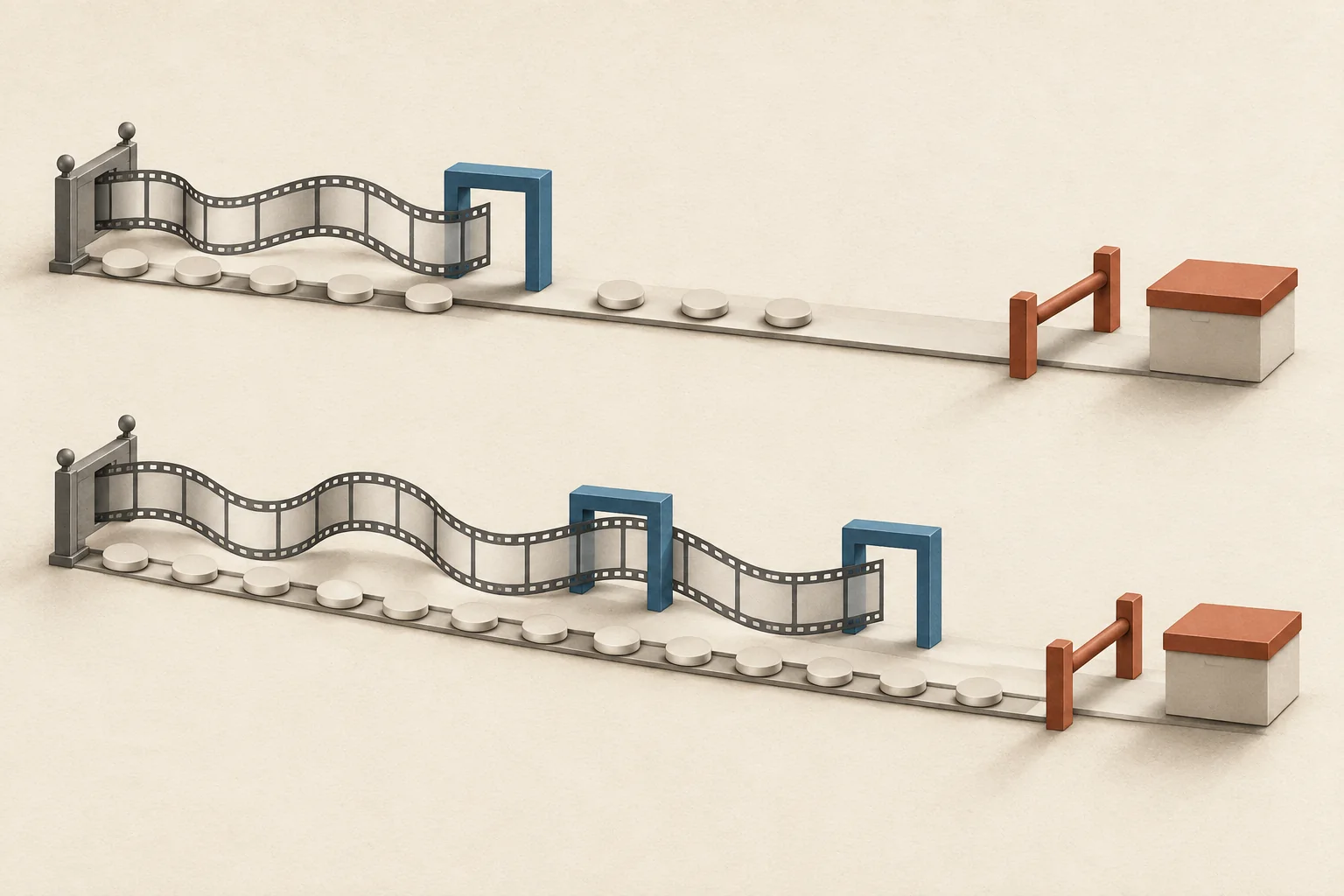
Choose the reporting window before the first creator posts. Measure each post at a fixed age, close the eligible purchase period on a stated date, then allow time for reporting corrections. Stop routine updates when that policy says to close. Keep later activity in a separate update, with the original report preserved.
A seven-day post snapshot and a thirty-day attribution setting answer different questions. Treating them as one deadline can exclude eligible purchases or compare posts with unequal time to accumulate results.
Write down three separate time rules
| Rule | What it controls | What to record |
|---|---|---|
| Publication time | The starting point for a post's age | Actual timestamp, time zone, post URL |
| Maturation window | How much time a post gets before comparison | For example, its first seven complete days |
| Conversion lookback | How far before a purchase an interaction can qualify for attribution | Tool, model, eligible interaction type, configured duration |
Maturation is your reporting choice. It does not mean the platform stops distributing the post, or that later results have no value.
Lookback is a rule inside your measurement system. Google Analytics defines its key-event lookback window as the period in which earlier touchpoints can qualify for attribution credit. That window runs backward from the key event. It does not run forward from the creator's publication date.
Also record the dates of interactions and purchases that your report includes. A thirty-day lookback alone does not specify either range. Nor does it guarantee that a creator receives all the credit; the attribution model determines how credit is assigned.
This planning belongs before launch. Modash's measurement guide similarly recommends deciding goals and setting up tracking before posts go live. The policy below adds explicit closing rules.
Choose the window from the decision deadline
Start with the decision the report must support. A weekly creative review can use an early snapshot. A renewal decision based on attributed purchases needs time for the chosen purchase period to finish.
Use this sequence:
- Choose comparable post ages. Pick one primary age for each content format. Use earlier campaigns, when available, to judge whether that age captures enough activity for the decision.
- Confirm collection access. Agree who will supply the figures, from which report, and when. Mark unavailable figures as missing.
- Set purchase eligibility. Specify whether you report purchases occurring during calendar dates or purchases linked to interactions during a defined period.
- Record the attribution settings. Keep the model and lookback unchanged during the comparison.
- Set the freeze date. Allow a stated processing buffer after the last eligible purchase date. Assign someone to approve corrections afterward.
Avoid moving the cutoff because a particular creator's result looks disappointing. If a new window becomes necessary, explain the change and apply it to every comparable post.
Collection can happen earlier than comparison. For time-sensitive material, use the Instagram Story evidence request guide to plan collection separately from the campaign's final report.
Two hypothetical reporting policies
These durations are examples for planning, not platform requirements or evidence that a post has finished earning attention. All offsets below use elapsed days from the actual publication timestamp, in UTC.
| Policy field | Short-form launch post | Evergreen tutorial |
|---|---|---|
| Early operational check | Day 1 | Day 7 |
| Post-performance comparison | Day 7 | Day 30, followed by a scheduled day-90 update |
| Eligible creator-link interactions | Publication through day 7 | Publication through day 90 |
| Purchase lookback | 30 days | 30 days |
| Latest potentially eligible purchase | Day 37 | Day 120 |
| Administrative freeze, with a 14-day buffer | Day 51 | Day 134 |
The short-form policy can deliver a day-seven content report while its purchase report remains provisional. For the evergreen policy, a day-thirty decision uses day-thirty results. The later report measures a different age and must carry that label. The YouTube sponsorship tracking guide covers how to organize those recurring observations.
The arithmetic follows the policy. In the short-form example, the last eligible interaction occurs seven days after publication. A thirty-day lookback allows a qualifying purchase as late as day 37. Adding the proposed fourteen-day processing buffer produces a day-51 administrative freeze. An interaction on day 10 falls outside this policy's interaction period, even if a purchase follows within thirty days.
Use that approach only if your data can identify the eligible interaction period and apply the attribution rule. A purchase-date filter alone cannot establish an interaction cohort. If your tool cannot produce that view, report purchases by calendar period, name the lookback setting, and disclose that later interactions may contribute. Do not label that report "purchases from the post's first seven days."
Google Analytics allows thirty-, sixty-, or ninety-day lookback settings for most key events other than acquisition events, according to its attribution settings documentation. Check your actual setting before adopting an example.
Separate activity time from extraction time
Write both dates on every export. "Activity through day 7; extracted on day 9" tells a reader more than "week-one results."
This distinction matters because platforms can revise counts. YouTube says it verifies engagement events and may change counts or discard low-quality playbacks. Its Realtime activity figures are estimates and can differ from the watch page.
Google Analytics reports can change during processing, which can take 24 to 48 hours. The same documentation says attribution credit for key events can change for up to twelve days after recording. The fourteen-day buffer above is an administrative recommendation. It does not guarantee permanent finality.
If you can export a defined activity interval, retain that interval when refreshing the report. If you can only capture a cumulative count, record the actual capture time. A late cumulative screenshot includes later activity; it cannot recreate the exact day-seven count. Mark it late rather than relabeling it.
Freeze the report with a correction log
At closure, save the export, filters, time zone, attribution settings, and calculation file. Preserve the approved version. A later correction should identify what changed and whether it affects the decision.
Distinguish these cases:
- A purchase occurred inside the eligible period but reached the report late. Record it as a late-data correction.
- A purchase occurred after the eligible period. Put it in a later-period update.
- The attribution model changed. Describe it as a methodology change and retain the old result.
- An order changed status. Apply the order-status policy agreed before reporting.
Order status deserves its own rule. Shopify's marketing-report documentation says those reports include canceled, pending, and unpaid orders. It also distinguishes sales values from money received. A reporting deadline alone cannot turn those totals into settled revenue.
A hypothetical correction entry could read:
Version: 1.1
Scope: Same eligible period and attribution settings as version 1.0
Change: 40 eligible orders revised to 42
Reason: Two eligible-period orders arrived after the export
Excluded: Three orders placed after the purchase cutoff
Decision impact: Renewal recommendation unchanged
Approved by: Campaign reporting owner
Before the next creator publishes, approve the post age, eligible purchase rule, extraction schedule, and freeze date in the same reporting brief.