When TikTok comments misunderstand a product, identify the exact claim, check it against approved product facts, and reply with a specific correction. Keep fair criticism visible. If the video or product page caused the misunderstanding, correct that material too. Repeated questions should trigger an immediate FAQ update and a check of the campaign assets still running.
The workflow below is a recommended operating method for TikTok campaign comment analysis. TikTok's platform rules apply where cited; the response codes and review priorities are editorial recommendations.
Read the question in its video context
Start with the post, its caption, spoken claims, on-screen text and the destination linked to the campaign. Read the parent comment and replies before coding a response. A viewer asking whether a bottle fits a bag may be reacting to the demonstration, even when its dimensions appear on the product page.
Sprout Social's TikTok listening guide emphasizes context in captions and comment threads and recommends sharing recurring product questions across teams. For this task, the useful unit is a question tied to the claim that prompted it.
Keep a review sheet with these fields:
- Post URL, account owner and review time.
- Comment reference and a short paraphrase of the question.
- Product model, variant and market, if known.
- Question code and whether the fact is verified, unresolved or contradicted by the campaign.
- Evidence used for the answer, response owner and correction status.
Avoid copying order numbers or other account details into a shared campaign sheet. Record the support case reference when a case needs individual handling.
Separate uncertainty from negative sentiment. A polite question can expose a false claim. An angry comment can contain a valid complaint. If a joke changes the meaning, use the guidance on handling sarcasm and mixed sentiment before marking it as confusion.
Use a comment-response matrix
The examples below are hypothetical. They illustrate response choices rather than statements about a real product.
| Code | Comment meaning | Check before replying | Response and next action |
|---|---|---|---|
| Capability | Viewer assumes an unsupported use | Manual for the exact model | State the supported use and limit; inspect the demonstration for ambiguity. |
| Included items | Viewer thinks an accessory comes in the box | Current pack contents for that variant | Name what is included; correct any image suggesting otherwise. |
| Price or offer | Viewer expects a different discount | Offer dates, market, variant and destination | Explain verified terms; route conflicting campaign copy for correction. |
| Instructions | Viewer cannot reproduce the demonstration | Approved setup or care steps | Give the relevant step; send an unclear demonstration back to its owner. |
| Experience | Buyer reports breakage or poor performance | Support process and case details | Acknowledge the report and offer support; keep the product concern in the analysis. |
| Preference | Viewer dislikes the size, design or price | Whether there is a separate factual error | Leave the opinion visible. Answer a specific question without debating taste. |
| Safety concern | Viewer reports possible harm | Internal safety escalation process | Escalate promptly; avoid improvised assurances or instructions. |
Allow more than one code when needed. A comment can combine an incorrect assumption about pack contents with fair criticism of the price. Correct the contents without treating the price opinion as an error.
Prioritize possible harm, active misleading claims and purchase-blocking confusion. Do not wait for a repeated pattern before escalating a credible safety report. For uncertain reports, verify a potential brand issue before escalating it to separate established facts from open questions.
Verify the answer before correcting someone
Use the current specification, manual, approved offer terms or product owner's confirmation. Match the answer to the model and market shown in the post. A general brand FAQ may describe a different variant.
If the sources disagree, mark the answer unresolved and assign someone to settle it. A holding reply can acknowledge the question without guessing. Promise a follow-up time only when an owner can meet it.
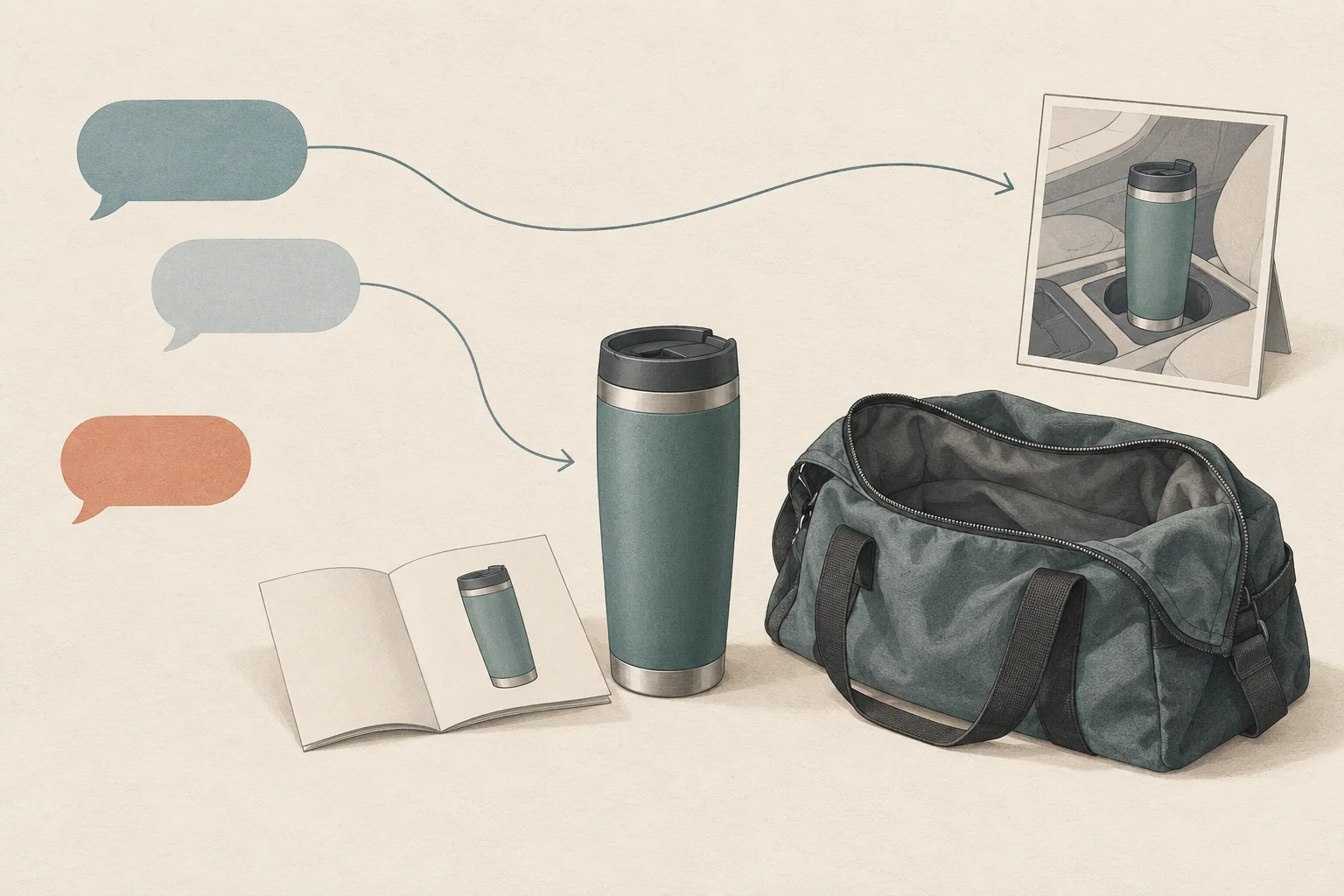
Here is a hypothetical example. A creator demonstrates a travel mug in a moving car. Viewers assume it is safe to carry loose inside a bag. The approved manual says the mug must remain upright.
A usable reply would be:
This mug needs to stay upright. It is not designed for loose carry inside a bag. The video did not make that limit clear; we have asked for a correction.
Use the final sentence only after making that request. Do not claim a correction is live while it is still awaiting approval.
If someone replies that this limitation makes the mug unsuitable for them, accept that assessment. Repeating the correction more forcefully adds no product information. Answer a new factual question if one appears, then end the exchange.
Separate correction from moderation
For your own posts, TikTok documents comment deletion and reporting controls. Its help page directs users to report comments they believe violate Community Guidelines.
Our recommendation is to leave ordinary criticism and genuine product questions visible. Use moderation for a documented reason, such as spam or abuse, and record that reason separately from the question code. A disappointed buyer does not become a spammer because their comment is inconvenient.
Check hidden comments as well as public ones. TikTok's Manage comments documentation says keyword filters hide matching comments until approval. Review them through Profile, Settings and privacy, Privacy, Comments, then Review filtered comments. The all-comments filter is not available to everyone.
Avoid using ordinary issue words, such as "leaks" or "expensive," as blanket suppression filters. Review legitimate questions caught by filters and approve them where appropriate. On creator-owned posts, coordinate with the creator; brand involvement does not grant control over their moderation settings.
Correct the campaign and update the FAQ
A reply cannot resolve a misleading demonstration that keeps reaching new viewers. For paid campaigns, TikTok's misleading and false content policy prohibits exaggerated product-effect claims and inconsistent information between ads and landing pages.
If an active ad contains a material error, ask the campaign owner to pause the affected ad while the team corrects it. That pause is an operational recommendation. Updating a comment alone does not change the ad or its destination.
For each verified misunderstanding:
- Write the question in the viewer's terms, such as whether the mug can travel inside a bag.
- Add the approved answer, applicable variant, evidence link and review date to the current product FAQ.
- Send the same answer to support and the creator, with the specific campaign claim that needs correction.
- Check the revised asset and destination after publication. Record which changes are live and which remain open.
- Revisit new comments on the affected posts during the next review window. Note whether the same misunderstanding still appears.
Use creator comments to improve a campaign FAQ when you want to turn the wider question backlog into future campaign material. Here, close the current error first.
Do not describe fewer visible complaints as proof that confusion fell. Filters, comment access and a changed audience can affect what you see. Record the posts, time window, comments reviewed and unresolved questions so another reviewer can repeat the check.
Choose one current misunderstanding now. Verify its answer, assign the reply and asset correction, and put the next review time beside them.