To find an Instagram creator's published business email, check the profile's visible contact options, then read its bio and linked business contact page. Start in the Instagram app and look for Contact near the top of the profile. Use only the address or inquiry route the creator publishes. If no suitable route appears, record that no public email was found. Ask for a business route only where the creator welcomes business inquiries and applicable rules permit the message.
What Instagram makes visible
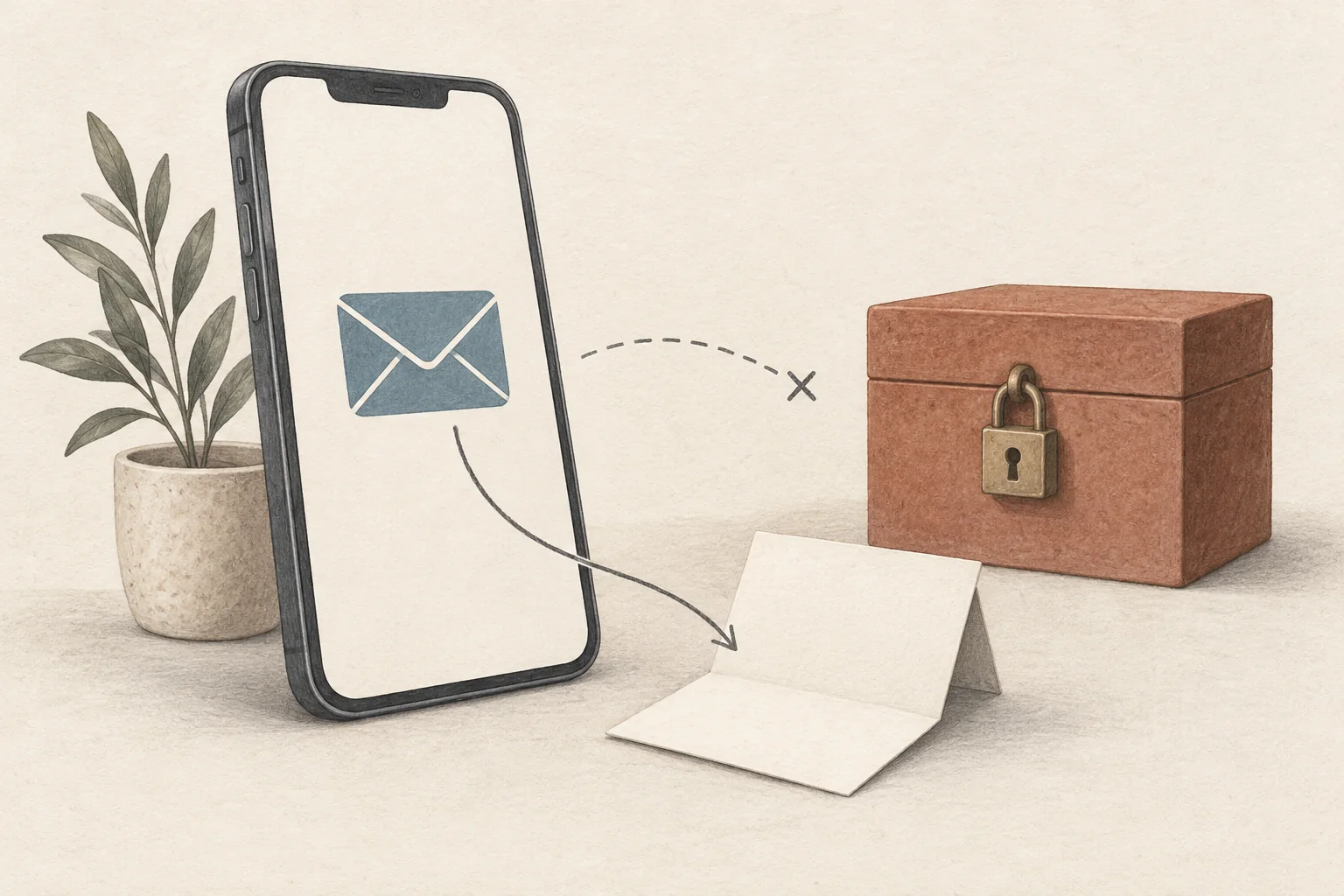
Instagram's professional-account help says Business and Creator accounts can add a Contact button near the top of their profile. That button can contain an email address, phone number or directions. When the owner enables it, visitors who tap Contact can see the information.
A professional account does not guarantee an email result. Instagram's account setup instructions let owners skip contact details and choose whether to display them. On the app, those display choices sit under Edit profile, then Profile display within Public business information. Those are owner controls. You do not need to change your own account type to follow this lookup checklist.
Modash's Instagram email guide recommends the mobile app for contact lookup. Its desktop comparison is dated December 2025. Treat a missing desktop button as a reason to check the app, rather than proof that an address exists or is unavailable everywhere. The instructions here draw on official help; they do not claim a live test of every app version.
Use this lookup checklist
Follow the steps in order. Stop when you find a current route that fits your inquiry, or when the creator's instructions tell you to stop.
| Step | What to inspect | What to record or do |
|---|---|---|
| Confirm the profile | Exact username, bio and linked website | Record the profile URL. Avoid selecting a fan account with a similar name. |
| Check contact options | Contact near the top of the profile; any visible email option | Open the option and read what the creator made available. A phone-only result is not an email result. |
| Read the bio | A written business address or named representative | Keep the label beside the address, such as partnerships or management. |
| Follow the profile link | The creator's website, contact page or business inquiry form | Read the page's conditions before copying an address or choosing the form. |
| Check the purpose | Sponsorships, bookings, press, customer support or another stated use | Select the route that matches your proposal. Do not send a sponsorship pitch to a store's order-support inbox. |
| Save the result | Address or form URL, source page and date | Record what you observed. Use a no-result status when no email is published. |
If tapping an email option opens a mail composer, inspect the recipient before writing. Opening the composer is not a reason to send immediately. Read any nearby instructions first, and close the draft if the route is unsuitable.
A website found through search needs another check. Compare it with the website linked from the Instagram profile. Where that relationship is unclear, use the contact-page ownership checks before adding its address to your list.
A public example where the right result is to stop
Minimalist Baker shows why a lookup needs to read instructions as well as search for an address. Its own homepage links to the minimalistbaker Instagram account. Its public contact route leads to a knowledge base.
Two pages there affect a business inquiry:
- The Contact page says the team cannot reply to individual emails because of the volume it receives.
- The Sponsored Posts page says it is not accepting sponsored-post proposals for its site or social channels.
Both pages were accessible on September 27, 2026. Their displayed update dates are March 28, 2019 and December 23, 2020 respectively. Those dates limit what this example proves: these are the instructions the public pages display, without a fresh confirmation from the team.
For a sponsored-post lookup, our recommendation is to record that restriction and stop. Do not replace the declined sponsorship route with a guessed mailbox or a pitch in recipe comments. No email address needs to be reproduced to make this decision.
A suitable lookup note would read:
Sponsored-post inquiry. Public knowledge base says proposals are not accepted. Checked September 27, 2026. Do not add to this campaign's outreach queue.
That note describes a research decision. It does not claim an email delivery test or a conversation with the creator.
What to do when Contact is missing
Check the bio and linked site once. A missing button alone does not tell you whether the owner omitted contact details, hid them or uses another route. The official settings allow owners to control their visibility.
Keep the result precise:
- Business email published. Record the address and its stated purpose.
- Another route published. Record a form or representative's contact route without labelling it the creator's personal inbox.
- No suitable public route found. Leave the email field empty and note where you looked.
Do not infer an address from a username, use password-recovery clues or try to expose hidden fields. These are boundaries for this workflow. The broader guide to public business-contact routes covers how to choose among published channels without guessing private details.
Also keep publication separate from delivery. Seeing an email on a profile does not establish that it still receives mail or that someone will reply. If your next step involves a validation service, read what an email finder can and cannot verify before assigning a verified status.
Ask for the route with one short message
A working message button and the absence of a refusal do not establish permission to send a marketing message. Ask for a route only where the creator welcomes business inquiries and applicable rules permit your proposed message. Use the public business-contact guide linked above if that is unclear. The following is a hypothetical message for a paid cooking collaboration. Adapt its facts before sending:
Hi, I work with a cookware brand planning a paid recipe collaboration for November. Your one-pan cooking posts fit the format we have in mind. Is there a business email or inquiry form where I can send the scope and budget? Thank you.
This asks for a business route without requesting a personal address. If the creator sends a form, use the form. If they name a manager, follow that instruction. If they decline or do not respond, leave the email field empty rather than filling it with a guess.
Open the target profile, run the checklist, and save either the published business route or a clear no-result note before preparing a pitch.