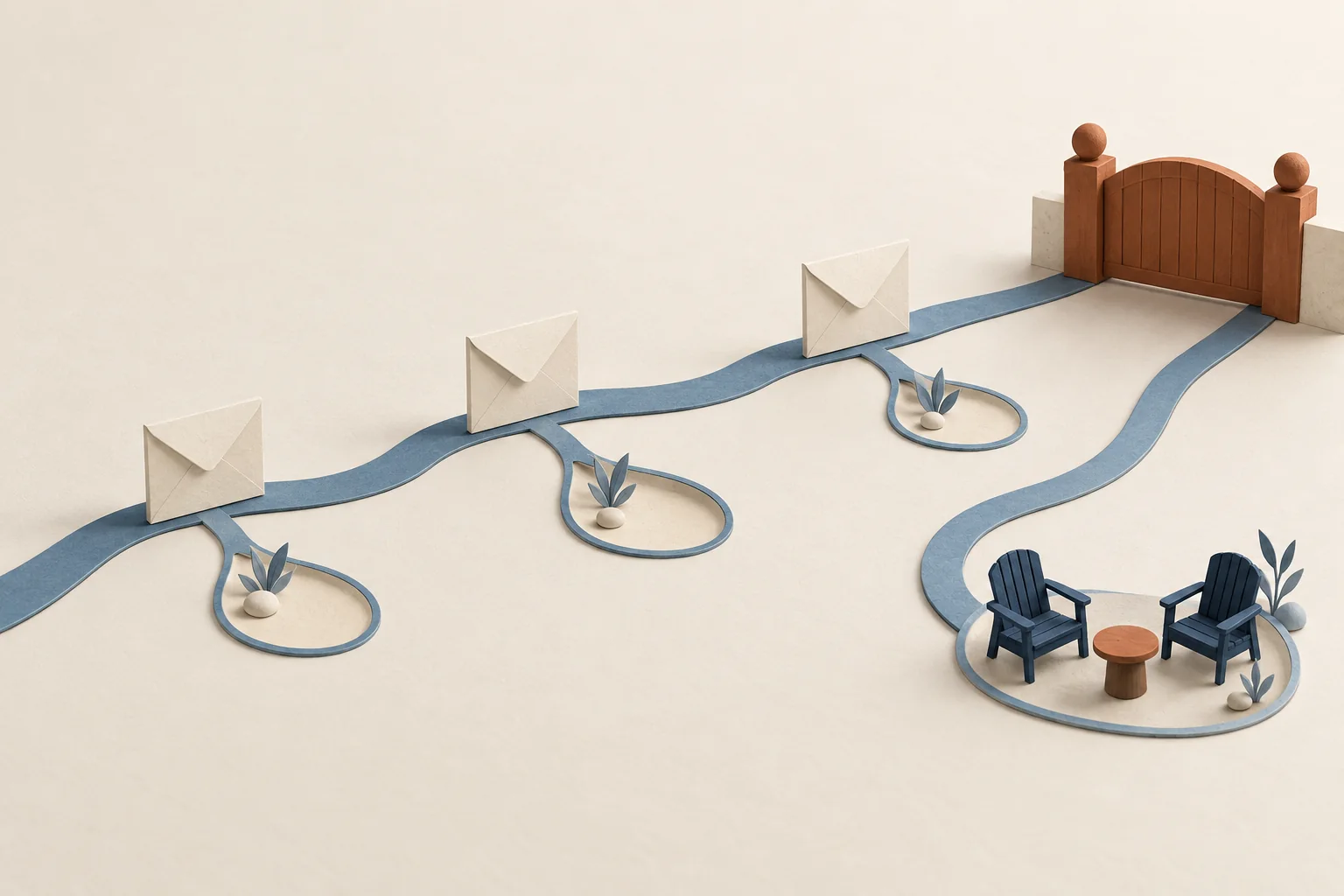
Follow up only while the proposal is relevant, contact is permitted, and the creator has not declined or opted out. Make each message useful, choose timing from the conversation, and decide when to stop before sending. The three optional steps below are an editorial recommendation, not a proven winning cadence or a requirement to send three more emails.
This guide covers an unanswered proposal. A creator who has accepted and then stopped replying needs a different process for existing commitments.
Check whether another message belongs in the inbox
Read the whole thread and your team's contact notes before drafting. Has someone else received a reply? Did the creator ask you to use their manager? Did they say they are unavailable? An unanswered email in your inbox may already have an answer elsewhere.
A published address or an available DM button does not establish permission to market. Limit outreach to creator-welcomed business inquiries that applicable rules permit. Silence creates no new permission. If the route is uncertain, use the guide to creator business-contact boundaries before continuing.
Legal requirements depend on the recipient, message and jurisdiction:
- In the United States, the FTC's CAN-SPAM guidance says the law covers commercial email, including business-to-business messages. Covered messages need a clear opt-out method, and senders must honor opt-outs within 10 business days. This guide recommends stopping immediately rather than using that deadline as sending time.
- In the United Kingdom, the ICO's electronic-mail guidance explains consent requirements and limited exceptions for marketing to individuals. Sole traders and some partnerships count as individuals. Social-media DMs also fall within electronic-mail rules. A creator's business activity does not by itself establish that company-recipient rules apply.
The ICO marks that guidance as under review following the Data (Use and Access) Act. These are jurisdiction-specific boundaries, not a legal assessment of your proposal. Have qualified counsel resolve uncertain cases before sending.
Choose timing from the facts you have
Start with any date the creator gave you. If they asked you to return after a trip or after their current production work, respect that request. Record a review date rather than leaving an automatic reminder running.
For an initial proposal with no response, consider the recipient's working week, known time off, how much they need to assess, and your real decision deadline. Do not guess private circumstances from their posting activity. Publishing a video is no reason to demand an email reply.
Set two dates internally:
- Review date. When you will reread the thread and decide whether another message has a purpose.
- Close date. When you will stop pursuing this proposal because the opportunity or your agreed follow-up limit has ended.
A close date can arrive before another message is justified. In that case, close the record without sending. Your late planning does not create urgency for the creator.
Hypothetical timing decision
These dates illustrate a decision, not a recommended interval.
| Fact in this hypothetical proposal | Decision |
|---|---|
| You send the proposal on October 5 | Record the offer and its real decision deadline. |
| An automatic reply says the creator returns October 12 | Pause the planned reminder. Do not treat the automatic reply as interest. |
| Your internal review is October 15 | Reread the thread before deciding whether to send. |
| The campaign needs an answer by October 16 | Check whether the remaining consideration time is reasonable. |
| The offer needs more discussion than that allows | Close this proposal or change the real campaign schedule. Do not send daily reminders. |
Three optional follow-up steps
Each step needs a fresh decision. Skip a step when it adds nothing. Stop the sequence as soon as a human replies, then handle the answer as a conversation.
The examples are illustrative message-body excerpts for a hypothetical paid collaboration. They are not complete compliant email templates. Keep your sender identity, applicable commercial-message disclosures, postal address and working opt-out method in the full email where required. The FTC guide lists the US requirements for covered commercial messages.
1. Restate the decision you are asking for
Use the existing thread. Name the proposal and ask one question the creator can answer without preparing a pitch deck or booking a call.
Following up on our paid recipe-video proposal. The brief covers one video, with usage terms still to agree. Would you like to discuss the scope and fee? If this project does not fit, no reply is needed. To stop future marketing emails from us, reply "unsubscribe."
Only use facts already true of the offer. If the original email omitted compensation or deliverables, correct that omission. A bare request to check your previous message leaves the same unanswered questions in place.
2. Add information that changes the decision
Send another message only when you can clarify something material, such as an approved budget, a revised production window or a narrower rights request. Do not invent a change to justify another email.
We have revised the brief to remove paid-ad usage. The proposed video would remain on your channel, with other terms still to agree. I can send the revised brief if that changes your interest. No reply is needed if you want to pass.
Keep the full email's opt-out method visible. If you have no useful update, skip this step. Repeatedly rewriting "any thoughts?" does not reduce the work needed to answer.
3. Close the proposal, with or without a message
Closing the internal record often needs no email. A final message can be useful when you previously gave a real deadline or need to explain that the offer has ended.
We have closed the recipe-video proposal and will not send further reminders about it. You do not need to reply.
Send that only while contact remains permitted and no stop request exists. Never send a final marketing reminder after an opt-out. Avoid guilt, countdowns you will extend, or claims that the creator owes you an answer.
Stop-state chart
Use this decision table immediately before each scheduled send. These are recommended workflow states, not email-provider delivery definitions.
| What you know now | State | Next action |
|---|---|---|
| Creator asks for no further marketing | Suppressed | Cancel queued outreach and apply the request across the team. |
| Creator declines this proposal | Closed: declined | End this proposal's reminders. Do not pressure them for reasons. |
| Creator asks you to return on a date | Paused | Record the request and review on that date. |
| Automatic absence reply arrives | Paused for review | Check the stated return date and campaign viability. |
| Creator asks a question or expresses interest | Conversation | Stop reminders and assign a person to answer. |
| Creator requests a manager handoff | Routing review | Verify the requested route and avoid parallel pitches. |
| Address or sending permission is uncertain | Blocked | Resolve the uncertainty before another send. |
| No reply, but proposal remains relevant and contact is permitted | Review eligible | Decide whether an optional step adds useful information. |
| Proposal expires or planned follow-ups are exhausted | Closed: no response | Cancel remaining sends. Do not recycle it into another sequence. |
A proposal decline and an opt-out need different records. Follow the request's scope; never turn an unclear refusal into assumed permission for more marketing. For team-wide implementation, use the opt-out handling guide.
Modash's email-sequences article describes configurable delays and exit criteria based on replies or relationship changes. Those controls are useful design considerations when choosing a workflow. They do not establish the right delay or number of reminders for your creator.
Record the next action before leaving the thread
Keep one owner, the last human response, the current state, a reason for any proposed follow-up, and its review date. A calendar event should prompt a decision, not override a stop condition.
Do not chase silence through personal accounts, comments or unsolicited DMs. If a creator later welcomes a new proposal, review the old conversation before reopening it; an old unanswered pitch is not continuing permission.
Open one unanswered thread now. Assign its state from the table, cancel any conflicting scheduled message, and write the next action. If you cannot name a useful reason to send, leave the inbox alone.