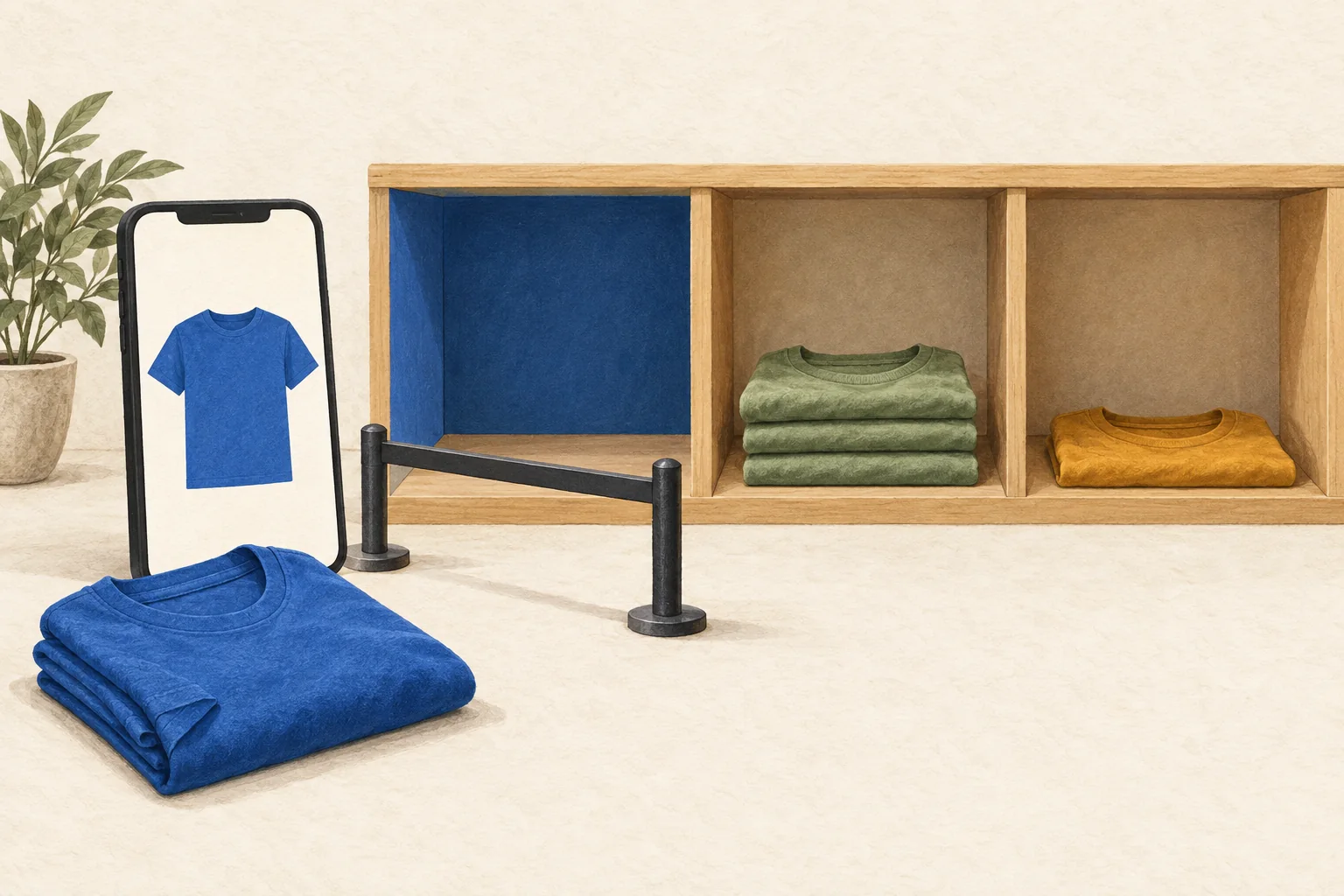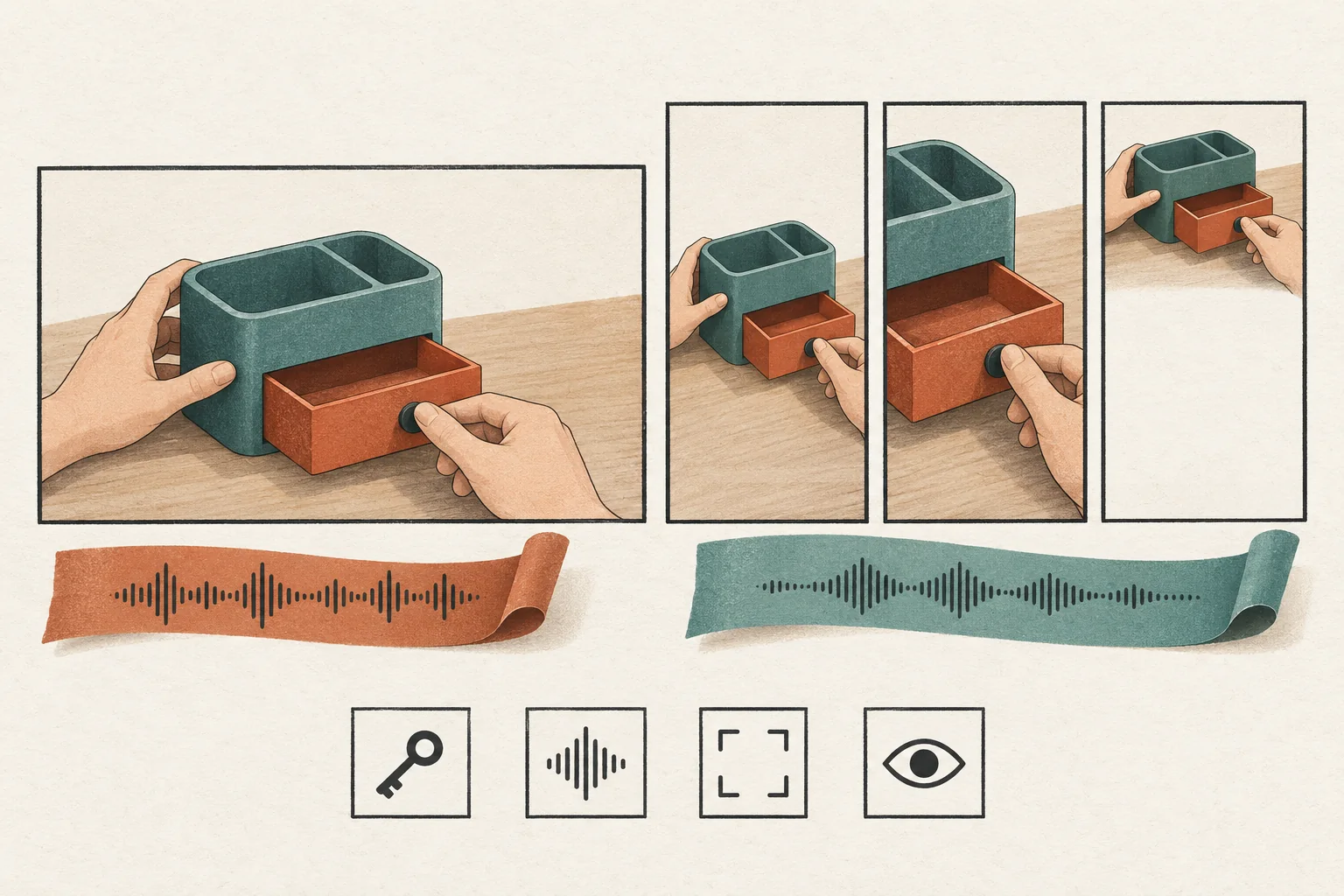
Verify creator credit by matching the same native TikTok Shop order ID to the creator's Affiliate Orders record, then checking its commission status. A completed checkout alone proves payment, not creator credit. For an authorized test, confirm the permitted method in your market before buying. The checklist below uses United States documentation, read on September 30, 2026. It does not establish rules for other Shop markets.
Confirm that the proposed purchase is permitted
An internal test budget or the creator's consent does not grant permission to create artificial orders. TikTok Shop's U.S. Fraudulent Order Prevention Requirements require genuine customer purchases and prohibit orders that manipulate platform systems, order counts, ratings, or reviews.
The documentation cited here does not establish a general exception for affiliate tracking tests. Before arranging a purchase, ask Seller Support whether your proposed method is permitted and whether it can produce affiliate-credit evidence. Save the response with its market and case reference. This is a recommended control, not a documented requirement to open a ticket for every genuine sale.
Describe who would buy, their relationship to the seller and creator, the product, the purchase route, and the intended fulfillment. Do not disguise a staff purchase as independent demand or plan a purchase-and-cancel cycle to manufacture commission evidence. Follow current platform instructions if a supported testing method exists for your account. Do not assume a checkout testing tool also exercises live affiliate commissions.
If you cannot establish a permitted method, stop before purchase. Complete the setup checks, then observe the first genuine customer order after a limited launch. Record that prelaunch order-credit verification remains incomplete.
Later's brand guide to TikTok Shop treats fulfillment and margin planning as launch preparation. Apply that operational approach here: name the person responsible for any permitted order, its fulfillment, and the follow-up evidence before proceeding.
Write one test case for one market and route
For this checklist, choose a U.S. creator's shoppable video leading to a product in the U.S. Shop. Treat that as the scope you intend to verify. A successful result would not establish credit behavior for LIVE, another market, or paid distribution.
Use these fields before any transaction:
| Field | Evidence to retain |
|---|---|
| Market and account | U.S. Shop identifier, creator handle and account identifier where available |
| Permission | Applicable instructions or Support response covering the proposed method |
| Product | Product ID, SKU or variant, listing URL, and current availability |
| Collaboration | Open or Target collaboration; evidence that the intended creator and product are included |
| Commission | Active creator-specific rate, rate type, active period, and capture time |
| Content | Creator's video URL or ID, attached product, and intended entry route |
| Timing | Planned observation time, reporting timezone, and date filters |
| Owners | Buyer authorization, seller evidence owner, creator evidence owner, and reviewer |
Keep the creator involved. Ask them to share only the relevant order evidence from their own account. A seller's dashboard access does not establish access to a creator's Earnings page.
Check the active rate rather than copying the latest number someone entered. TikTok's U.S. standard commission guide describes creator-specific commission history, active periods, and separate standard and Shop Ads rates. Rate changes can leave an existing creator on a different applicable rate.
For a public promotional video, review the commercial content disclosure setting before posting. This order-credit checklist does not replace that content review.
Collect the order-ID match
Once you have established a permitted method, follow that method without adding steps that change the purchase route. Record what happened, including any unexpected navigation. Do not alter the account or purchase history to force the result you want.
Collect evidence in this order:
- Purchase record. Save the native order ID, product and variant, payment time, currency, amount, and order status. Keep personal delivery and payment details out of the shared test report.
- Creator record. Ask the creator to open Creator Center, then Earnings, then Affiliate Orders. Search for that order ID. Use the correct market and date range, and retain the matching order details and displayed commission status.
- Seller cross-check. Open Affiliate Center, then Analytics, then Performance. Select the relevant dates and examine the creator, product, or video breakdown. Save the filters and export if useful.
- Comparison. Join the evidence using the native order ID wherever it is exposed. Record the product, creator account, timestamps, and commission shown. Mark any field the report does not expose as unavailable.
The creator-side path and search controls come from TikTok's U.S. Earnings Analytics guide. That guide also documents order downloads. An aggregate earnings increase cannot identify which purchase caused it; the matching order record is the stronger evidence.
The Affiliate Seller Analytics guide documents the seller cross-check. Its Today view requires manual refresh, and same-day figures may differ from finalized next-day figures. Treat seller totals as supporting evidence. A rise in total orders alone does not prove this purchase credited this creator.
This procedure concerns native Shop records. Use the separate affiliate-link test checklist when checkout happens on an external website.
Separate credit visibility from final commission
Use separate decisions for the initial match and the financial result. These are recommended test labels, not TikTok report labels.
| Decision | Required evidence | What remains open |
|---|---|---|
| Setup checked | Market, product, creator, collaboration, and active rate recorded | No purchase or creator credit verified |
| Initial credit observed | Matching order ID appears in the intended creator's Affiliate Orders; estimated commission matches the applicable terms | Final commission and settlement |
| Financial result checked | Later order status and actual commission reconcile with the applicable rate and any refund | Only other untested routes or conditions |
| Unresolved | Missing order match, unclear rate, or conflicting records | Investigation before claiming success |
TikTok's commission guide distinguishes estimated commission after payment from actual commission. It also explains that unsettled orders can show zero actual commission and that refunds can change the final amount.
For a hypothetical example, suppose the permitted purchase appears under the intended creator's Affiliate Orders with the matching order ID and an estimated commission. The actual commission remains zero while the order is unsettled. Record initial credit as observed and financial verification as pending. Do not report either a payout success or a tracking failure from that zero alone.
Save the actual labels shown in the account alongside your test decision. An estimated payout date is evidence of the displayed expectation, not proof that payment arrived.
Resolve missing credit without generating more orders
If the creator cannot find the order, check the existing evidence first:
- Confirm the native order ID and successful payment status.
- Confirm the creator account and market selected in Affiliate Orders.
- Expand the date range around payment. TikTok's Earnings Analytics guide notes that payment after midnight can place records on different days.
- Compare the actual purchase route with the intended shoppable video and product.
- Check the active collaboration and creator-specific commission record.
Keep a seller's own selling activity separate. The U.S. commission guide distinguishes merchant self-selling from affiliate promotion; a sale through the shop's own content cannot stand in for the intended affiliate test.
If the mismatch remains, send Support the market, order ID, creator identifier, product ID, content reference, timestamps, report filters, and redacted evidence. Include the permission reference for the test method. Leave the result unresolved until you can explain it.
Before scheduling the wider launch, assign a reviewer to the order-ID match and a later owner to settlement. If no permitted purchase method is confirmed, make that the next decision before anyone places an order.