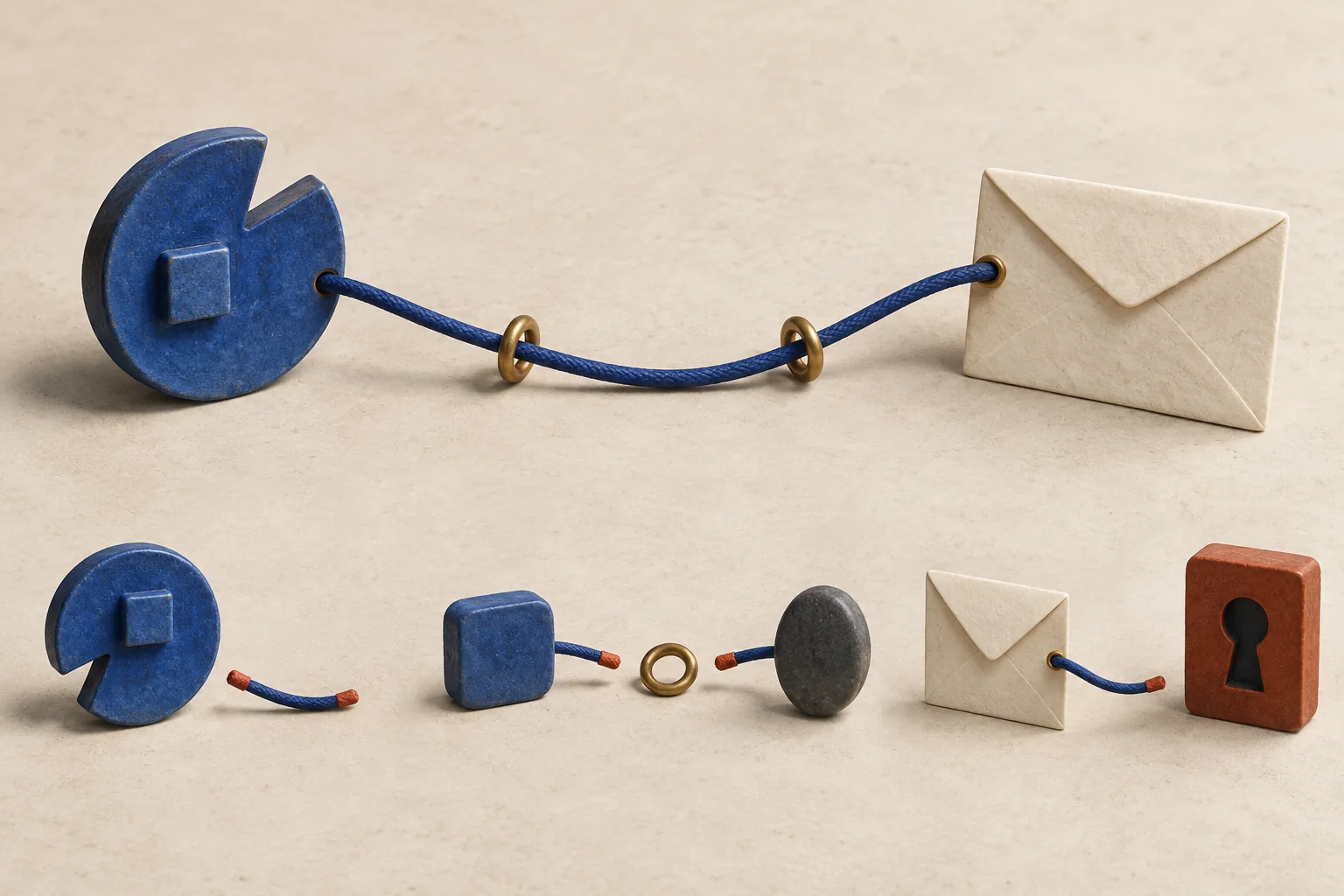
Start from the creator's established profile, follow its published links to the contact page, and record each step. Compare the final domain, creator identity and contact purpose before sending a proposal. If a page or reply introduces a conflicting identity, pause and confirm through a route you already trust. A matching photograph or familiar display name is too little evidence on its own.
Creator contact identity verification is a judgment about the connection between a creator and a contact route. This procedure can expose inconsistencies. It cannot guarantee who controls an account at every moment.
Establish which profile you mean
Open the profile you researched when selecting the creator. Save its full URL and handle, rather than searching the display name again when you are ready to email. Compare it with your original shortlist and any established creator website you already know.
On YouTube, a verification badge identifies an official channel. YouTube also states that verification does not imply endorsement. Treat that badge as evidence about the channel. Check the external contact destination separately.
A creator without a badge needs another basis for identification. Look for links from an established website or another profile whose identity you have already confirmed. Record what you found. If all you have is a search result and a matching portrait, leave the identity unresolved.
Small differences deserve attention. YouTube's impersonation policy addresses deceptive use of copied branding, similar usernames and misleading backup-channel names. Read the handle character by character when two profiles look alike. A word such as "official" in a name is a claim anyone can write.
Follow the link outward from that profile
Use the contact route the creator publishes on the profile you have established as theirs. That may lead to a personal website, a link page, a manager or a business inquiry address.
Modash's outreach guide discusses finding contact details in social profiles before writing outreach. Add an identity check between those two tasks. Discovering a contact field gives you something to investigate; you still need to connect it to the intended creator.
Follow these steps for a website or contact form:
- Record the source profile URL and the visible link label.
- Open that link and record the address that appears after redirects.
- If it leads to a link page, follow the business-contact link and record that destination too.
- Compare the final page's creator name, social links and stated business purpose with the source profile.
- Record unexplained changes, including a different agency, another creator's name or an unrelated destination.
An external page linking back to a real creator does not establish that the creator authorized the page. Anyone can add that link. The direction that matters for this check is the creator's established profile pointing toward the contact route.
For a YouTube address, official help directs visitors to the channel's About section and then View email address. The owner must have supplied an address for it to appear. Use the YouTube business inquiry address guide for that route rather than hunting for a substitute in comments.
Separate an unexplained difference from evidence of fraud
A contact domain does not have to contain the creator's name. A creator may explicitly route proposals to an agency or use a hosted contact form. Your task is to explain the relationship, not to require matching branding everywhere.
Compare the address in the browser with the address you expected. Check spelling, added words and the full hostname. In the hypothetical address mira.example.booking.example.net, the opening words do not make it part of mira.example. Do not judge an address by its first familiar word.
For an email link, inspect the recipient your mail app opens before sending. If that recipient differs from the page's visible contact text, pause. It could be a maintenance error. It still needs an explanation.
If an agency appears in the route, look for an explicit representation statement and its scope. A press contact may not handle paid partnerships. Read when contacting a manager is the better route to decide whether the stated role fits your proposal.
Keep a source-chain record
Use one short record to show another teammate how you reached the contact page. The following completed example is hypothetical. All example domains are illustrative, and no message was sent.
| Field | Example record |
|---|---|
| Creator | Mira Makes, hypothetical creator |
| Starting profile | Full profile URL saved in the shortlist |
| Identity basis | Established creator website links to this exact profile |
| First link | Profile's business link opens mira.example |
| Final page | mira.example/contact |
| Contact purpose | Page explicitly invites brand partnership proposals |
| Identity comparison | Creator name and linked social handle match the shortlist |
| Unresolved issue | None observed in this check |
| Checked on | 2026-09-27 |
| Decision | Use the published form for an introductory proposal |
Write what you observed, including any uncertainty. Avoid a single "verified" checkbox that hides whether you checked the profile, the destination or the representative. For ongoing contact research, record where each creator email came from so the next reviewer can repeat the check.
Three warning cases
These cases are hypothetical. Each ends with a decision rather than an accusation.
A copied profile links to a polished booking page
You saved a creator's profile last week. Today, a search result shows the same portrait under a handle with an extra underscore. Its booking page looks professional and uses the creator's name throughout.
Return to the saved profile. Follow its current link. If it does not establish the proposed booking page, keep the new route unresolved. Do not send a confidential brief there based on the portrait or page design.
A manager claims representation the creator does not mention
An unsolicited message says that a new manager now handles every partnership. It links to an agency page listing the creator, but the creator's established contact page names someone else.
Hold the proposal. Ask through the previously established route whether representation changed and whether the new manager handles your campaign type. The agency's own claim cannot settle the conflicting information. An outdated page is possible; confirm before deciding which record to change.
A reply introduces an unrelated login or payment page
You contacted a published business address. A reply asks you to sign in to your brand's social account through a new site before receiving a media kit. It may also introduce an urgent payment request.
Stop that step. The US Federal Trade Commission's phishing guidance advises checking suspicious messages through a website or phone number already known to be real. Apply that precaution here. Avoid the supplied login link and confirm through an independently established route. Earlier contact evidence does not resolve a new request for credentials or money.
Decide whether to send
This identity review does not establish permission to market; send only when the creator welcomes the inquiry and applicable rules permit it.
Use these editorial review states for your team; they are recommendations, not platform rules:
- Ready for introduction. The established profile leads to the contact route, the stated purpose fits, and no identity conflict remains unexplained.
- Needs confirmation. A domain, representative or recipient changed without supporting evidence. Ask through a previously established route and hold the detailed proposal.
- Stop this route. The destination impersonates another account or asks for suspicious credentials or payment. Keep it out of the outreach queue and use the platform's reporting route where appropriate.
Before sending your next proposal, reopen the starting profile and repeat the path to the destination. Attach the source-chain record to the contact entry so the sender can see why that route was selected.