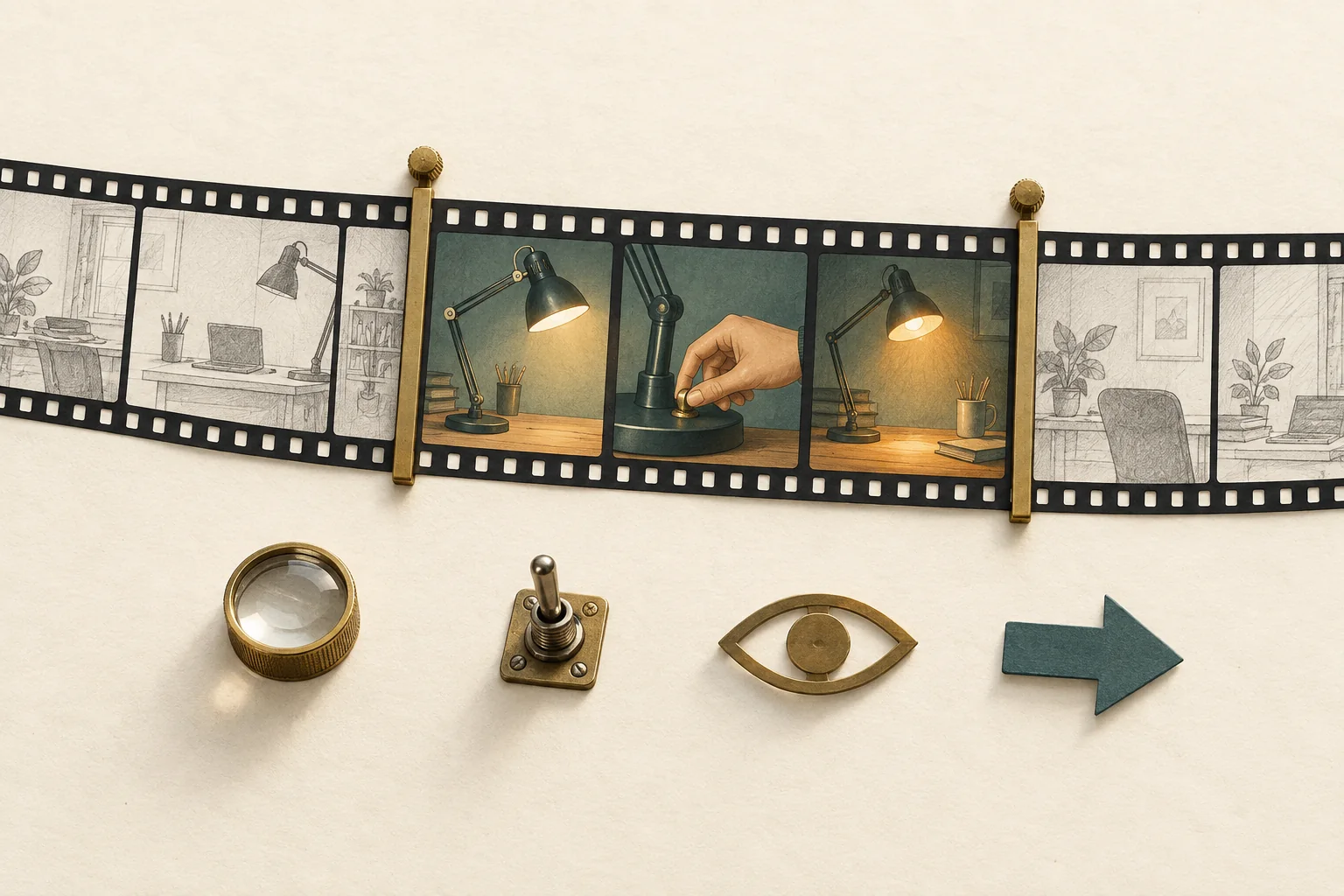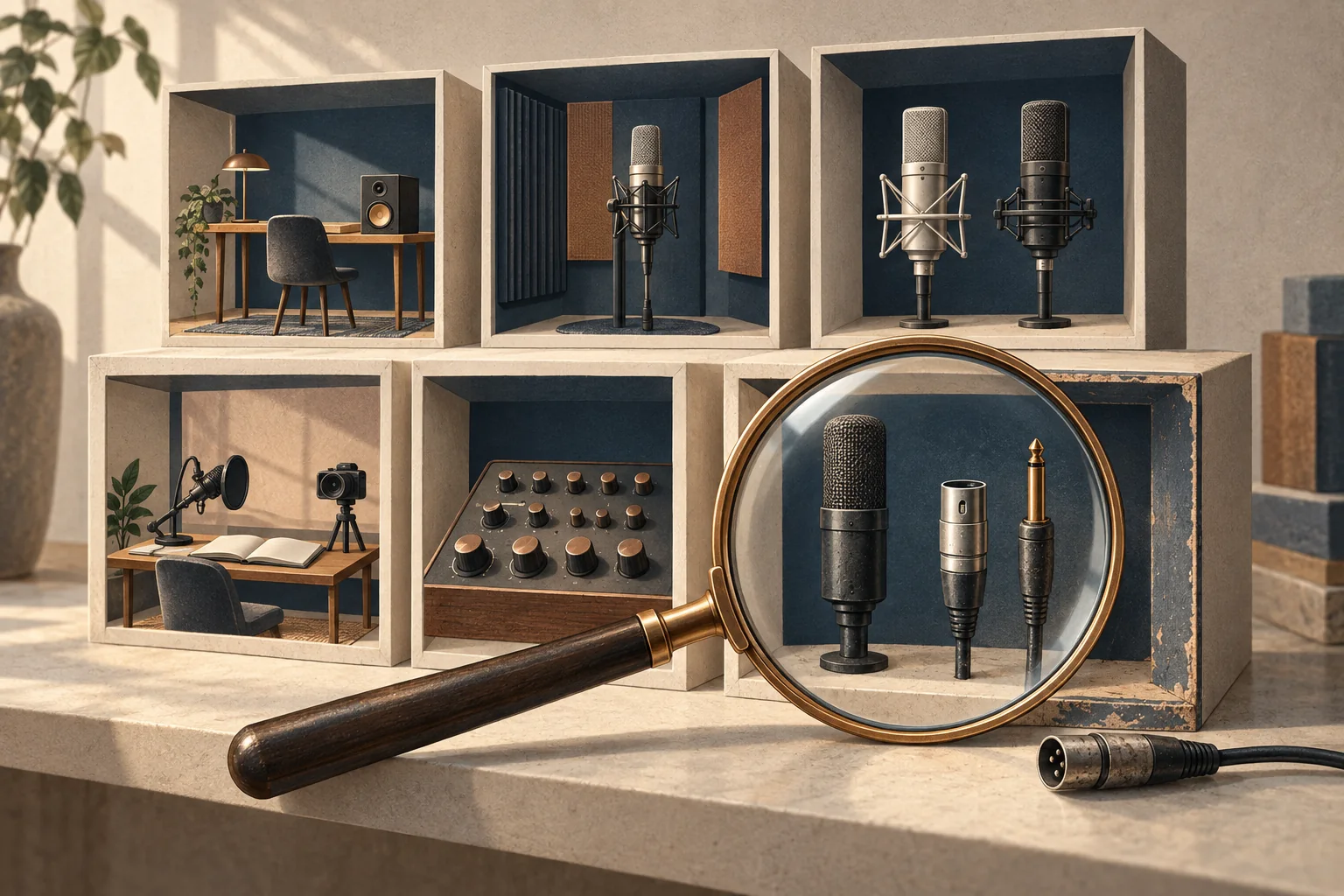
A channel's older videos show whether your product fits a recurring viewer need, how the creator explains products, and how they handle information that ages. Review a declared sample across time before sponsoring it. Treat the result as evidence about content fit and working habits. It cannot establish current audience demographics, sales performance or future results.
For a YouTube channel sponsorship evaluation, the useful output is a short decision with video-level reasons. A folder of favorite thumbnails leaves too much room for cherry-picking. The method below uses six videos to test a specific brief. Six is a recommended starting sample, not a YouTube rule or a statistically representative audit.
Declare the sample before watching
Write the viewer task first. For example, a hypothetical microphone brand wants to help home-based teachers record understandable lessons. The relevant question is whether the channel repeatedly helps that viewer make recording decisions. A general interest in technology is too broad.
Record the channel URL, review date, proposed format and exclusions. If you are buying a long-form integration, start with long-form videos. Note Shorts and livestreams separately rather than treating all formats as interchangeable.
Use these six selection slots:
- The two newest public videos in the proposed format, whether they look relevant or not.
- The newest video in that format published at least six months before the review.
- The newest video in that format published at least twelve months before the review.
- The newest remaining video that visibly identifies a sponsor or commercial relationship.
- The newest remaining video whose title addresses the product's specific use case.
Select each video once. If a slot duplicates an earlier selection, take the next qualifying video. If no video qualifies, leave the slot empty and record the gap. Do not quietly substitute a favorite. For a younger channel, shorten the time boundaries and state that the review covers less history.
These slots deliberately mix recent direction, historical context and product work. They do not measure the percentage of the whole catalog devoted to your topic. If the channel has hundreds of uploads or several distinct series, expand the sample within each relevant series before drawing a channel-wide conclusion.
Modash's YouTube discovery guide recommends checking content, credibility and audience relevance when vetting creators. A declared sample makes that content review repeatable. It also keeps discovery separate from approval: appearing in a relevant search is a reason to investigate.
Watch for three kinds of evidence
Watch each selected video in full. Record its URL, publication date and the timestamps behind your notes. Titles help choose a sample; the actual explanation determines the assessment.
Topic consistency
Name the viewer's problem in one sentence. Then mark its relationship to the brief as direct, adjacent or unrelated.
For the hypothetical microphone campaign, reducing room echo is adjacent. Comparing voice-recording setups is direct. Reviewing a gaming monitor may be unrelated even though both products sit on a desk.
Look at the sequence. Two recent unrelated uploads may indicate a new direction, a temporary series or a poor sample. Ask the creator which explanation fits. An older relevant video can establish experience, but it cannot establish the channel's current focus.
Product explanation
Record what the viewer can understand after watching:
- What job does the product do, and for whom?
- Does the creator show the relevant setup or steps?
- Are comparisons made under stated conditions?
- Does the explanation include limits, compatibility or reasons to choose something else?
Separate demonstration from assertion. A video that plays microphone samples under stated conditions gives you different evidence from a video that reads a feature list. Neither format automatically predicts sales. The review should establish whether the creator has shown the explanation your brief needs.
Dated information
List claims that could change, such as price, software menus, compatibility and offer terms. Separate information that became obsolete from an error that was already wrong when published. If you cannot establish that distinction, mark it unresolved.
Inspect the current description and any visible correction. YouTube lets creators edit video details after upload, including descriptions, and documents a timestamped correction feature with eligibility limits. An old upload date therefore does not establish when its current description was written.
Write what you observed: a dated price in the video, a newer compatibility note in the description, or no visible update at review time. Avoid conclusions such as "never corrects mistakes" from one missing note.
A six-video back-catalog review sheet
The following channel, videos, ages and observations are hypothetical. They illustrate a home-recording channel being considered for a microphone integration. They are not findings about an actual creator.
| Selection | Illustrative video | Topic fit | Explanation evidence | Dated information | Action |
|---|---|---|---|---|---|
| Newest | Desk tour, two weeks old | Adjacent | Shows placement; no audio comparison | Current equipment list | Ask where a recording demonstration would fit |
| Second newest | Reduce echo in a spare room, one month old | Adjacent | Plays before-and-after samples; names room conditions | No changing offer found | Retain as a relevant teaching example |
| Six-month slot | USB microphone comparison, seven months old | Direct | Uses the same spoken passage; explains connection limits | Older price remains in the narration | Ask how the new video would handle price changes |
| Twelve-month slot | Record a first online lesson, fourteen months old | Direct | Shows setup through a finished recording | Software menus have changed; description points to an update | Check the linked update before accepting the workflow |
| Commercial slot | Sponsored editing-tool walkthrough, four months old | Adjacent | Shows the workflow; repeats a speed claim without test conditions | Trial terms appear in the spoken segment | Ask how sponsor claims are checked |
| Use-case slot | Choose a microphone for teaching, three months old | Direct | Compares connection types; skips the recording test | Compatibility is unclear for one operating system | Request a proposed test plan before booking |
Both recent videos address adjacent recording needs, so neither establishes a current focus on microphone selection. Older videos show relevant teaching experience, while the commercial example leaves a claim-checking question. That combination supports a follow-up discussion, not an unconditional booking.
Keep the underlying sheet more detailed than this display. Add timestamps, the exact claim under review, an evidence link and one owner for each open question. Use "not observed" when the sample does not answer something.
Keep analytics separate from your viewing notes
You can judge whether an explanation is understandable by watching it. You cannot read audience retention from the presentation style or public comments.
YouTube's audience-retention documentation places the report at the individual-video level in YouTube Analytics. Ask the creator to share relevant analytics voluntarily if retention matters to the decision. Request the video identity, reporting period and context for the segment. Do not assume public access to those reports.
Even with a shared report, a dip can reflect skipping or leaving. It does not by itself prove that a sponsor caused the change. Use the guide to reading retention around a sponsored segment when that question needs a separate analysis.
Similarly, an older video's current view total does not show when those views arrived. For that question, use a defined reporting window and track sponsorship performance over time. Keep the back-catalog sheet focused on content evidence.
Turn the review into a booking decision
Use three possible outcomes, with reasons tied to the sampled videos:
- Proceed to a brief. Recent direction fits, relevant explanations exist, and no unresolved issue blocks the proposed demonstration.
- Ask before booking. Relevant work exists, but a change in channel direction, unsupported claim or outdated instruction needs clarification.
- Pass for this campaign. The sampled work does not show the viewer task or explanation the campaign requires, and the creator's proposal does not resolve that gap.
These are editorial decision criteria, not platform eligibility rules. Avoid a total score that lets several attractive videos cancel one material problem.
For the hypothetical channel, send the creator three questions: Does home recording remain part of the upcoming schedule? What recording test would the integration include? How would changing compatibility and offer information be handled?
If the answers resolve those questions, carry the agreed demonstration into a YouTube integration brief that leaves room for the creator's video. Start by saving the six selected URLs and the selection rule before anyone recommends a fee.