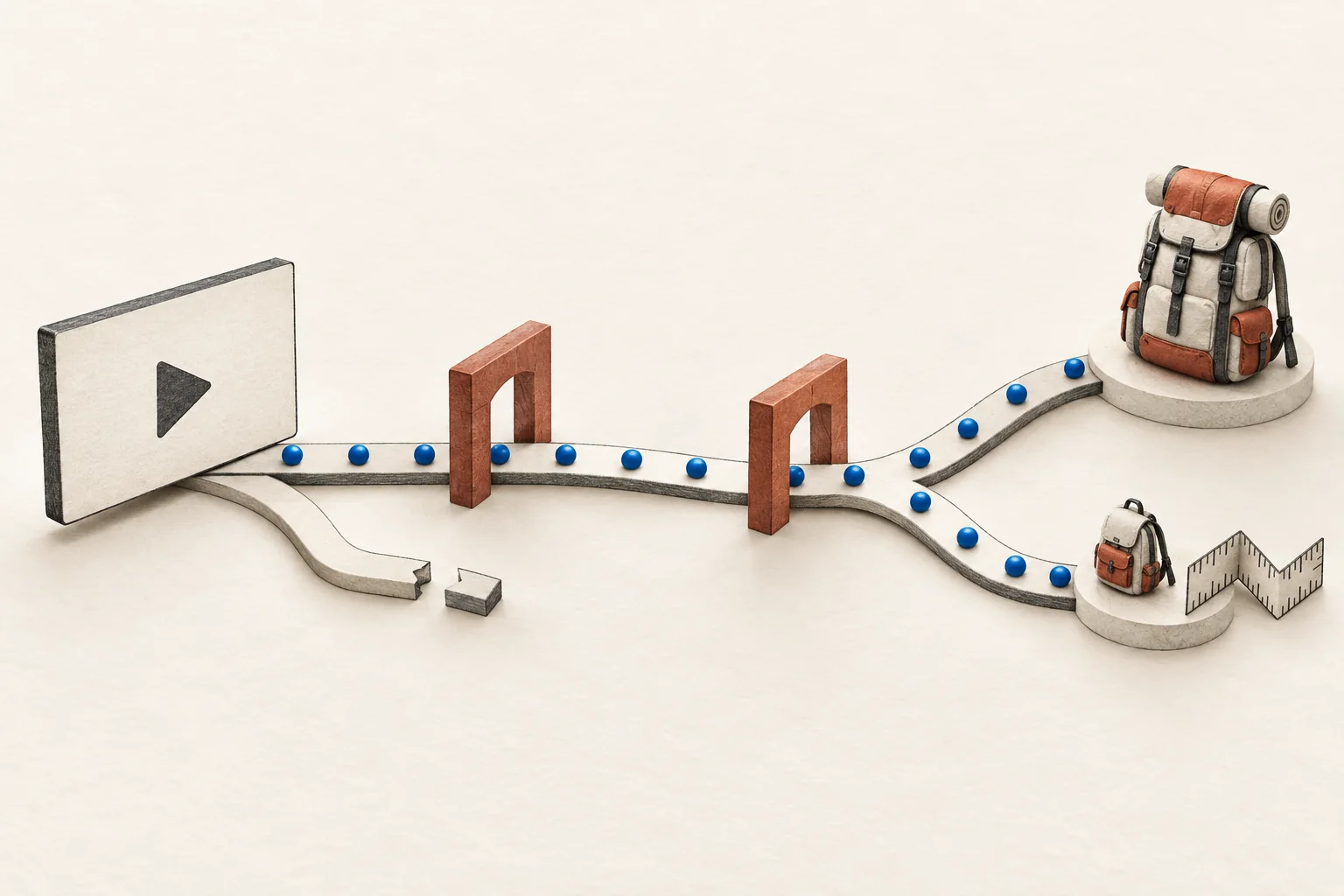
When an old video points to an expired YouTube sponsor offer, keep the link useful and state that the promotion has ended. The brand should update the destination it controls. Ask the creator to update the offer wording beside the link. Agree who owns both changes before launch, including what happens if the creator is unavailable when the offer ends.
An expired discount does not automatically make the whole video obsolete. A product demonstration may still help a viewer. The job is to stop that viewer from expecting a deal they can no longer redeem.
Assign ownership before the video goes live
Modash's YouTube marketing guide discusses the lasting availability of videos alongside description links and pinned comments. Those placements need an end-of-offer plan because a campaign's closing date may arrive before the video's last interested viewer.
Write down the following decisions in the campaign brief. These are recommended operating terms, not YouTube-mandated deadlines or contract language.
| Item | Decision to record |
|---|---|
| Public campaign URL | Who controls its domain, page and any redirect? |
| Offer end | Exact date, time and time zone; who confirms expiry? |
| Post-offer destination | Expired-offer page, current product page with a notice, or another agreed destination? |
| Creator edits | Which description lines and existing comments should change, and by when? |
| Change approval | Who approves replacement wording and any new offer? |
| Ongoing access | Who maintains the URL after the campaign manager or agency changes? |
Choose a URL that the named owner can maintain for the agreed period. Avoid making a temporary agency account the only route to the brand's offer information. If an affiliate service controls the first hop, confirm who can change that link and what happens when the account closes.
Separate a factual expiry update from a new promotion. Asking a creator to announce a different discount, product or endorsement changes the request. Agree that work with them rather than treating it as routine maintenance.
For the wider brief, use planning a YouTube sponsorship that remains useful after launch. Keep the expiry instructions specific enough that another campaign manager could execute them.
Choose the destination for a late viewer
Start with the promise the viewer heard. Listen to the sponsored segment and copy the offer wording into your internal record. Then inspect the description, any sponsor comment and the destination page.
Use this decision table when the offer ends:
| Current situation | Recommended action |
|---|---|
| Discount ended; product still available | Explain the expiry, then offer a clearly labelled route to the product at its current price. |
| A different promotion is available | State that the video offer ended. Present the new promotion with its own terms and dates. |
| Product discontinued | Explain that status and offer a separate route to alternatives, if relevant. |
| No suitable replacement | Keep a short expiry notice and a support route for questions about earlier orders. |
| Link is broken or outside brand control | Contact the link owner and request a creator edit. Do not mark the task complete until the public path works. |
Avoid silently sending every old campaign URL to the homepage. That leaves the viewer to discover whether the promised product or discount still exists. A working URL alone does not show that the offer is accurate.
For US-facing advertising, the FTC's advertising guidance requires truthful, non-deceptive claims supported by evidence. The destination choices here are practical recommendations for preserving accurate expectations. They are not a legal safe harbor or an FTC-prescribed page format.
Expired-offer landing checklist
Before approving the replacement page, check it as someone arriving from the old video:
- Identify the promotion or creator context so visitors know they reached the intended page.
- State near the top that the original offer ended, with its end date.
- Remove active-looking discount claims, countdowns and buttons that still promise the old deal.
- Show any current price or replacement promotion with its actual conditions.
- Make the next action explicit, such as viewing the product at the current price.
- Give buyers with earlier orders a support route. Keep those questions separate from new purchases.
- Open the exact published URL, including its existing parameters, on mobile and desktop.
- Follow the next step far enough to check that the store does not repeat the expired promise.
Hypothetical example. A desk-lamp tutorial advertises a 15% discount ending September 20. On September 21, the same campaign URL opens a page saying that the tutorial's discount ended on September 20. Below it, a button leads to the lamp at its current price. The page makes no replacement-discount promise.
If the store later offers 10% off a different bundle, present that as a separate offer. Do not change the old page to suggest the creator recommended that bundle.
Use the YouTube description-link test when checking the complete path. Record the destination and wording you observed, not merely whether the first click opened a page.
Send a bounded creator update request
YouTube lets creators edit uploaded video details through Studio. Its desktop instructions are to select Content, choose the video, change its settings and save. For this task, ask for the offer wording in the description to change.
Here is a completed request for the hypothetical lamp campaign. The example.com address is illustrative and is not a live campaign destination.
Subject: Expiry update for the desk-lamp tutorial
The 15% offer in the desk-lamp tutorial ended on September 20. We have changed https://example.com/lamp-offer to explain the expiry and link to the lamp at its current price.
Please replace the offer sentence beside that link with: "Update, September 21: the 15% promotion mentioned in this video has ended. The link explains the current product options."
Please also update the existing sponsor comment if it repeats the expired offer. Leave the sponsorship disclosure in place. This request does not ask you to endorse a new offer or re-record the video.
Can you make the agreed expiry edit by September 22? Please confirm when it is saved, or tell us if that timing or scope differs from our agreement.
If the creator cannot make the edit yet, publish the truthful destination update you control and leave the creator task open. Record the outstanding wording and the next follow-up owner.
Keep the disclosure and verify the result
Do not remove sponsorship disclosure merely because the discount expired. The video still contains sponsored content. YouTube's disclosure instructions require creators to notify the platform when videos feature covered commercial relationships.
A description edit also leaves the spoken promotion in the video unchanged. YouTube says a new upload receives a new URL and cannot replace the existing video. Do not promise a replacement upload at the old address. If the spoken claim needs correction beyond the expiry notice, agree a separate response with the creator.
After the creator confirms the edit, reopen the public video. Read the offer line, follow the link and check the destination notice. Save the date, final URL, observed copy and unresolved items in the campaign record.
Start with the oldest active sponsor link you still control. Assign its destination owner, open it as a late viewer and send the creator the specific expiry edit it needs.