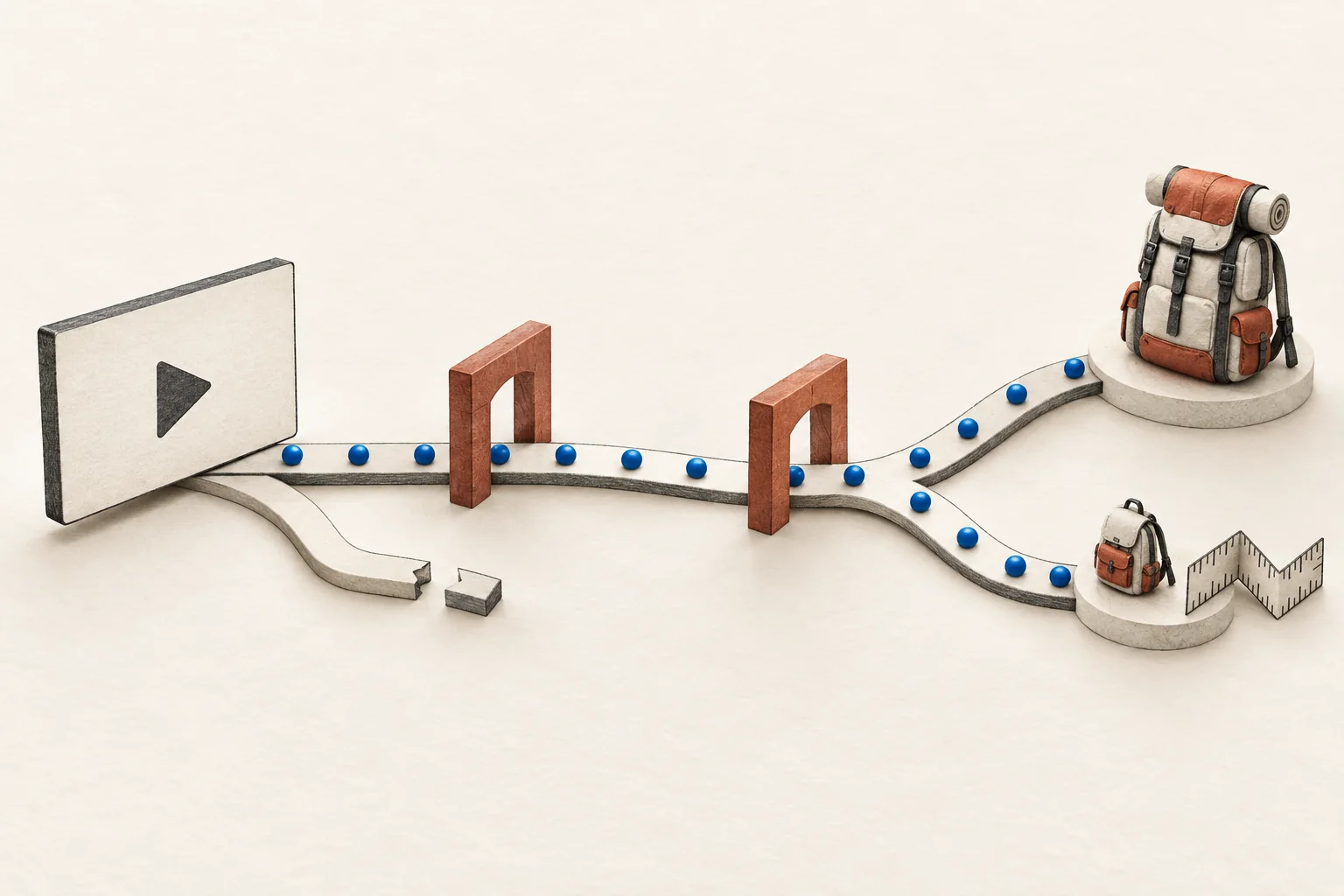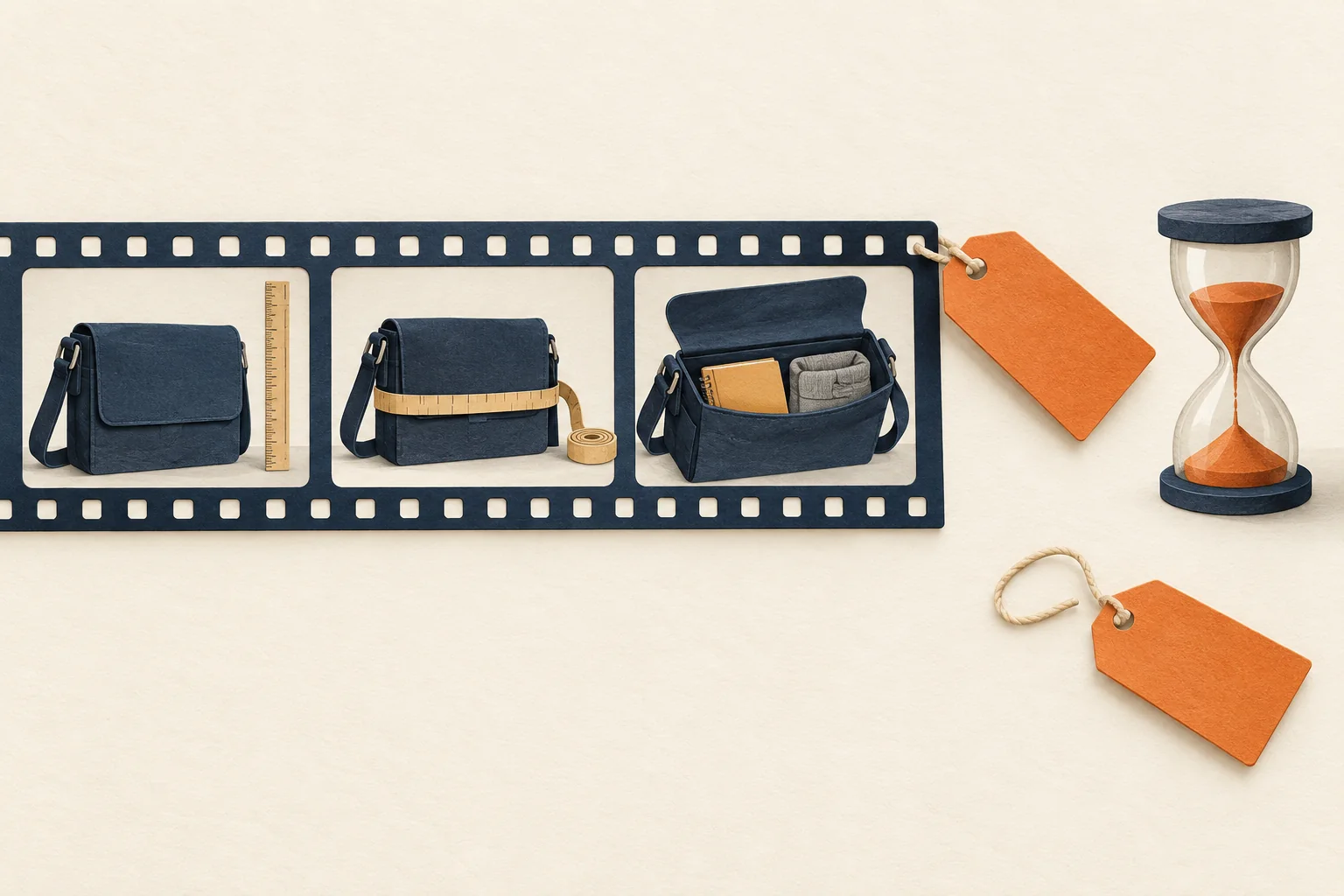
An evergreen YouTube sponsorship needs a useful explanation that survives offer changes, plus a named owner for anything that expires. Before filming, separate durable advice from version-specific features, prices, discounts and availability. Put each changeable claim in an expiry register. Agree who will correct it, where the correction will appear and when the video should come down.
The practical constraint is the upload itself. YouTube does not let you replace an uploaded video with a new file at the same URL. A new upload gets a new URL. You can change some details and make limited edits, so a promise to "update the video later" needs a more precise plan.
Choose a question that survives the promotion
Start with the viewer's task. A video about choosing a bag for a daily commute can stay useful after a seasonal discount ends. A video built around a countdown to that discount has a shorter useful life.
Later's article on year-round YouTube partnerships recommends educational content and agreements about when videos can change or be removed. Those are planning choices. They do not establish how long your particular sponsorship will attract viewers or sales.
Use this test before commissioning the concept:
- Remove the offer, launch date and seasonal references from the proposed video.
- Write the question the remaining video answers.
- List the evidence the creator needs to answer it, such as a demonstration with the named product model.
- Ask whether that answer would still help someone who cannot buy the featured item.
If the answer disappears with the promotion, commission a time-limited campaign and plan its retirement. Calling it evergreen will not change its contents.
Mark every claim before filming
Review spoken lines, on-screen text, product close-ups, the thumbnail and the description. A date in the description does not change a price spoken without qualification in the video.
Classify each claim by what could make it wrong:
| Claim type | Example | Production treatment |
|---|---|---|
| Durable explanation | How to measure a laptop before choosing a bag | Demonstrate the method without a launch offer |
| Model-specific observation | The reviewed bag has a separate laptop compartment | Name the model and show the actual item |
| Changeable commercial term | Price, shipping territory or return period | Verify before publication; avoid making it the permanent spoken promise |
| Expiring offer | A discount code with an end date | State its full date and relevant limits wherever you present the offer |
| Future promise | An accessory will launch next quarter | Omit unless essential; identify it as a plan and assign a review trigger |
These are editorial recommendations, not YouTube's categories. "Durable" also does not mean exempt from review. A method tied to a discontinued accessory may need a qualification later.
Film the temporary offer as a distinct segment if it must be spoken. Keep the product explanation understandable without it. Avoid weaving one discount through the opening, demonstration and conclusion, where removing it would break the video.
For placement and creator discretion, use the YouTube integration brief alongside this maintenance plan.
A completed evergreen-content brief
The following brief is hypothetical. It illustrates a commuter-bag sponsorship, not a real campaign or product claim.
| Brief field | Example decision |
|---|---|
| Viewer question | How do I check whether a bag fits my laptop and daily items? |
| Durable lesson | Measure the laptop, compare compartment dimensions and demonstrate packing |
| Product boundary | Show the supplied model; do not extend observations to the whole range |
| Details kept out of permanent narration | Current price, stock status, shipping promise and limited discount |
| Offer placement | Clearly dated description section and campaign landing page |
| Spoken purchase direction | Refer viewers to the linked product page for current availability and terms |
| Review triggers | Offer end, product replacement, changed compartment dimensions or broken destination link |
| Maintenance owner | Brand campaign manager sends changes; creator makes agreed channel edits |
| Stop condition | If the central demonstration becomes misleading and cannot be corrected adequately, discuss removal or a new video |
A direction to check current terms does not excuse an inaccurate claim elsewhere. Review the whole viewer journey. Use the creator landing-page checklist to check that the destination still matches the item and promise in the video.
Keep an offer-expiry register
Create one row for each changeable claim, rather than one row for the whole campaign. Record its wording, location, evidence, last check, change trigger, owner and agreed response.
Here is a hypothetical register for that brief. Dates and response targets are illustrative, not platform requirements.
| Claim and location | Evidence and last check | Trigger | Owner and response |
|---|---|---|---|
| Discount code in description | Brand offer terms checked November 20, 2026 | Ends November 30, 2026, at 23:59 UTC | Brand confirms expiry; creator marks it ended at the agreed deadline |
| Laptop compartment dimensions at 03:10 | Measurements of reviewed model checked November 20 | Model redesign or corrected specification | Brand supplies evidence; creator reviews the timestamped claim within two business days |
| Product destination in description | Landing page checked November 20 | Discontinued item, redirect or broken link | Brand repairs its page and tells creator whether description wording must change |
Keep the ending date visible after the offer closes. Replace an expired call to redeem with an explicit expiry note. If you suggest a successor product, explain that the video demonstrated the earlier model. Do not silently point a review of one product to another and imply the footage covers both.
Agree the update work before launch
A campaign manager can control the brand's landing page. The creator controls the agreed edits on their channel. Record both responsibilities before production, including:
- The maintenance period and the contact who takes over if either person leaves.
- Which description changes are included in the fee.
- Who supplies evidence for a correction and who approves its factual wording.
- Response targets for routine expiry, a wrong specification and a serious safety concern.
- What needs new filming, a separate fee or a new agreement.
- Who can request removal, and the process for deciding it.
Treat these as commercial discussion points for the parties and their advisers. Do not imply that a sponsorship fee buys unlimited revisions or permanent publication.
Schedule checks around known expiry dates and product changes. Add a recurring check during the agreed maintenance period to catch broken links or changes nobody reported. Keep a change log with the old wording, new wording, reason and completion date.
Match the correction to the problem
YouTube Studio lets creators edit video details after upload. An expired description-only offer can therefore have a description-level response. A misleading spoken demonstration needs a separate judgment about whether viewers will understand the correction.
YouTube also documents timestamped corrections in descriptions. Use the English heading Correction: or Corrections:, then a separate line with the timestamp and explanation. Put this section after video chapters. YouTube says this can show a correction information card, but the feature is unavailable for channels with active strikes or content that may be inappropriate for some viewers.
A correction note does not replace the recorded statement. For a material error, assess whether an available trim would leave an accurate, understandable video. If not, agree a new upload or removal. Do not promise that editing tools can insert a new demonstration into the existing upload.
Keep sponsorship disclosure in the maintenance review. YouTube requires creators to declare sponsorships through the paid promotion setting, which adds an opening disclosure label. Ending a discount does not erase the commercial relationship that produced the video. YouTube also says creators and partners must meet applicable legal requirements; its label is not a substitute for jurisdiction-specific review.
Before approving the shoot, ask the creator and brand owner to walk through one scenario together: the featured product changes after launch. Each person should be able to name the affected claim, the evidence needed, the correction route and the person who will act.