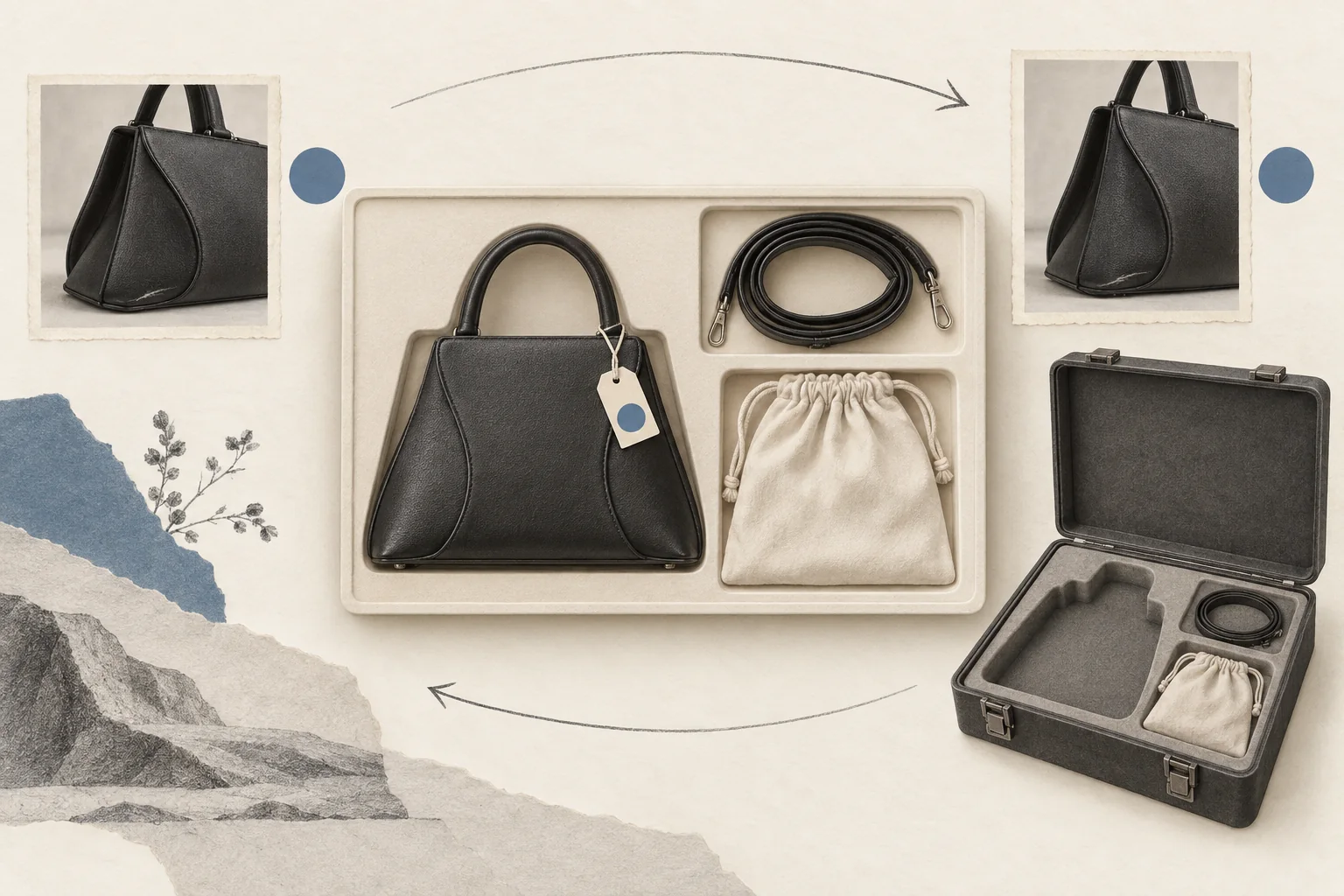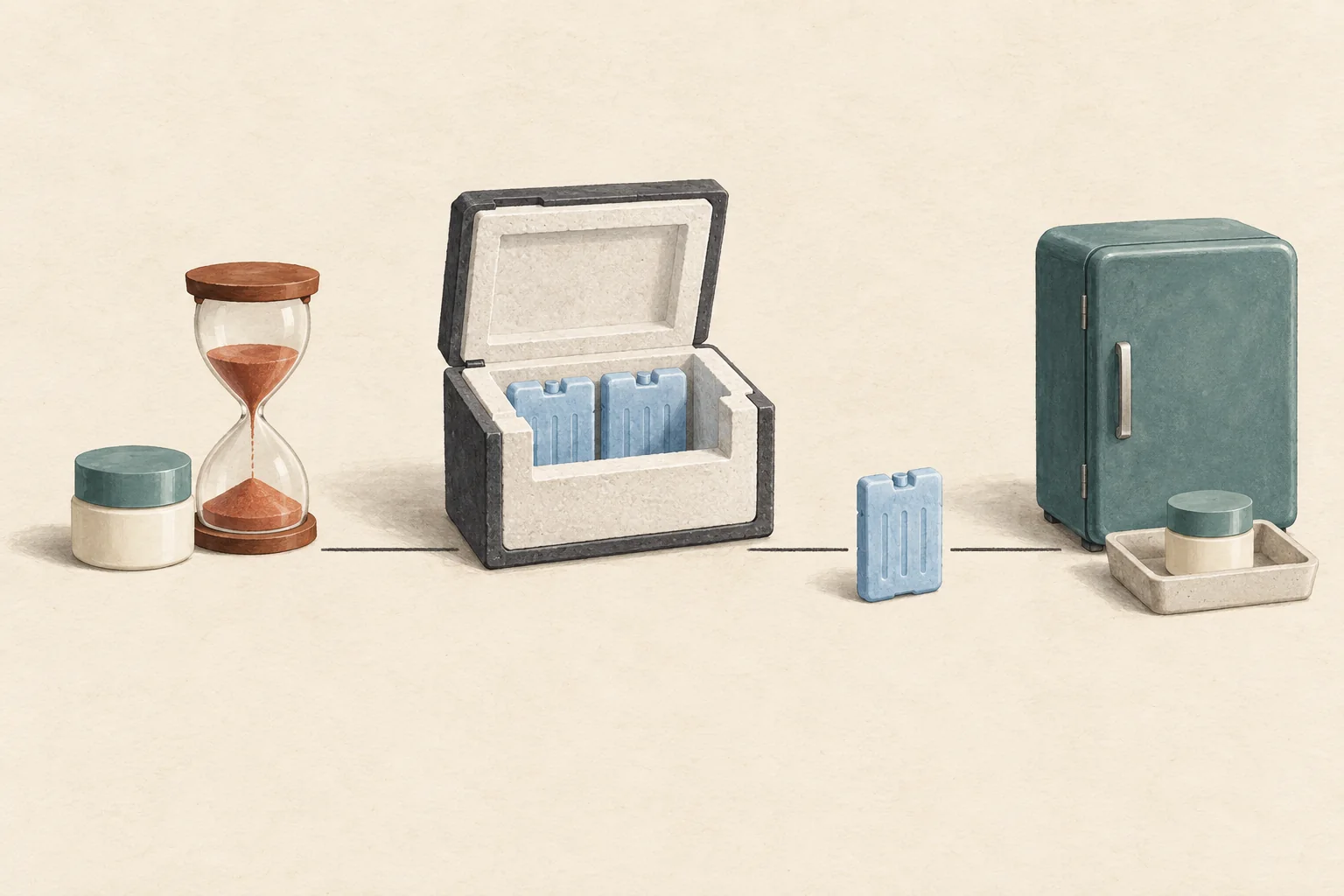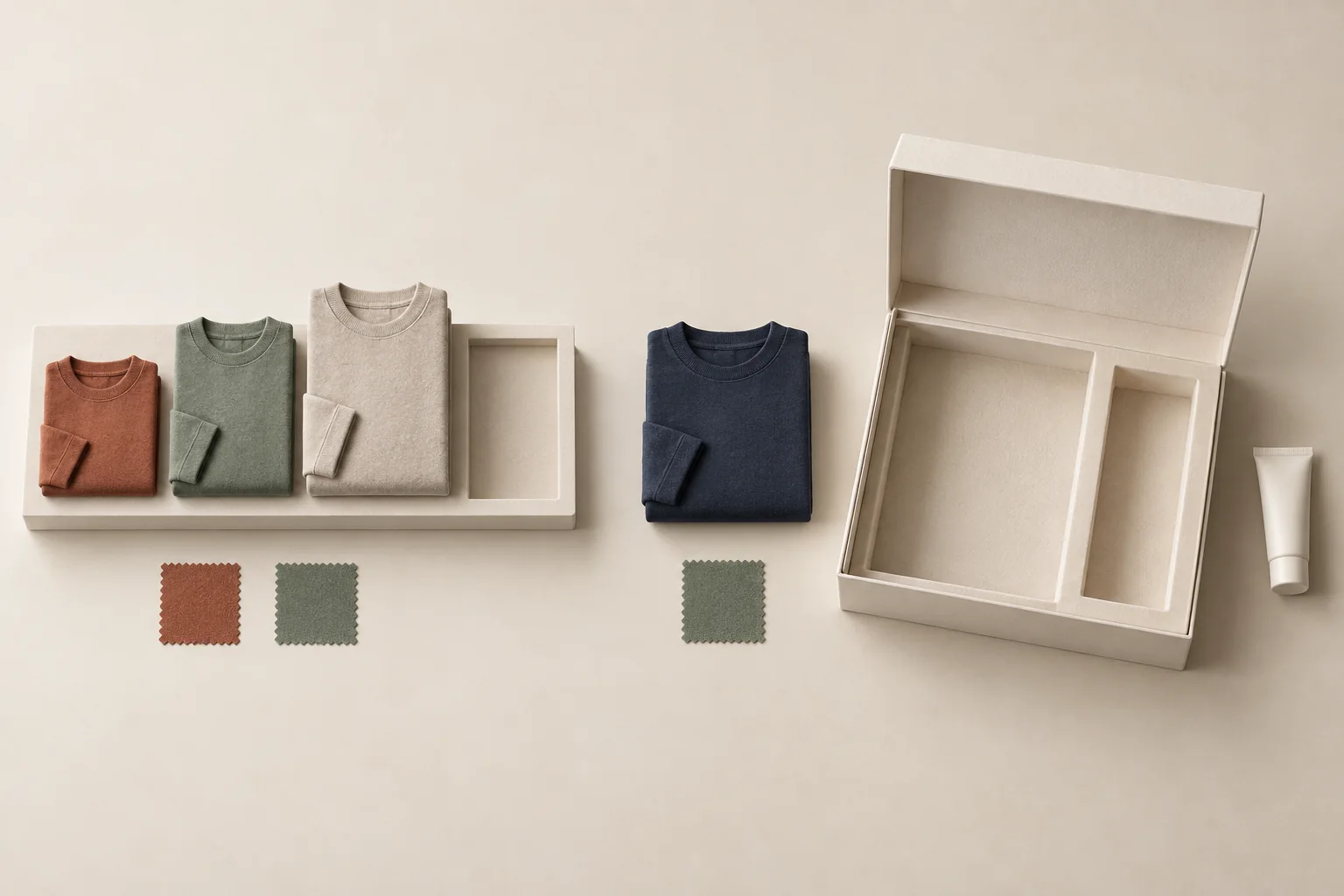
Ask creators only for choices that change what goes into their kit. Show the available products, request the size or shade needed for the selected item, and let them skip an item or decline the gift. Keep address collection separate until they accept. An influencer gifting preference form should end with a packing decision, without collecting a personal profile along the way.
Decide which answers change the package
Before adding a field, finish this sentence: "If the answer changes, we will pack..." If you cannot name a different item, variant or omission, remove the question from this form.
A clothing size can select a garment variant. Age, income, relationship status and a full-body photo have no role in choosing that variant. Ask the creator to select from the product's size chart themselves. Do not estimate their size from social posts or ask them to explain their choice.
This is a recommended form-design boundary. In the UK, the ICO's data minimisation guidance requires personal data to fit the stated purpose and stay limited to what is necessary. The ICO also warns against collecting information because it might become useful later. Its page is under review following the Data (Use and Access) Act.
For this workflow, record "selected garment size M" as an order choice. Do not turn it into a body-type label or demographic segment for later marketing. A size choice also does not tell you the creator's gender, identity or audience composition.
Build the form from product modules
Use one opening question, then display only the modules relevant to the creator's selection. The following wording is a template for an ordinary, optional gift. Change the product options to match the actual kit before sending it.
| Module | Suggested question | Answer options and behavior |
|---|---|---|
| Acceptance | Would you like to receive a kit? | Yes; no thanks. A decline ends the form without an address request. |
| Product | Which offered item would you like? | Show the actual eligible products; include "none of these." |
| Clothing | Which size would you like for this garment? | Link its size chart; list offered sizes; include "help me choose" and "skip this item." |
| Color | Which available color would you prefer? | Show named product colors; include "any listed color" and "skip this item." |
| Beauty | Which listed shade or product variant would you like? | Show product references; include "unsure" and "skip this item." |
| Optional extra | Would you like this additional item? | Yes; no thanks. Leave it out if the field is blank. |
| Availability | If your choice is unavailable, what should we do? | Ask me about alternatives; leave this item out; cancel my kit. |
A size is needed if the creator wants a sized garment. It should never be needed to decline that garment. Likewise, "unsure" should send the request to a person for clarification, rather than silently selecting the first shade.
Keep backup choices optional. A second choice can help, but a creator should be able to request only one variant. Explain whether a backup authorizes you to pack that exact alternative. Avoid an open-ended "similar products are fine" checkbox.
For beauty products, link the product information and let creators exclude items without explaining why. Leave requests for diagnoses, medical histories and photographs out of this preference form. The form should not try to determine whether a product is medically suitable.
Modash's gifting article discusses offering a curated product selection and notes the inventory problems that can arise from opening the whole catalog. A bounded list works well here because each answer can map to something the packing team can identify. It does not establish a promised posting rate.
Let people decline without a second questionnaire
Put "no thanks" beside the acceptance option. Do not require a reason, a size or a delivery address before someone can choose it. Give the decline screen a short confirmation, such as "We won't prepare a kit for this invitation."
Keep these responses distinct in your records:
- The creator declined the whole kit.
- The creator accepted but skipped one item.
- The creator needs help choosing a variant.
- The creator has not replied.
Packing can proceed for accepted kits once all required choices are confirmed. Keep skipped items out of the kit. Requests for help and unanswered invitations stay pending. A missing answer is not permission to choose for someone.
For a no-obligation gift, say that completing the preference form does not require a post. Keep any separate content arrangement outside this form. Under US FTC guidance, a gifted product can still require disclosure when a creator endorses it, even without a request to post. That guidance also addresses posts abroad when effects on US consumers are reasonably foreseeable.
Check stock before confirming the choices
A dropdown shows what the form offered when someone opened it. Check inventory again before confirming their selection.
For each requested item, the coordinator should match the product, size and color to one stock-keeping unit, or SKU. Record whether that unit is available and whether your team has reserved it. Keep "requested" and "confirmed" as separate statuses.
Here is a hypothetical apparel-and-beauty kit:
| Creator's answer | Stock check | Coordinator's action |
|---|---|---|
| Navy sweatshirt, size M | Selected SKU available | Reserve that variant and confirm it. |
| Rust cap | Unavailable | Follow the creator's chosen availability response. |
| Declines lip tint | Irrelevant | Exclude the tint, including any surprise replacement. |
Suppose the creator chose "ask me about alternatives" for the cap. Hold that item and send the actual available choices. Do not pack a black cap because it appears close enough. Use the separate guide to ask before substituting an out-of-stock gift when that approval is needed.
The final confirmation should list the selected variants and omitted items. Ask the creator to correct errors before the team packs. If stock remains uncertain, say the selection is still pending.
Separate product choices from address handling
After acceptance and product confirmation, move to collecting creator shipping details. Avoid copying addresses into broad campaign reports or sharing an entire form response when the packing team needs only item selections.
For UK processing, the ICO's privacy-information guidance covers purposes, lawful basis, retention periods or criteria, and applicable information about recipients. Put a link to your actual privacy notice beside the form. A gift-acceptance checkbox does not replace that work. The ICO page carries an under-review notice; check applicable requirements for your operation.
As an operating practice, decide who needs access to preferences and when your team will review or remove them. Do not promise a deletion date the team cannot meet. For later invitations, confirm preferences before repeat gifting rather than treating an old size or shade selection as permanent.
Before sending the form, test it as a creator who wants one item, skips another and declines every replacement. The resulting packing record should contain only the accepted, confirmed variants. If it contains a guessed size, an unwanted extra or an unexplained substitute, fix that branch before inviting anyone.