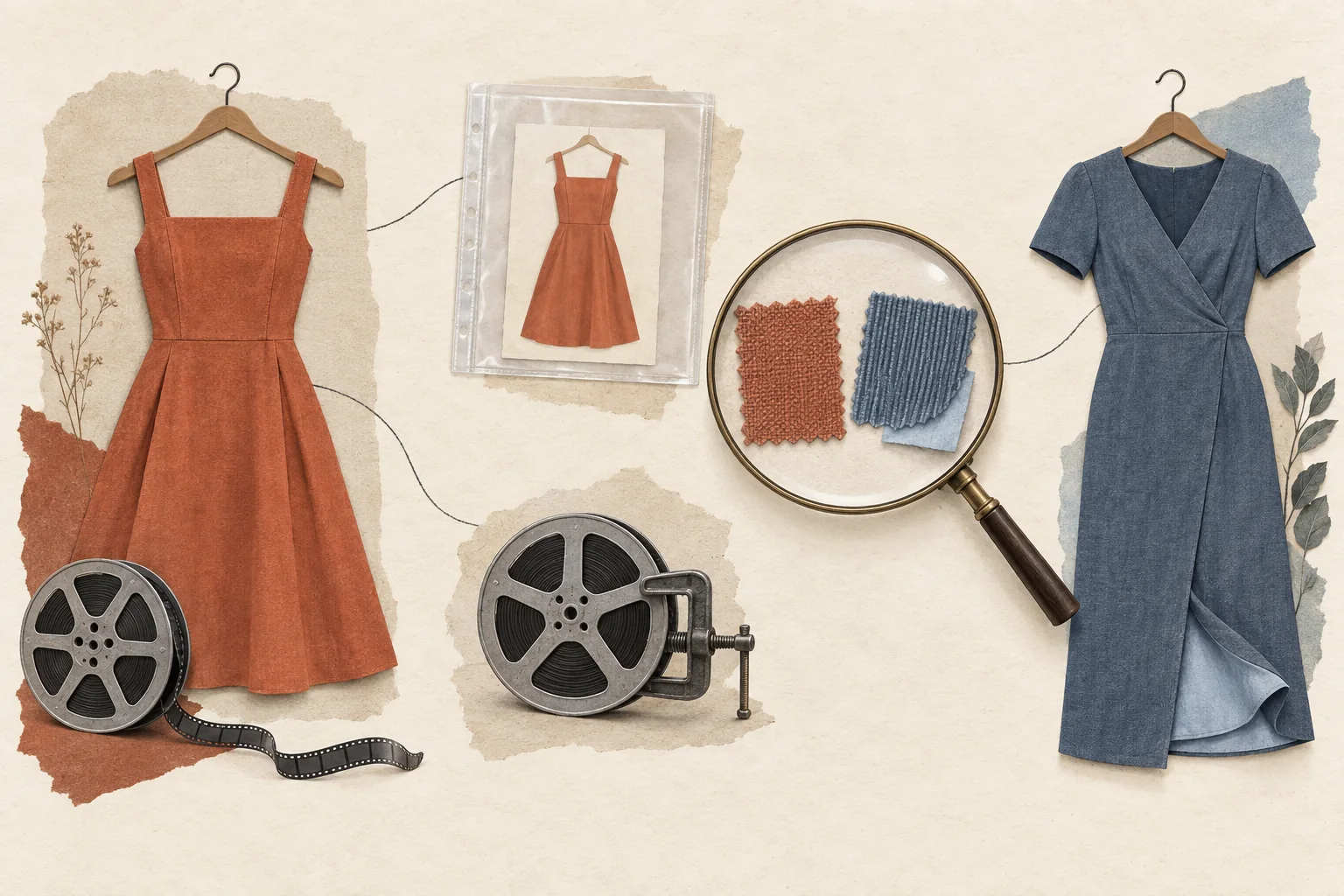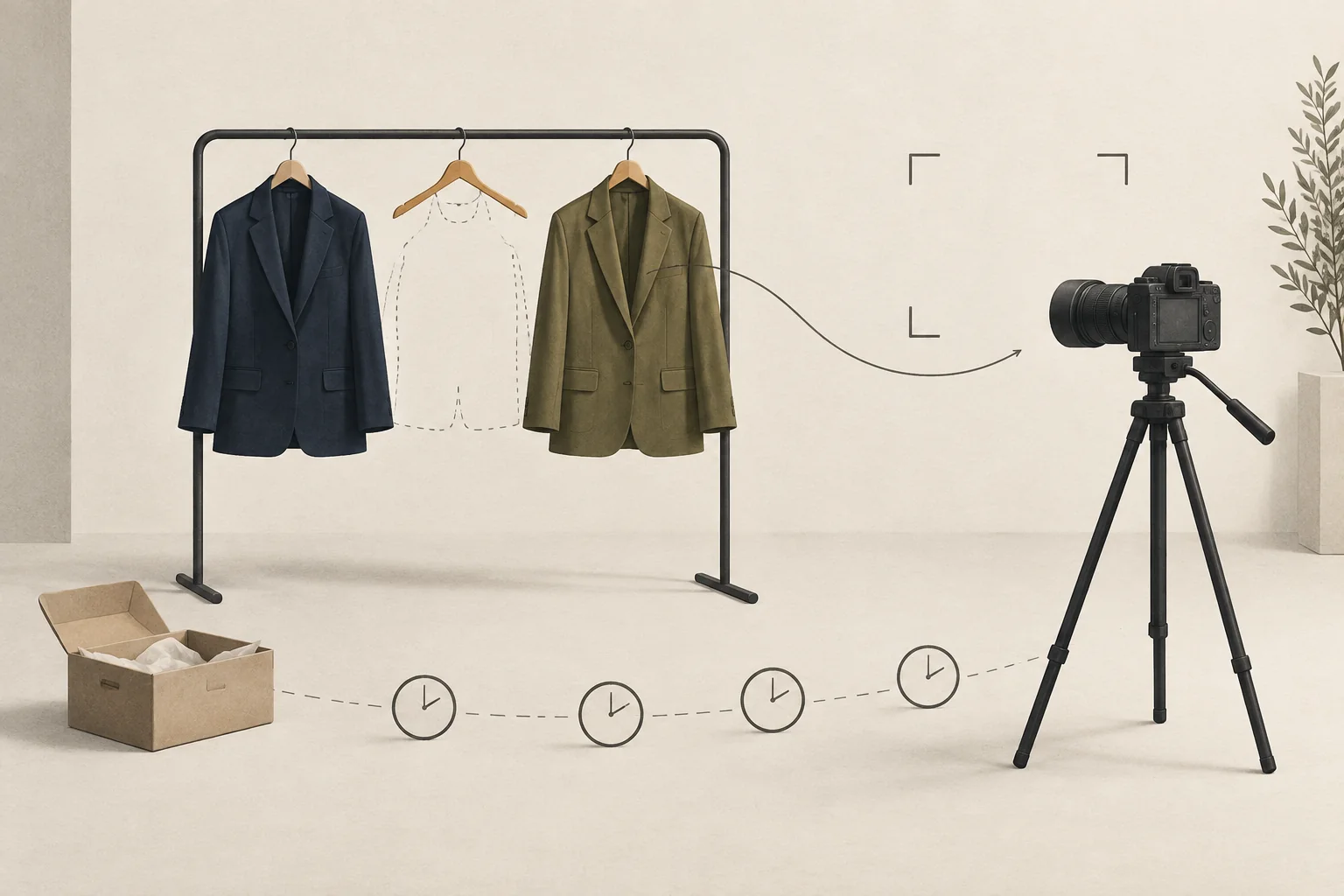
Plan the try-on around exact size-and-color variants, then give each filmed look an approved fallback and a stock-check deadline. Check availability before dispatch, before filming, at edit approval, and immediately before release. If a variant sells out, use a truthful alternate cut, delay that segment, or remove it. Never quietly relabel footage as a different garment.
A fashion try-on haul campaign needs two connected records: what the creator will wear and what the shopper can buy. The schedule and shot list below are editorial recommendations. They are not platform requirements or a guarantee against stockouts.
Give each shot a variant identity
A product name alone is too broad for the filming list. A jacket can remain on sale while the color shown in the video has disappeared. Shopify defines a variant as a combination of option values, such as size and color, and supports inventory management at that level.
Record these fields for every garment:
- Product name, SKU or variant ID, color, size, and relevant length or fit option.
- Exact sample sent, received, and tried on by the creator.
- Shopper destination, target market, and sizes the campaign intends to promote.
- Availability timestamp, source, and person who checked it.
- Approved alternate variant and the footage needed to show it.
- Decision if neither the original nor the alternate remains suitable for promotion.
Keep the creator's sample separate from sellable stock. Receiving a medium jacket says nothing about whether shoppers can still buy the intended size range.
Ask the merchandising owner for current sellable quantities. For Shopify stores, available inventory excludes committed, unavailable, and incoming units. On-hand totals can therefore overstate what the campaign can sell. Those states also depend on inventory information and tracking being maintained.
Then check the shopper-facing product selector in the intended market. An internal stock record and a working purchase path answer different questions. Record both; neither check reserves inventory for the viewer.
Build a shot list that survives one missing look
Film each outfit as a removable segment. Capture its introduction, fit observations, detail shots, and shopping instruction separately. Avoid an opening that depends on every planned garment appearing, such as a fixed count of looks, unless an alternate opening is also recorded.
This hypothetical shot list is for a three-look video. The garments and stock conditions are invented to demonstrate the decisions.
| Segment | Sample and stock concern | Footage to capture | Approved fallback |
|---|---|---|---|
| Jacket | Navy, medium; navy has gaps in the intended size range | Full look, fastening, sleeve movement; separate navy reference | Film the same style in olive if a fitting sample arrives and stock clears review |
| Trousers | Black, regular length, size 12; intended range available at briefing | Front, side, seated view; identify worn size and length | Remove this segment if the range falls below the agreed launch condition |
| Knit | Cream, small; replenishment expected but unconfirmed | Self-contained styling segment with no restock promise | Hold this segment until merchandising confirms sellable stock |
The editor can remove the knit without breaking the jacket introduction. The creator can describe the navy sample without pretending to have worn olive.
Set the launch condition with merchandising before filming. For example, a hypothetical campaign aimed at a specified size range might require every size in that range to be purchasable. Another campaign might permit a narrower range if the content and destination state it clearly. There is no universal stock count that makes a try-on safe to launch.
For the questions each movement shot should answer, use the guide to showing garment fit without promising it fits everyone.
Approve substitutions at the claim level
An alternate color still needs its own check. Ask whether its fabric, lining, finish, care instructions, fit specification, or price differs. Use the brand's current product documentation and the actual garment label. Do not carry an original variant's factual claims into the alternate script without confirmation.
A different size needs a fresh try-on. A creator's fit observation about one size should stay attached to that size. A different cut or fabric needs a new demonstration and new observations.
Use four decisions:
- Keep. The shown variant still meets the agreed availability condition and the destination matches.
- Refilm. An approved alternate is available, reaches the creator in time, and gets its own relevant shots.
- Explain. Keep the original footage only if it remains useful and the audience can clearly distinguish the shown variant from any suggested alternative.
- Remove or delay. No suitable alternate or truthful edit is ready.
Treat an alternate as a suggestion, not as proof of an experience the creator did not have. FTC guidance for endorsements affecting U.S. consumers says creators cannot describe their experience with a product they have not tried.
For product wording, use the companion process to brief creators on fabric and care facts. Keep environmental claims out of a substitution script unless they have a separate, product-specific review.
Put stock checks on the production calendar
Choose check times based on the campaign's production lead time and how often inventory changes. This is a starting schedule, not a service guarantee.
| Checkpoint | Owner | Required decision |
|---|---|---|
| Before sample dispatch | Merchandising and campaign lead | Confirm exact samples, intended size range, alternate options, and launch conditions |
| Before filming starts | Campaign lead | Send a dated approved list; flag segments that may need removal |
| At edit approval | Merchandising and editor | Match every visible garment, spoken claim, caption, and link to the latest list |
| Immediately before release | Publishing owner | Confirm market availability; release, substitute, delay, or remove affected segments |
| During the promotion | Named campaign monitor | Recheck at an agreed cadence and after a stock alert; tell the publishing owner what changed |
Assign one person authority to stop scheduled publication. Agree with the creator in advance how delays, replacement samples, and extra filming will be handled. A stock alert should reach a named decision-maker before the scheduled post goes live.
Modash's fashion marketing overview discusses paid posts, seeding, and affiliate arrangements. The availability check belongs in each arrangement, but the amount of editing or rescheduling a brand can request must be agreed with that creator.
Check the released cut, including its shopping instruction
Watch the final video against the dated variant list. Check the thumbnail, captions, product tags, and destination as well as the spoken words. An alternate edit can leave an old color name in any of those places.
For U.S.-directed endorsements, preserve the sponsorship disclosure through every replacement cut. The FTC's disclosure guidance covers payment and free products. It says video disclosures belong in the video; using both audio and visual disclosure can help viewers notice them.
Avoid recorded promises that every size is available or that a restock will arrive on a particular day without support. A timestamp documents the team's check. It does not make an old availability statement accurate later.
If availability changes after publication, use the agreed correction options and pause further promotion of the affected segment where you control it. For the broader store response, follow the stockout campaign plan.
Before shipping samples, complete one row for each planned look and name the person who can remove it from the release. Send that version to the creator and editor together.