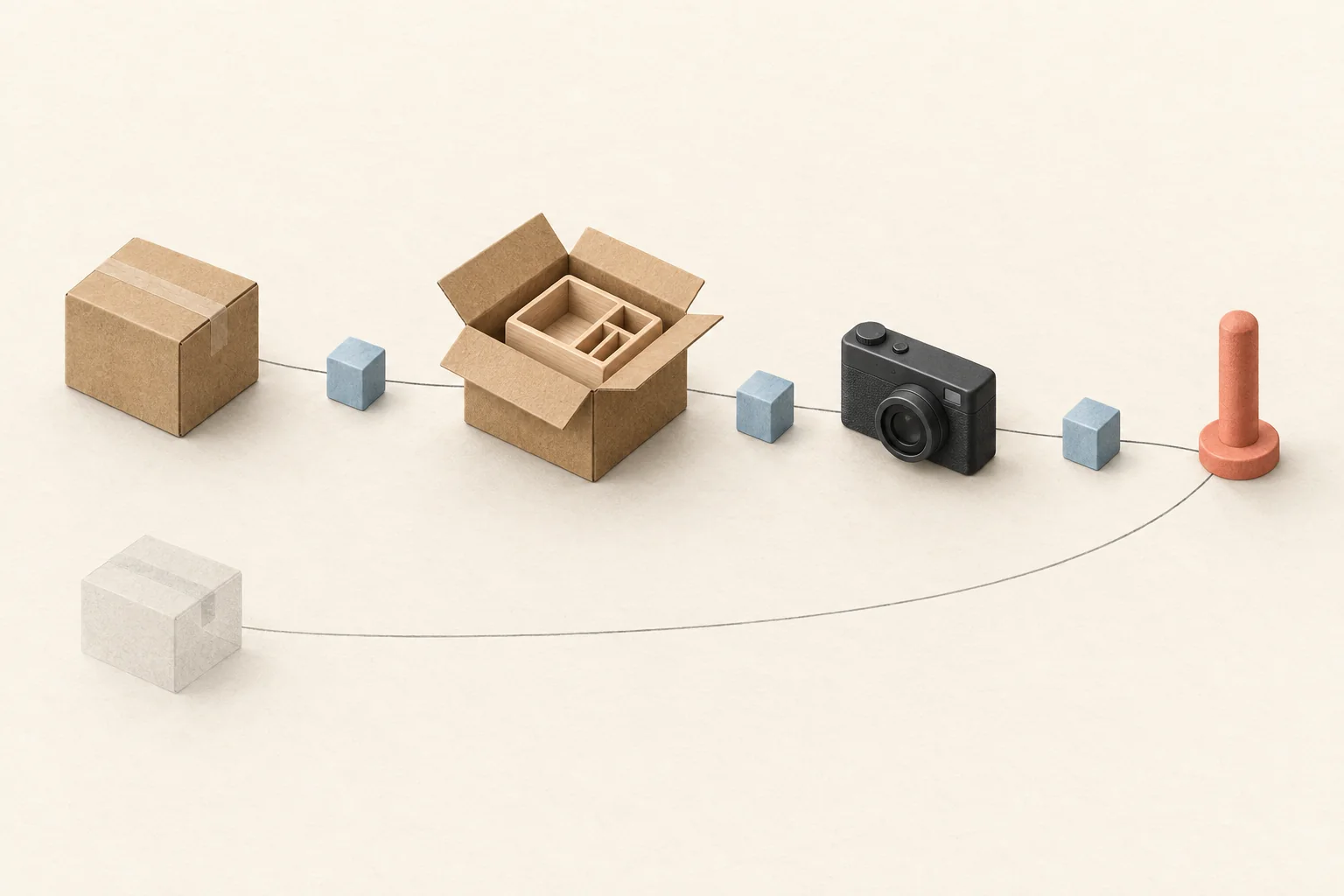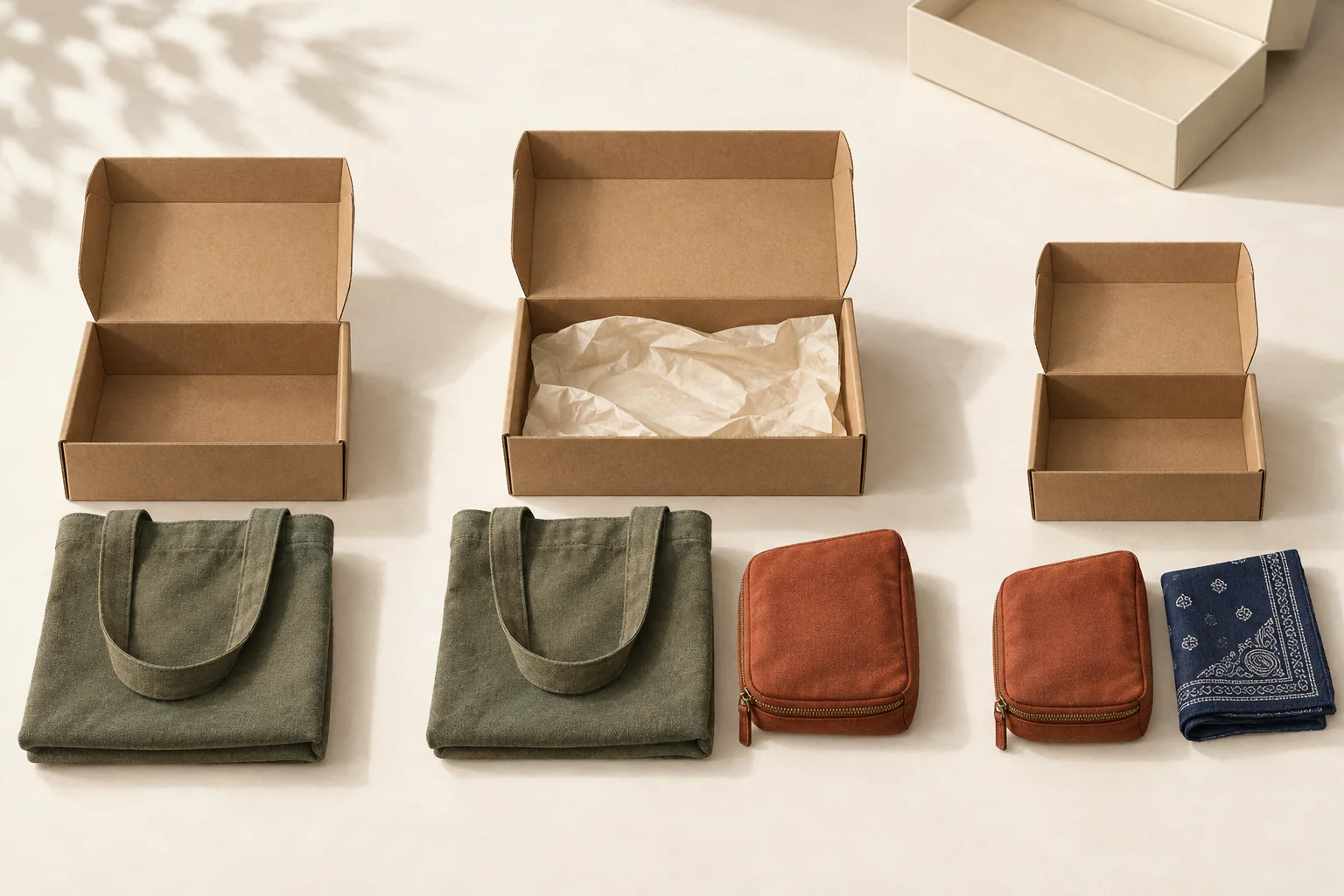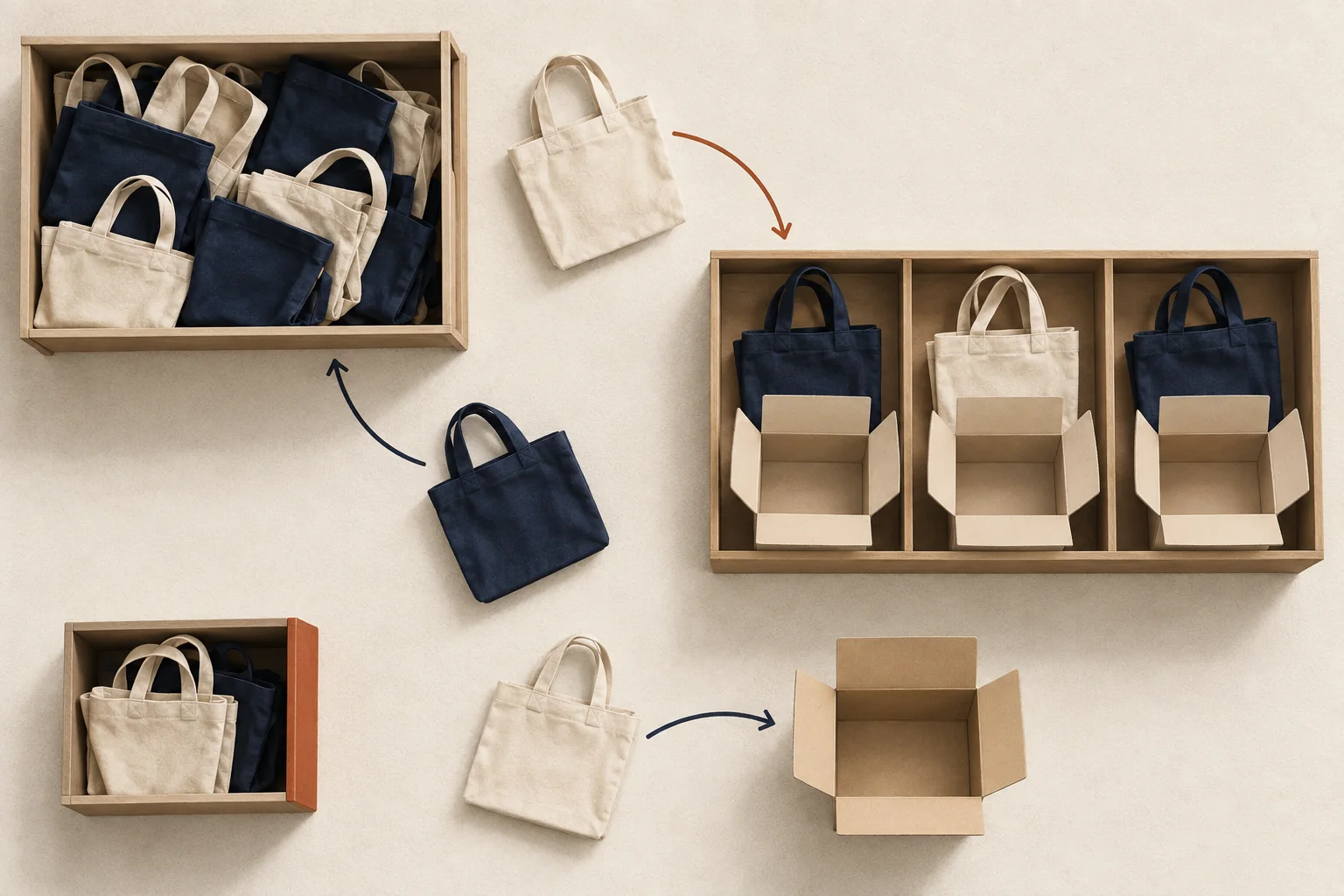
Reserve the exact units promised to approved creators, by SKU, variant and fulfillment location, plus a separate replacement allowance. Deduct units already dispatched or formally cancelled. Keep pending invitations outside that total. Before confirming another shipment, check that the warehouse has enough unallocated, usable stock to cover it without consuming the replacement allowance or another order's allocation.
The ledger below is a recommended operating method. Its example quantities are hypothetical, not industry benchmarks.
Count promises, stock and spare units separately
Three numbers answer different questions:
- Open creator allocations. Units assigned to specific approved shipments that have not yet left the warehouse.
- On-hand stock. Units physically recorded at the fulfillment location, including units already allocated or held back.
- Replacement reserve. Usable units withheld for approved replacements, with no recipient assigned yet.
A creator allocation becomes reliable when the inventory system protects it. A note in a campaign spreadsheet alone cannot prevent another order from taking those units.
Shopify's inventory-state documentation illustrates the distinction. On-hand inventory includes available, committed and unavailable units. Unfulfilled orders and reserved draft orders can be committed; safety stock and quality-control holds can be unavailable. Adding all three again to on-hand would double-count the same stock.
System behavior also varies. Microsoft's Dynamics 365 reservation documentation says reservations prevent withdrawal for other orders until released. It also permits reservations against ordered stock that has not arrived. Therefore, a reservation confirmation alone may not prove that a parcel can be packed today. Record whether each allocation uses stock physically received at the intended location.
Calculate the required hold for each SKU
Start with approved shipment lines, rather than the number of people invited. A kit containing two units of one SKU creates twice the demand of a one-unit kit.
Use these calculations for each SKU and location:
Open creator allocation =
  approved units still due to leave this warehouse

Required seeding hold =
  open creator allocation + replacement reserve

Free units for another commitment =
  on-hand units
  - other order allocations
  - other unavailable units
  - open creator allocation
  - replacement reserve
These buckets must be mutually exclusive. If a replacement reserve already sits within the inventory system's unavailable total, split it out before using this formula. Likewise, creator orders already included in committed inventory belong in the creator bucket, not in both allocation buckets.
A hypothetical warehouse has 100 units of navy tote SKU NT-01. Thirty belong to other orders, five are unavailable for unrelated reasons, twenty are allocated to creators, and three are reserved for replacements. That leaves 42 free units.
The seeding hold is 23 units. It is not 23 additional units to subtract from a system balance that already excludes those holds. Reconcile the fields first.
Calculate the same balance separately for cream totes. A surplus of cream totes cannot satisfy a navy-tote promise without a change agreed with the creator. For kits, the component with the fewest free units limits how many complete kits you can approve. Choose a seeding batch size your warehouse can handle when stock is sufficient but packing capacity may constrain the batch.
Choose the replacement allowance deliberately
Set the allowance for the period until your next stock review or replenishment. Use your own comparable batches to estimate replacement demand, then decide how much uncertainty the campaign can absorb.
For a new program, choose a small, explicit scenario rather than presenting a percentage as proven. In this hypothetical tote batch, the owner holds three spare navy totes because they want capacity for three one-unit replacements before the next review. That is a planning decision, not a prediction that three shipments will fail.
Write down who can approve a replacement and who can release unused reserve. Keep retail safety stock separate unless the inventory owner explicitly authorizes sharing it. If a replacement consumes the last spare, flag the next replacement request for a stock decision instead of silently taking an already promised unit.
Record each change without rewriting history
Use one allocation ID per shipment line and append an event whenever its status changes. The warehouse's inventory records remain the stock authority; the seeding ledger explains which creator promise each reservation supports.
Include these fields:
| Field | What it resolves |
|---|---|
| Allocation ID and order ID | Connect the promise to its warehouse reservation |
| Creator reference | Identify the recipient without duplicating the address |
| SKU, variant and location | Identify the units being held |
| Quantity and event | Record approval, release, substitution, dispatch or replacement |
| Previous and new status | Show what changed |
| Event time and owner | Identify when and by whom the change was authorized |
| Warehouse confirmation | Prove the reservation or release reached the stock system |
| Review date | Prevent an unresolved hold from remaining unnoticed |
Modash's gifting-platform guide describes workflows that connect creator product choices to ecommerce orders. Whatever tool creates the order, preserve the link between that order and the allocation. When an approved reservation becomes an order, transfer its reference rather than creating a second independent hold.
A hypothetical sequence of inventory events
The table follows the navy tote example. Other orders remain at 30 units, and unrelated unavailable stock remains at five. Every row shows the balance after the event.
| Event | On hand | Creator holds | Spare reserve | Free |
|---|---|---|---|---|
| Approve initial batch | 100 | 20 | 3 | 42 |
| Cancel two unshipped units | 100 | 18 | 3 | 44 |
| Switch one unit to cream | 100 | 17 | 3 | 45 |
| Dispatch ten navy units | 90 | 7 | 3 | 45 |
| Assign one spare to a replacement | 90 | 8 | 2 | 45 |
| Dispatch that replacement | 89 | 7 | 2 | 45 |
Cancellation releases a hold; it does not increase physical stock. Dispatch reduces both on-hand stock and the open allocation. Moving a spare into a named replacement changes two reservation buckets while leaving the free balance unchanged.
For the substitution row, first obtain the creator's agreement and confirm cream stock. Record a linked release of one navy unit and reservation of one cream unit. Reconcile both changes before packing. Ask before substituting an out-of-stock gift covers the recipient decision that precedes this inventory event.
If a cancelled order is already in the picking process, wait for the warehouse to confirm that it stopped and released the units. If the parcel has left, cancellation cannot make its contents available on the shelf. Any later return needs its own receipt and disposition record.
Check the balance before approving the next batch
At the agreed review time, compare the open creator holds with actual unfulfilled warehouse lines. Investigate a hold with no order, an order with no allocation, or a dispatched order whose hold remains open. Never release a reservation solely because its review date passed while the creator still expects the product.
Use reconcile seeding records with warehouse shipments to resolve shipment-level mismatches. Then ask the inventory owner to confirm the free balance for each SKU and location. Approve the next creator shipment only after its units have a recorded hold and the replacement allowance remains visible.